

What is a Branded vs Non-branded Traffic Checker?
The Branded vs. Non-Branded Traffic Checker is a tool that categorizes organic search traffic into branded and non-branded queries using Google Search Console metrics, including clicks, impressions, CTR, and average position. This helps you analyze long-term trends in brand demand growth and its ratio to non-branded traffic over a period of up to 36 months.
How the tool can assist you
Automatic brand vs non-brand separation: traffic is automatically split into branded and non-branded queries based on Google Search Console data.
Full GSC metrics with no row limits: analyze clicks, impressions, CTR, and average position for all queries and pages, not just the first 1,000.
Long-term trend analysis up to 36 months: track how branded demand grows over time and how it compares to non-branded traffic across long periods.
How to use the tool
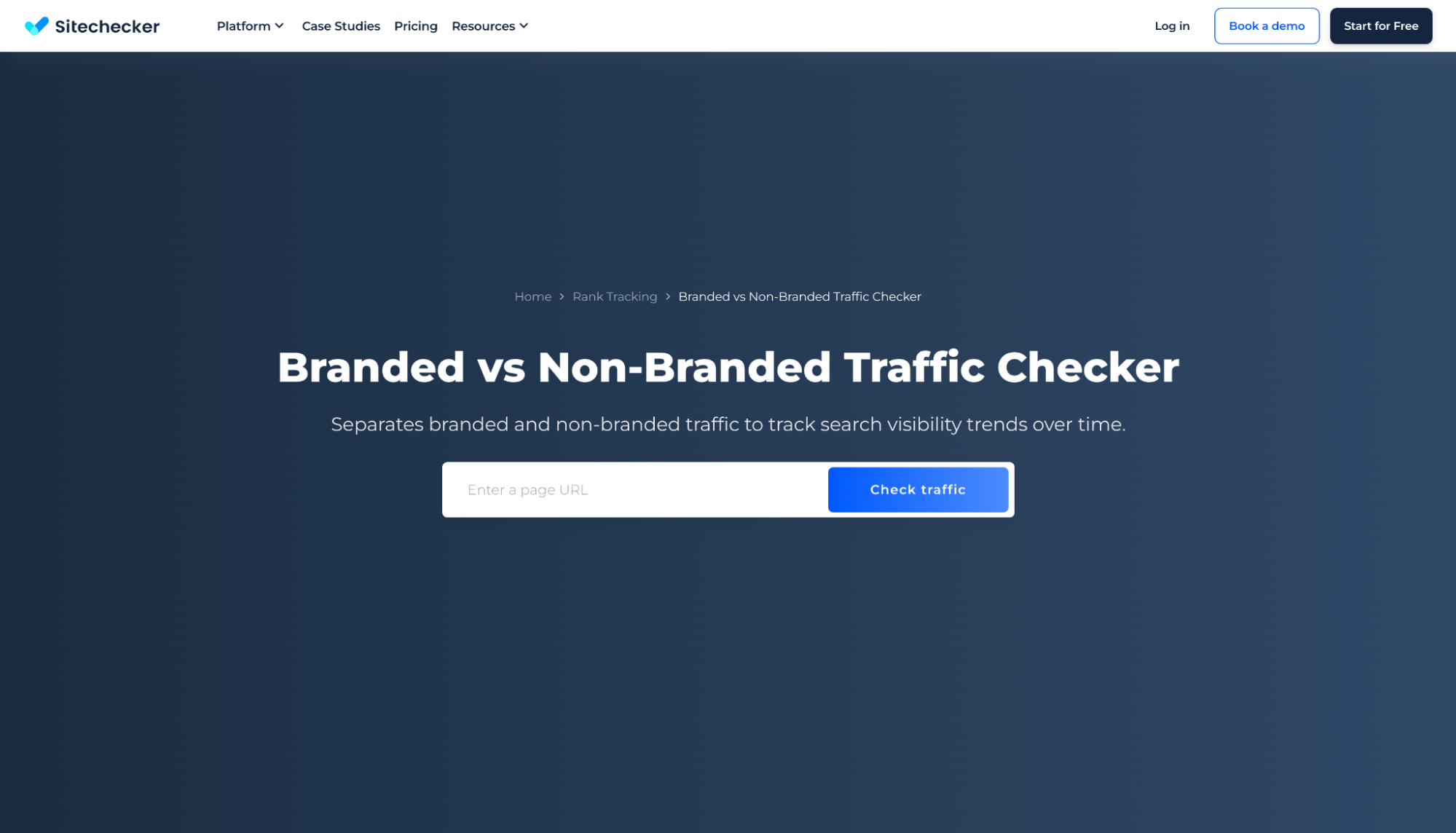
Step 1: Insert the domain name and click the button “Check traffic”
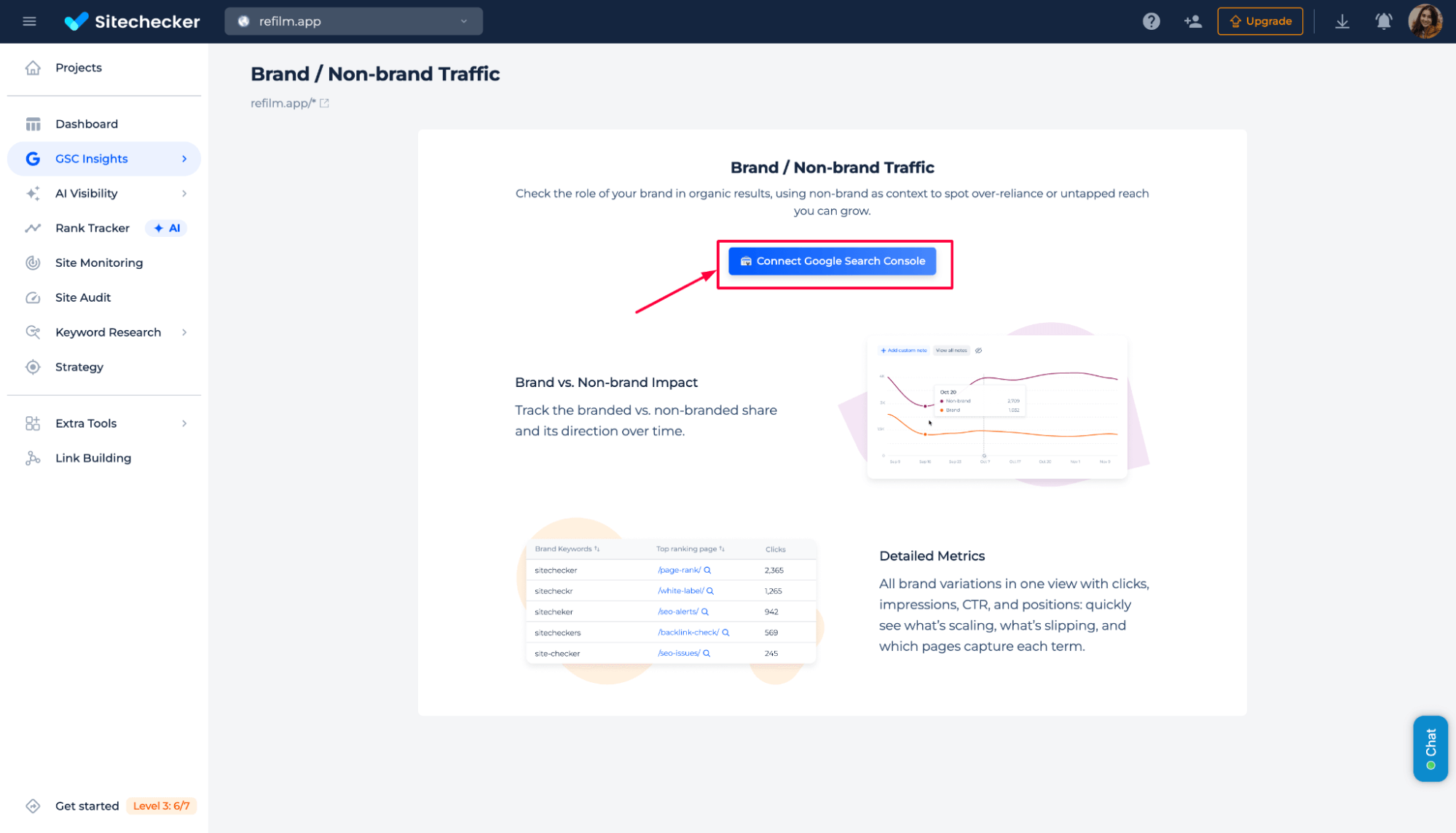
Step 2: Connect the GSC property and write brand name variations
Authorize access to your Google account and select the correct GSC property.
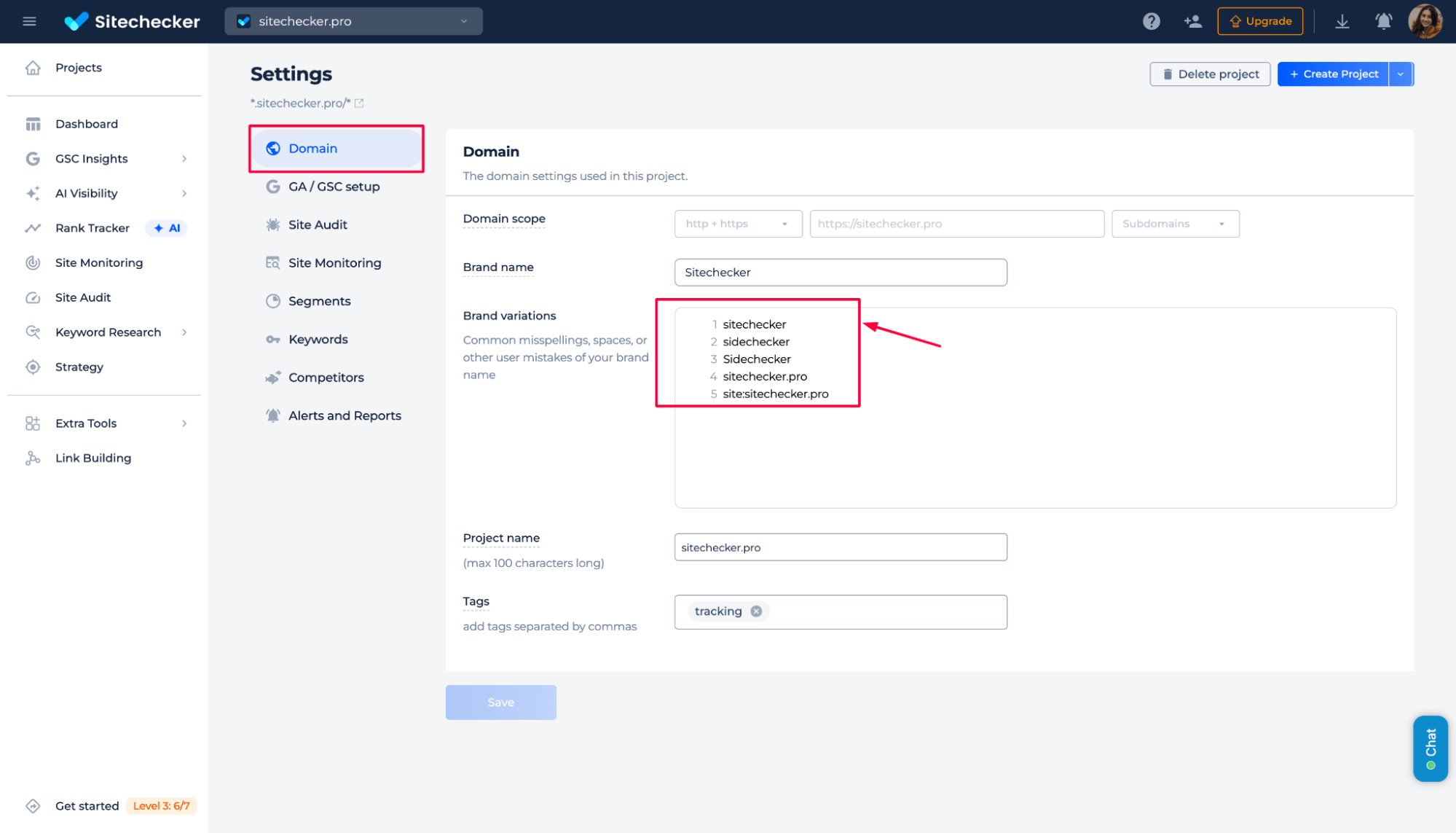
To get accurate results in the Branded vs Non-Branded Traffic Checker, you need to define what counts as a branded search.
Add all variations of your brand name, including common misspellings, spacing differences, and domain-based queries. These variations are used to classify branded queries in Google Search Console data accurately.
This step ensures that branded traffic is not mixed with non-branded queries, allowing your reports to accurately reflect the real balance between brand demand and SEO-driven discovery.
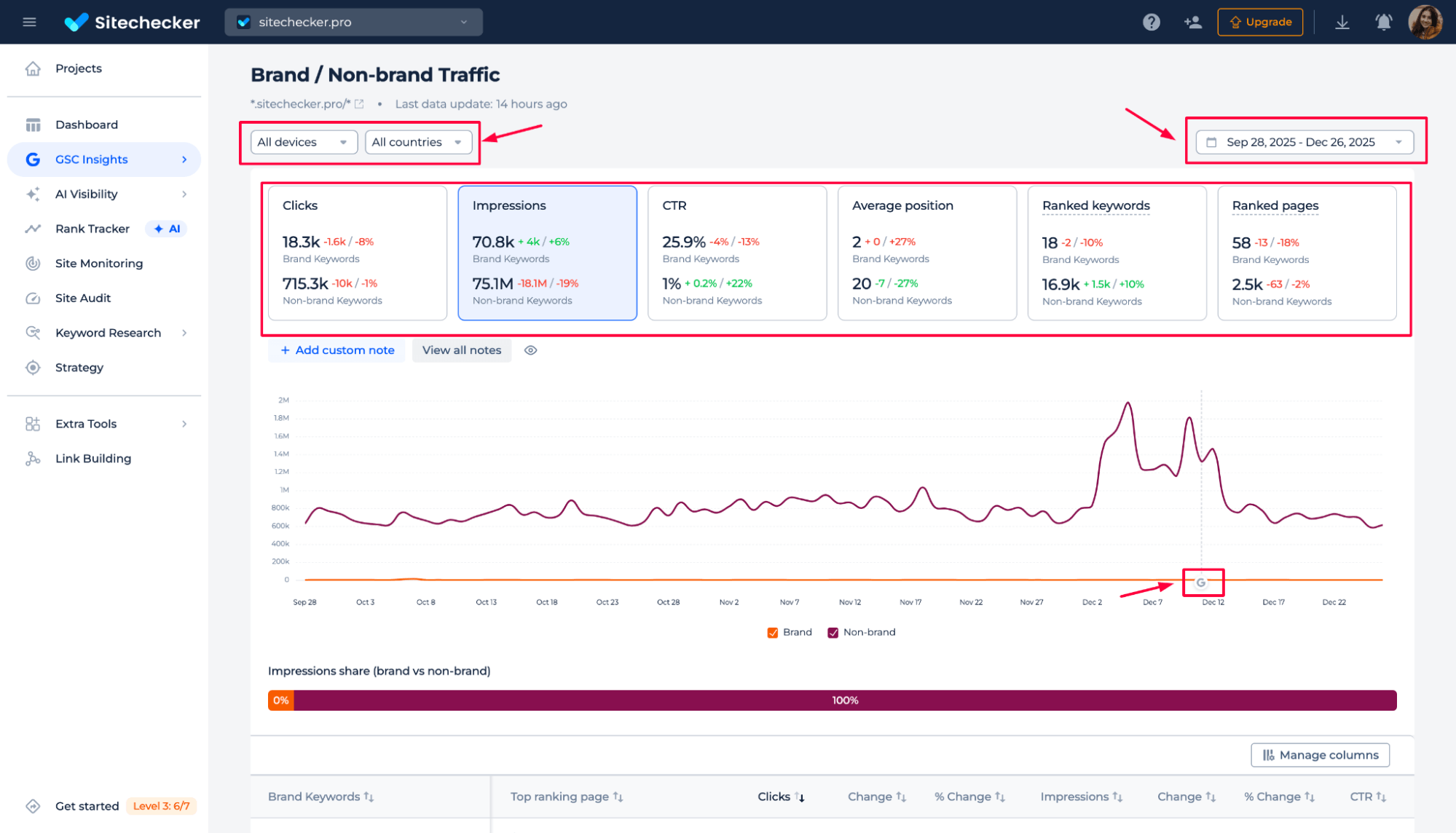
Step 3: Get the results
Here you can see how your organic traffic is split between brand and non-brand queries, compare their performance and key metrics (clicks, impressions, CTR, average position, ranked keywords, ranked pages), and track how each segment changes over time.
You can also adjust the date range, filter by devices and countries, and quickly spot trends or shifts in brand vs non-brand visibility and demand.
Additional features
The Branded vs Non-Branded Traffic Checker is part of the Google Search Console Dashboard in Sitechecker. This dashboard provides a clear overview of clicks, impressions, CTR, average position, ranked keywords, and pages in one convenient location. It helps you see overall search performance before analyzing branded and non-branded traffic.
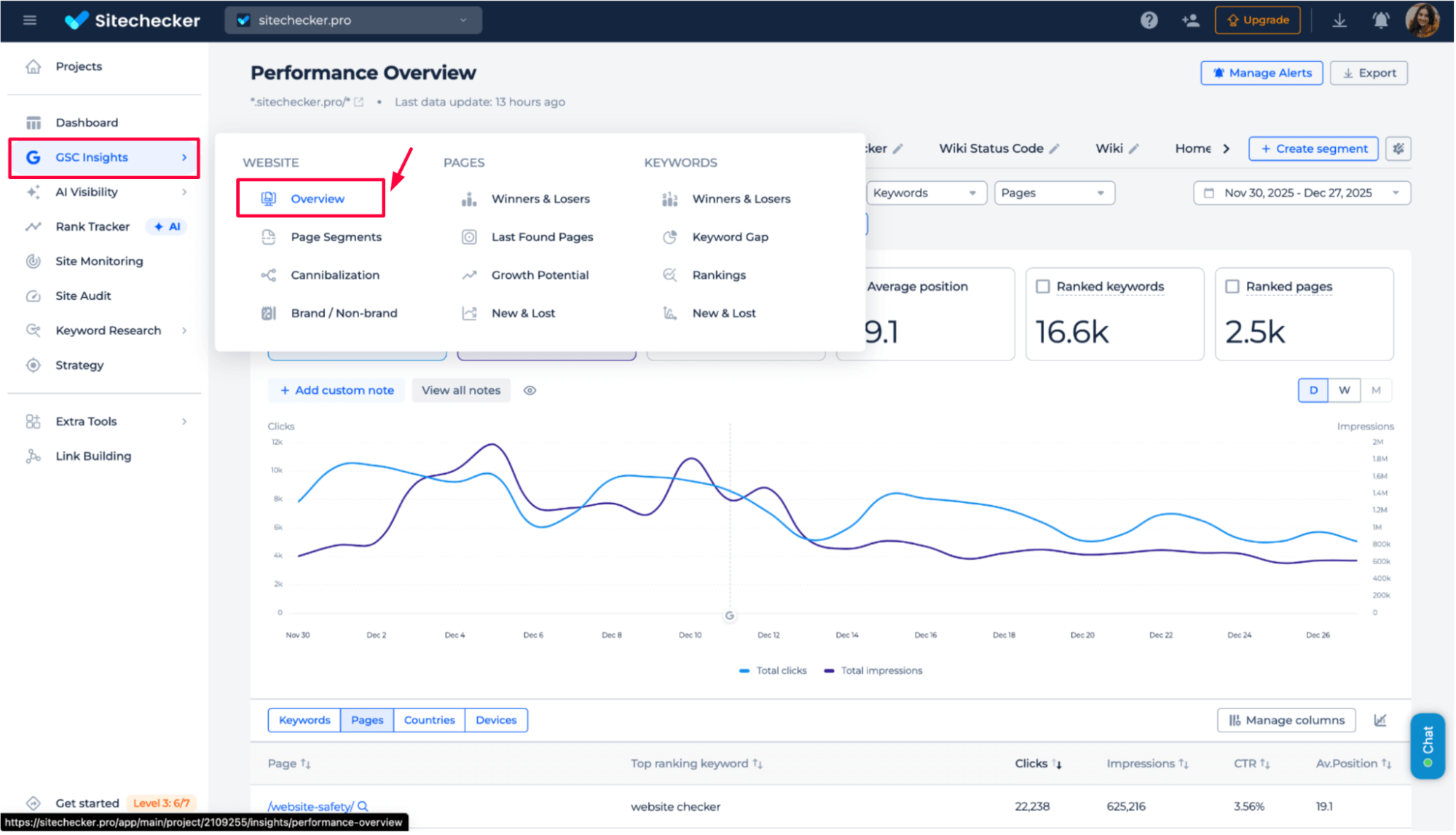
Other GSC Insights reports show traffic trends, winning and losing pages, new and lost keywords, and page cannibalism.
All reports utilize complete Google Search Console data, offering flexible date ranges and up to 36 months of historical data.
Final idea
The Branded vs. Non-Branded Traffic Checker helps you understand where your organic growth truly originates. By separating brand demand from non-brand discovery, it shows whether visibility changes are driven by SEO efforts or brand awareness. With full Google Search Console metrics and up to 36 months of history, you can track long-term trends, compare performance, and spot shifts early. Combined with the Google Search Console Dashboard and other GSC Insights reports, this tool gives clear context for smarter SEO decisions and more accurate reporting.