

What is the AI Traffic Checker?
The AI traffic analysis is a report that shows the number of sessions generated by AI chat platforms (such as ChatGPT, Perplexity, Gemini, etc.) and what users actually do after landing on your site. It’s based on GA4 data and helps you analyze AI-driven sessions, key events, and performance at the overall and page levels.
How the tool can assist you
Traffic comparison: compare AI chat traffic with total and organic traffic, and see how different AI platforms (ChatGPT, Perplexity, Gemini) perform in terms of engagement and key actions.
AI sessions & key events tracking (GA4-based): see sessions and key events coming from AI chats in one place so that you can measure real user actions, not just traffic volume.
Page-level AI traffic analysis: identify which landing pages attract AI sessions and which of them actually convert.
How to track GA4 AI traffic
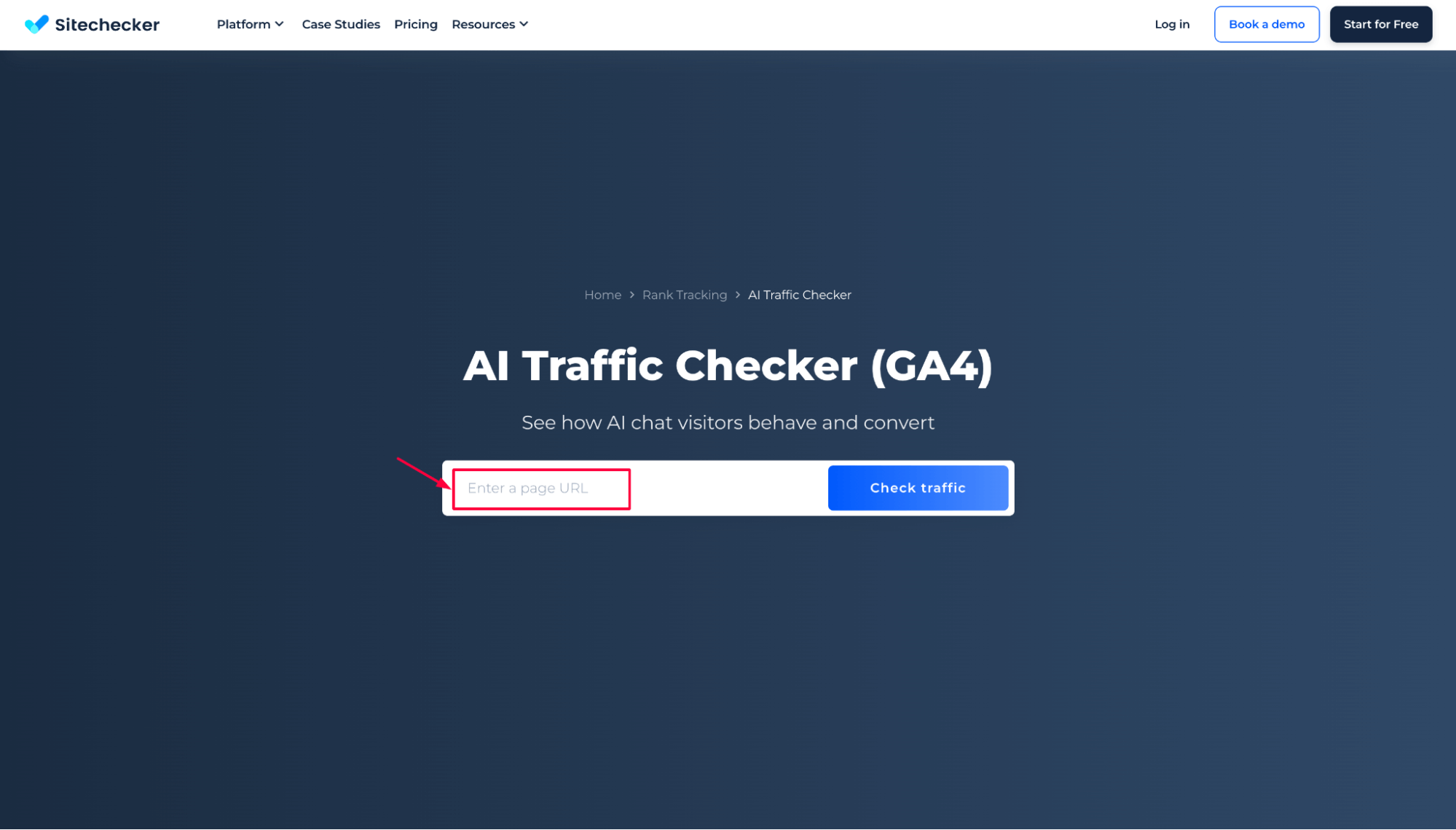
Step 1: Insert your domain name
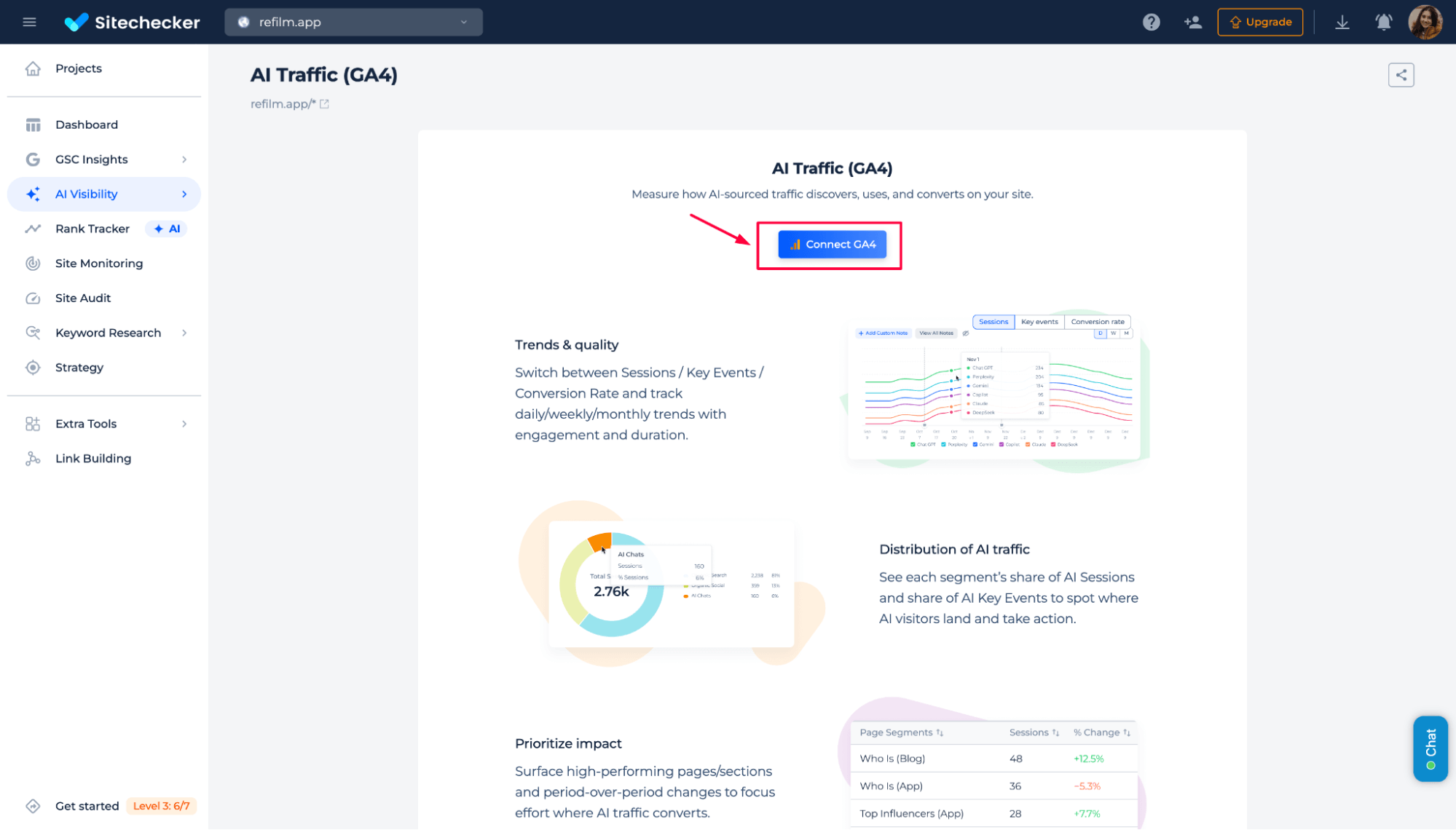
Step 2: Connect your GA4 property
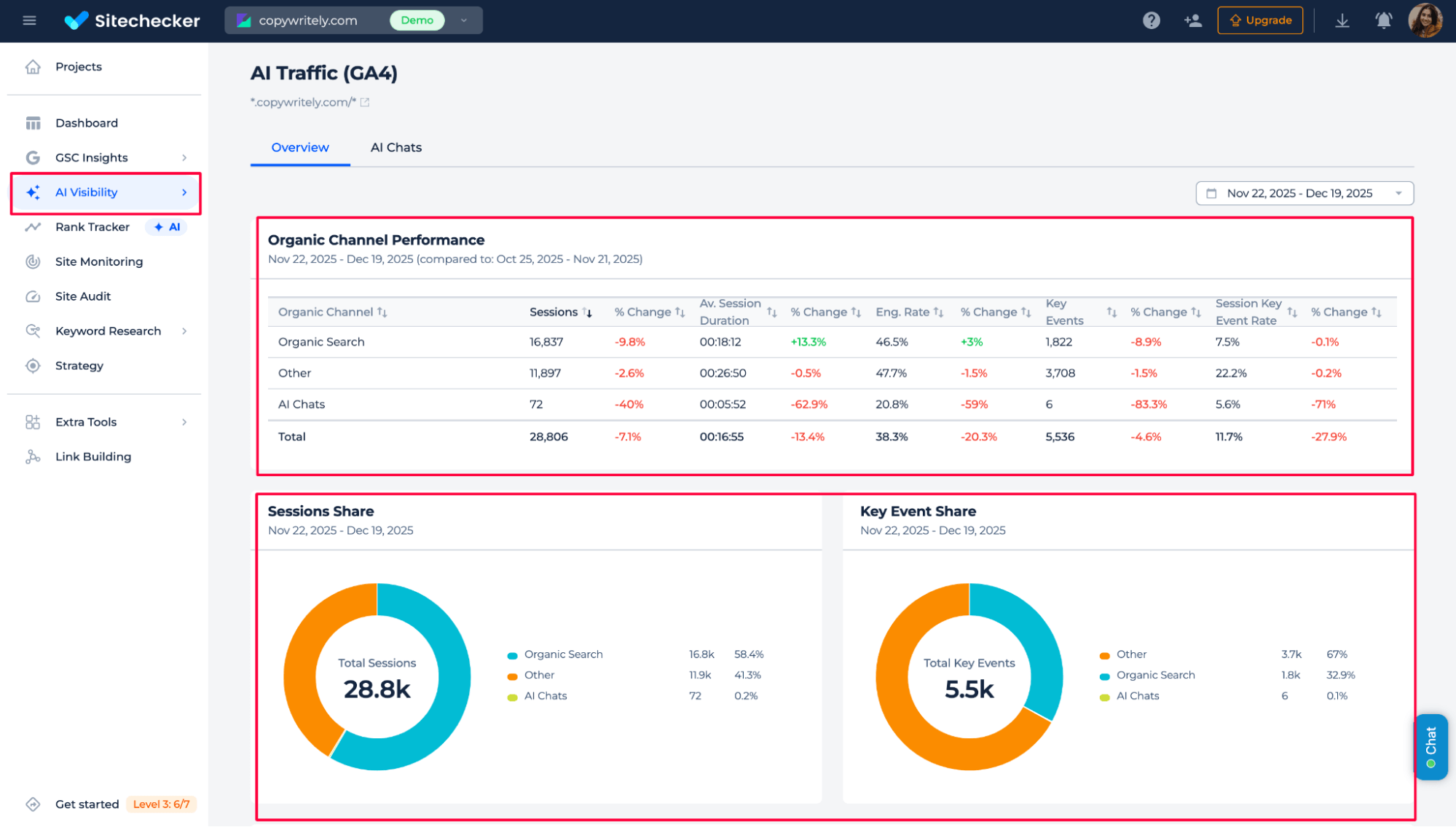
Step 3: Get the results
Compare LLM traffic with total and organic search traffic and see how much it contributes to sessions, key events, and actions.
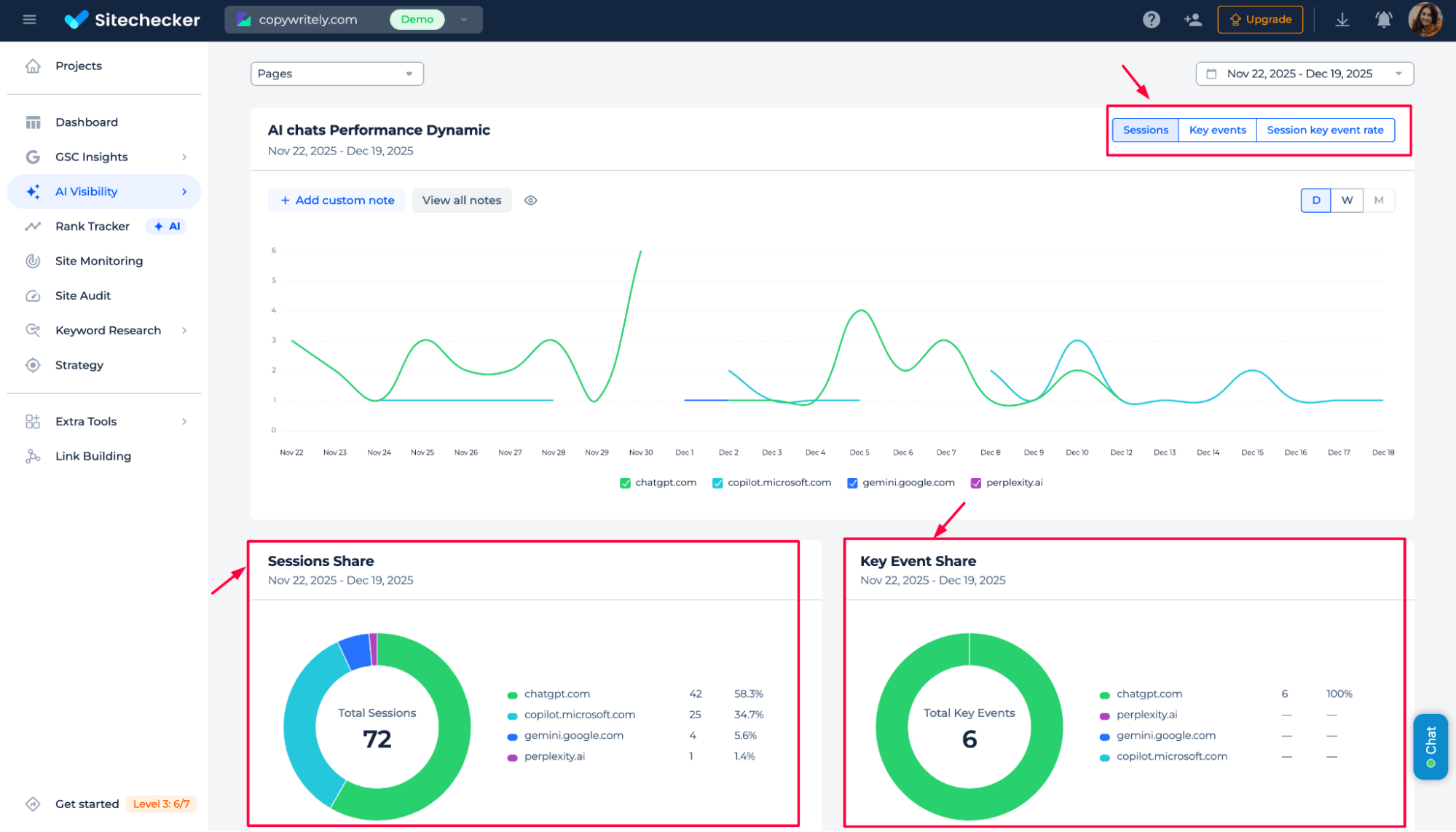
See how the session from Artificial Intelligence chats performs over time. The tool tracks sessions, engagement rate, average session duration, and key events in one view. You can quickly see changes in LLM traffic quality and the frequency at which users complete key actions.
AI traffic by pages
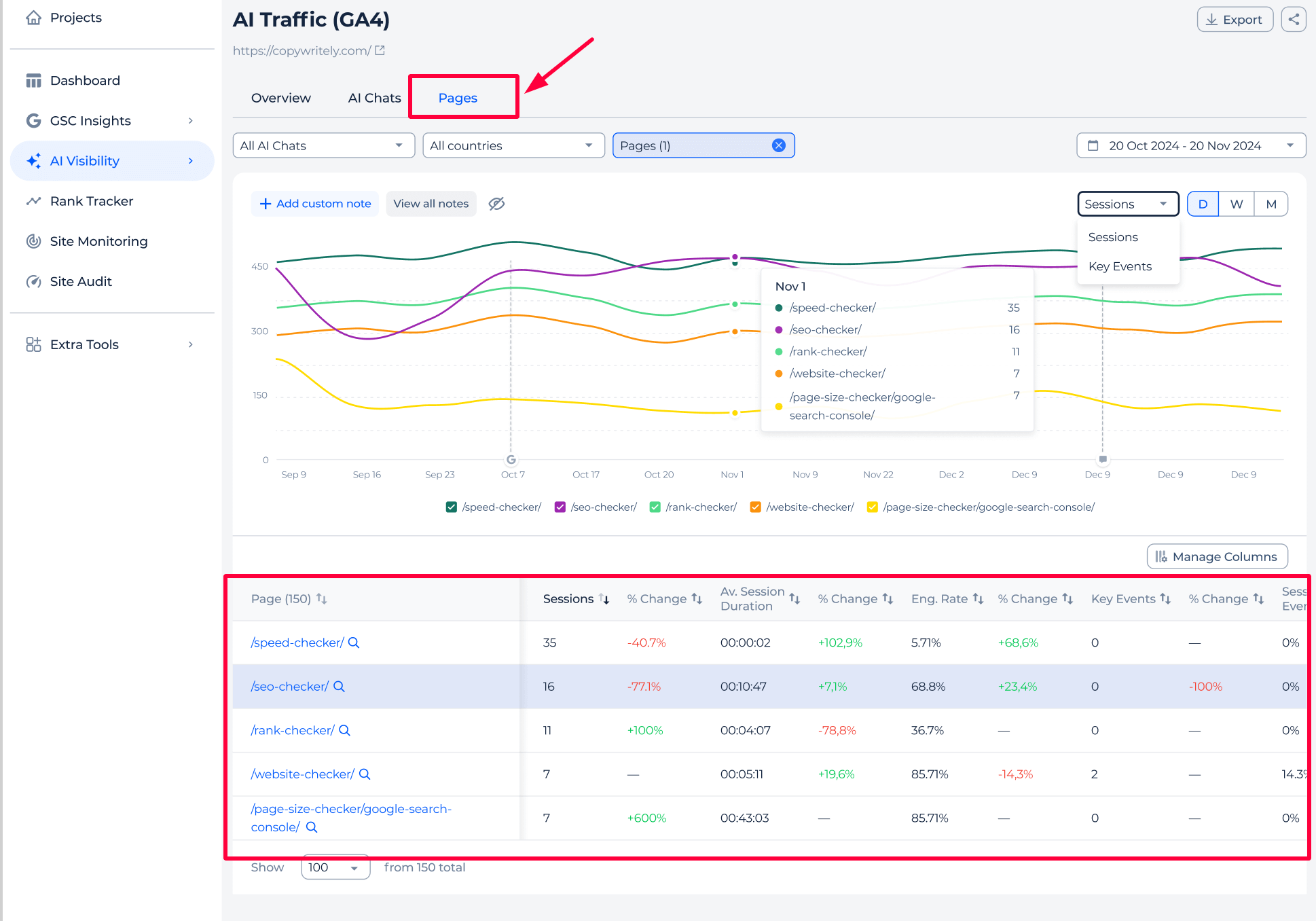
See which pages receive traffic from AI chats and how that traffic performs. Track engagement metrics and key events per page to quickly identify where AI users stay, act, or drop off, and distinguish branded traffic from non-branded traffic so you can focus on pages that drive real conversions, not just AI mentions.
Conclusion
AI Traffic Checker helps you understand the real impact of AI-driven traffic on your website. Instead of guessing whether AI mentions bring value, you can see precise data on sessions, engagement, key events, and conversions based on GA4. The tool shows how AI chat traffic compares with organic and total traffic, which LLM platforms bring better users, and which pages actually convert.
With page-level and time-based insights, you can focus on what works and refine content based on real user actions. This makes LLM traffic measurable, actionable, and valuable for growth decisions.