SEO agency software for all your clients
Manage every client site, team member and branded report from one Sitechecker account.
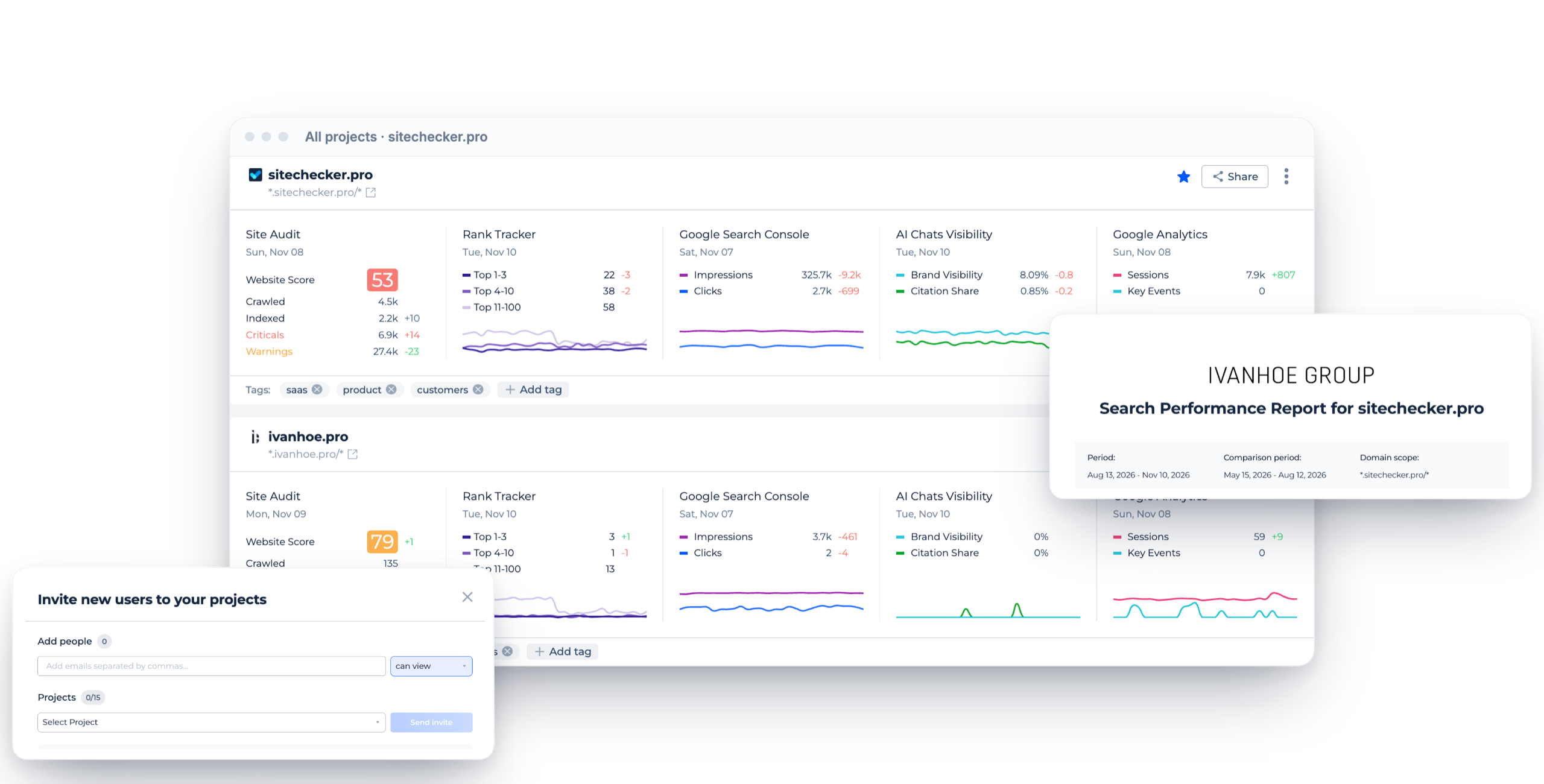
All clients at a glance
Audit, rankings, GSC, GA4 and AI visibility for each project.
Tags
Group client projects by type, team or status.
Share in one click
Send a project to a client or teammate.
Core features of the SEO agency software
All client projects
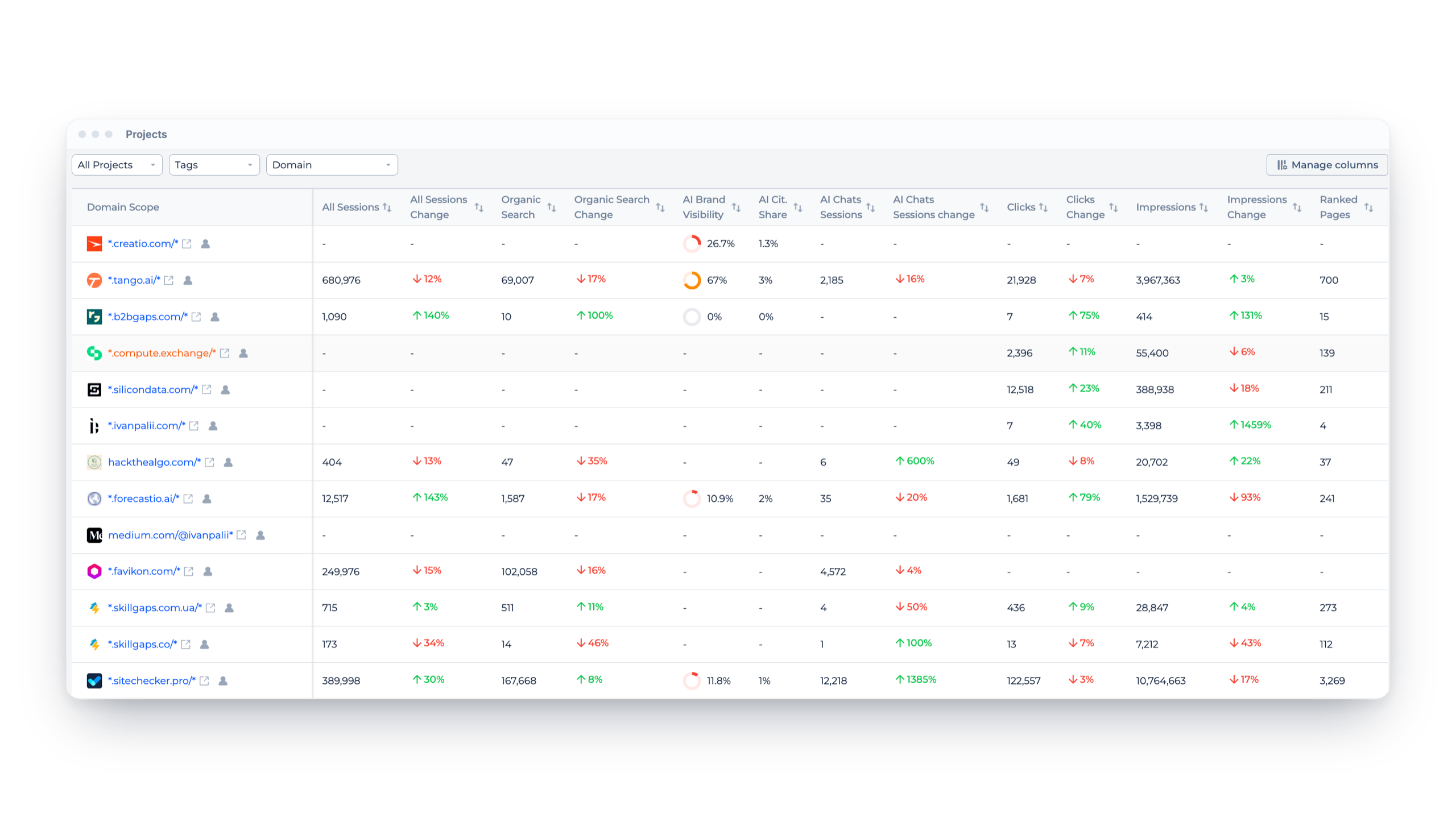
The projects view lists every client site with its key numbers side by side: sessions, organic traffic, AI brand visibility, clicks, impressions and ranked pages.
Tag projects, filter by tag and sort by any column to see which clients need attention today.
Tag projects, filter by tag and sort by any column to see which clients need attention today.
Client dashboard
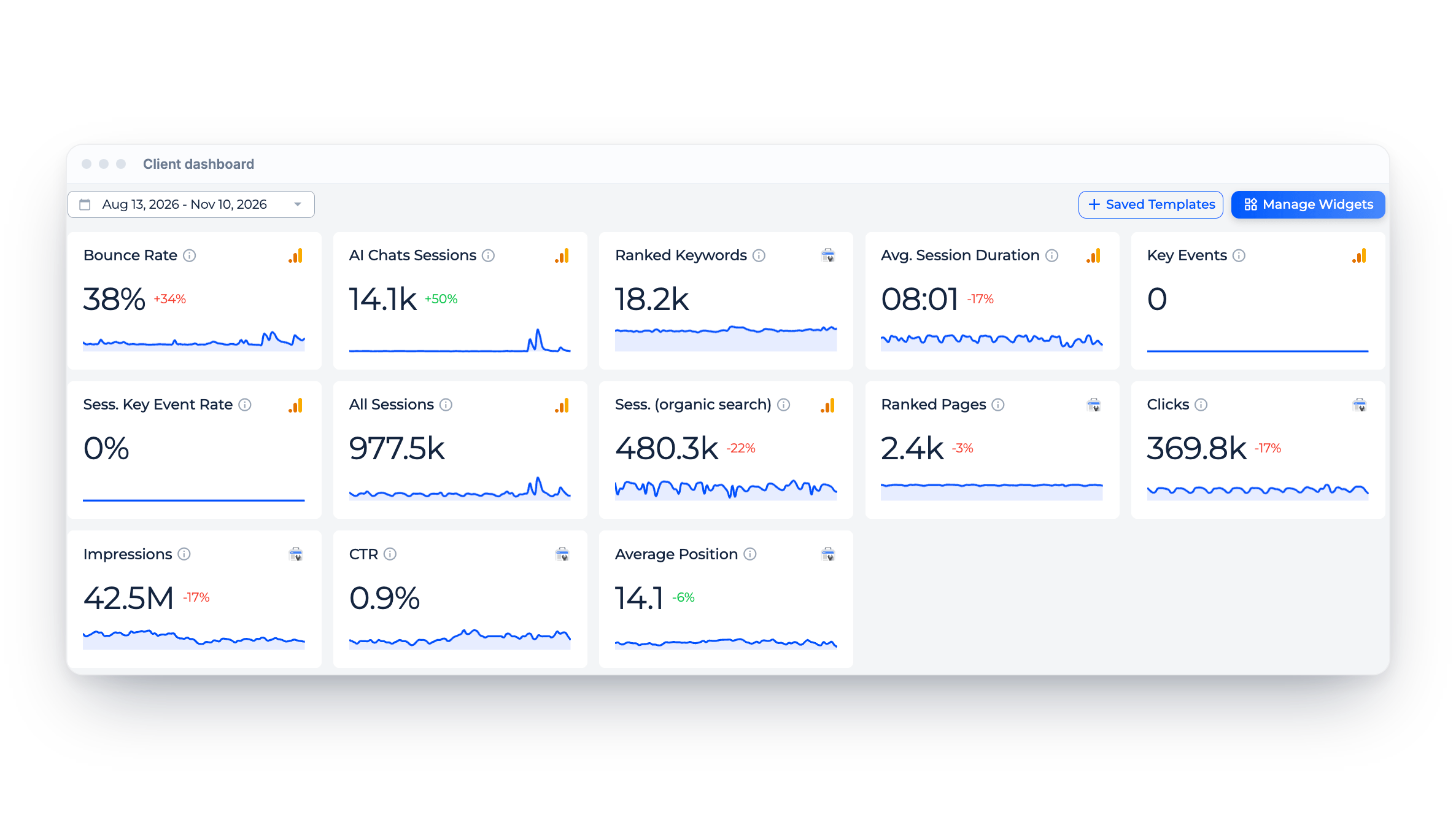
Each client gets a dashboard with GSC, GA4, rankings and AI chats data on one screen, with the change against the previous period.
Choose the widgets you need and save the layout as a template for other clients.
Choose the widgets you need and save the layout as a template for other clients.
Users and permissions
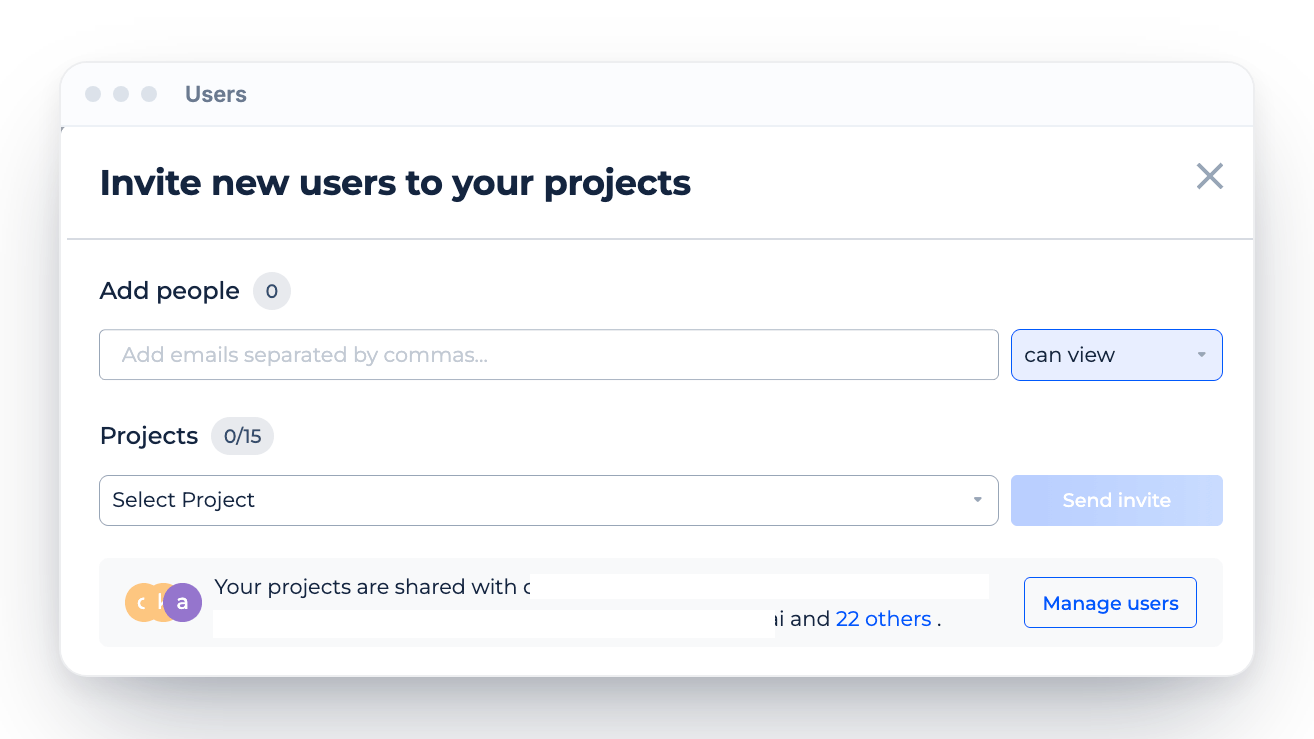
Invite clients and teammates by email and choose which projects each person can access and what they can do. Everyone sees only the projects you share with them.
White label
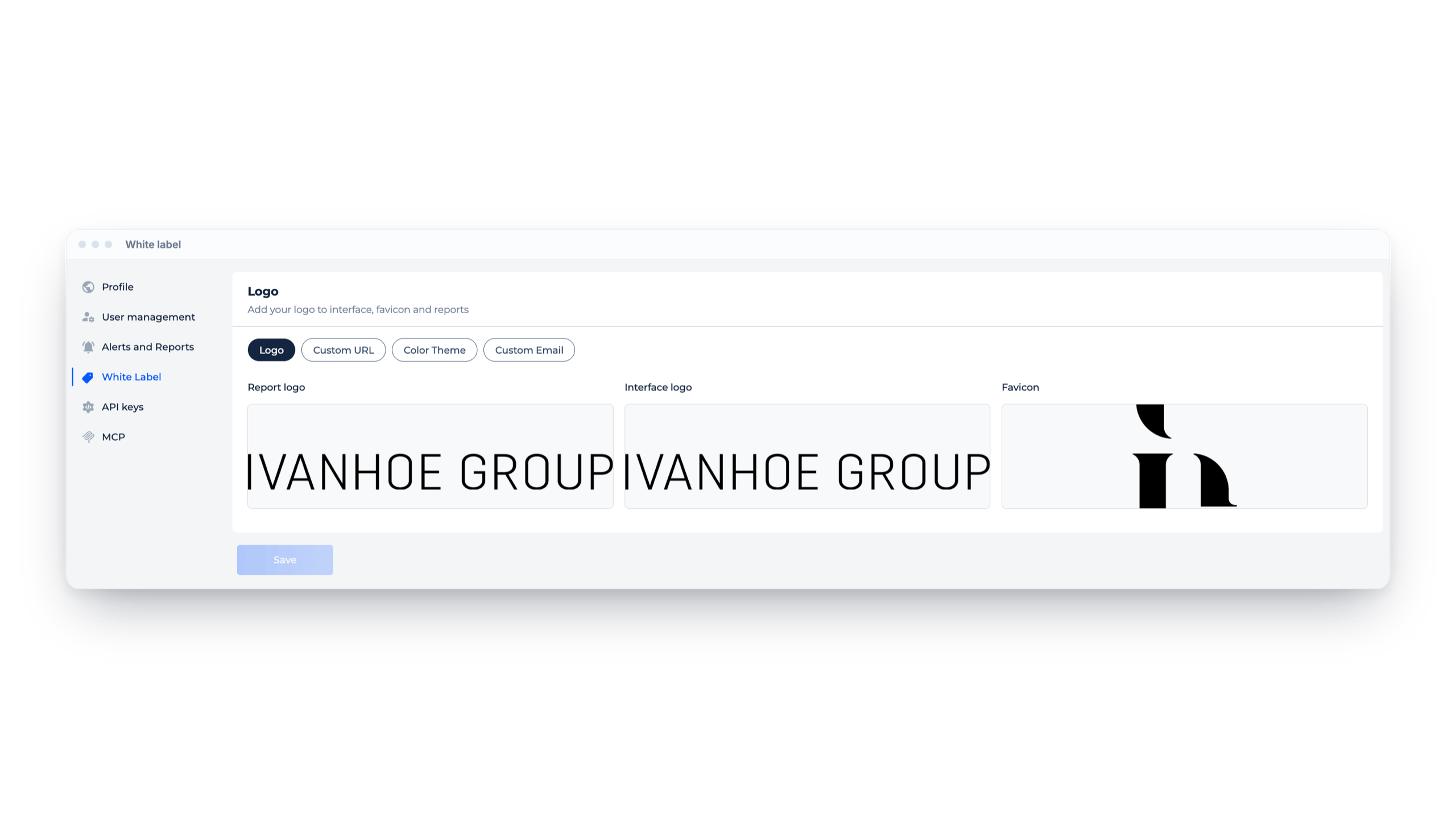
Add your logo for reports and the interface, a favicon, color theme, custom email and a custom URL. Clients see your brand, not Sitechecker.
Inside the SEO agency software
Branded client portal
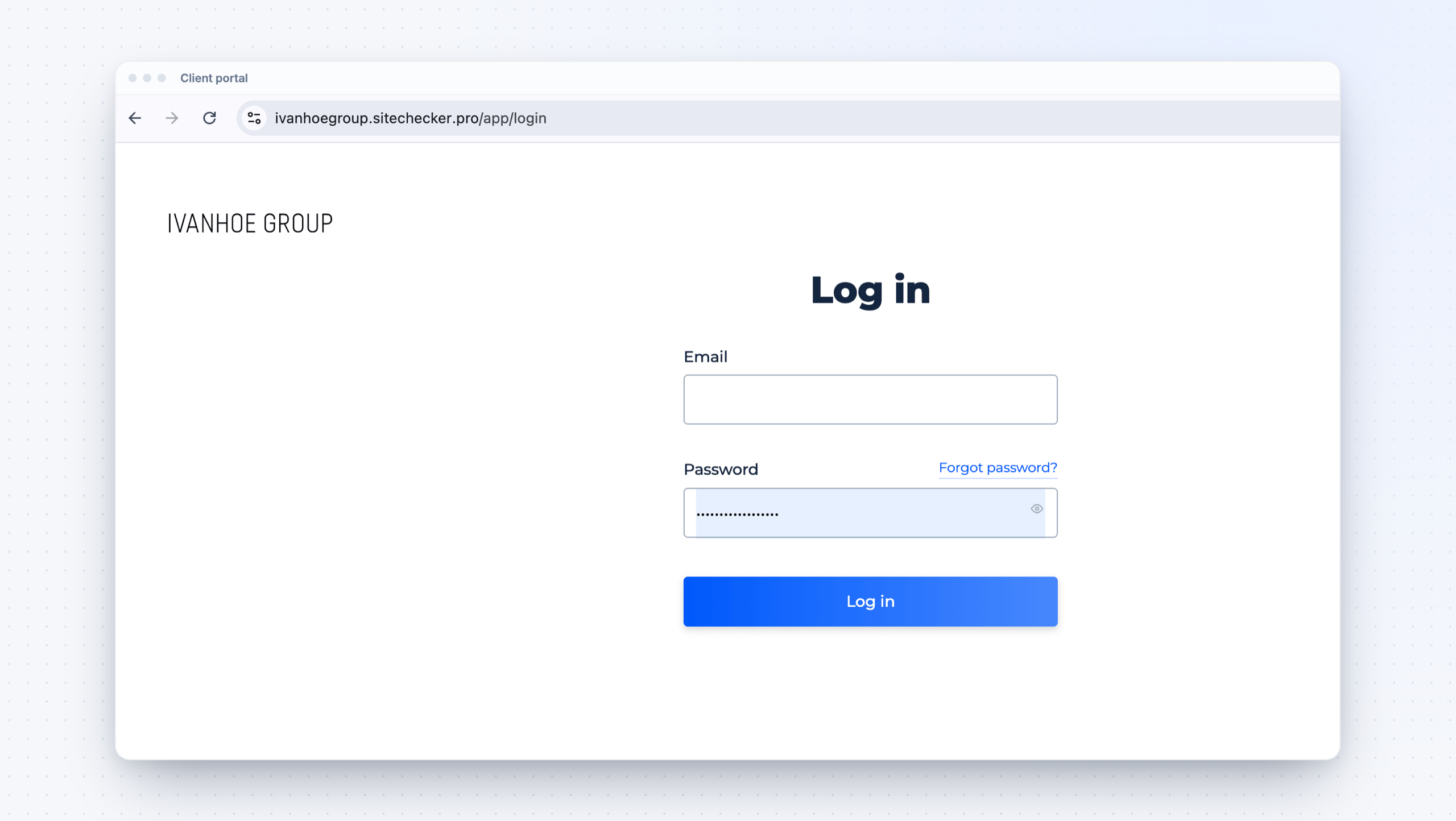
Clients log in on your own subdomain with your logo, then see the projects you shared with them.
Client reports
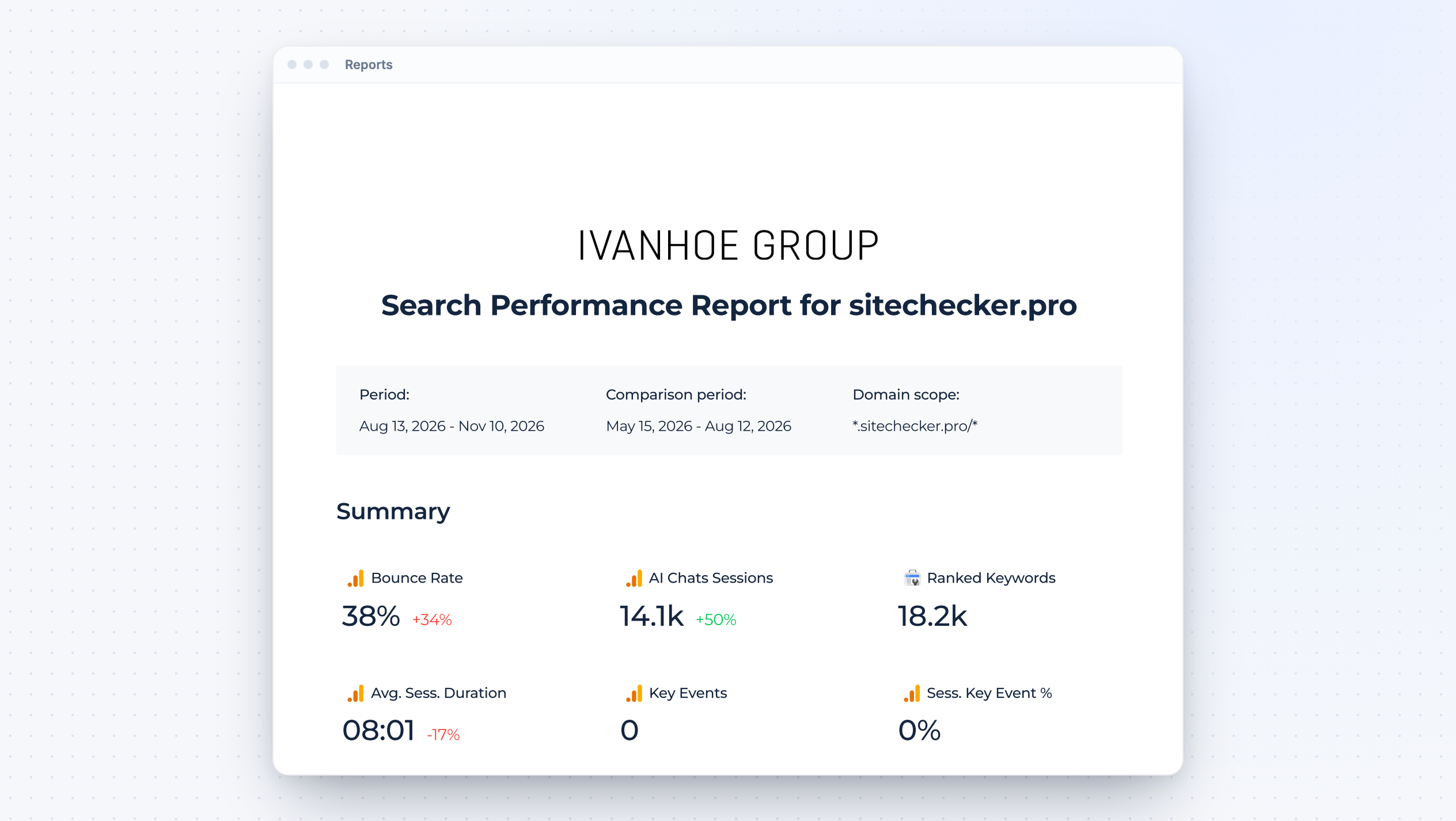
Send search performance reports with your branding, a chosen period and a comparison period. Summary metrics come from GSC, GA4 and Rank Tracker.
Alerts by email and Slack
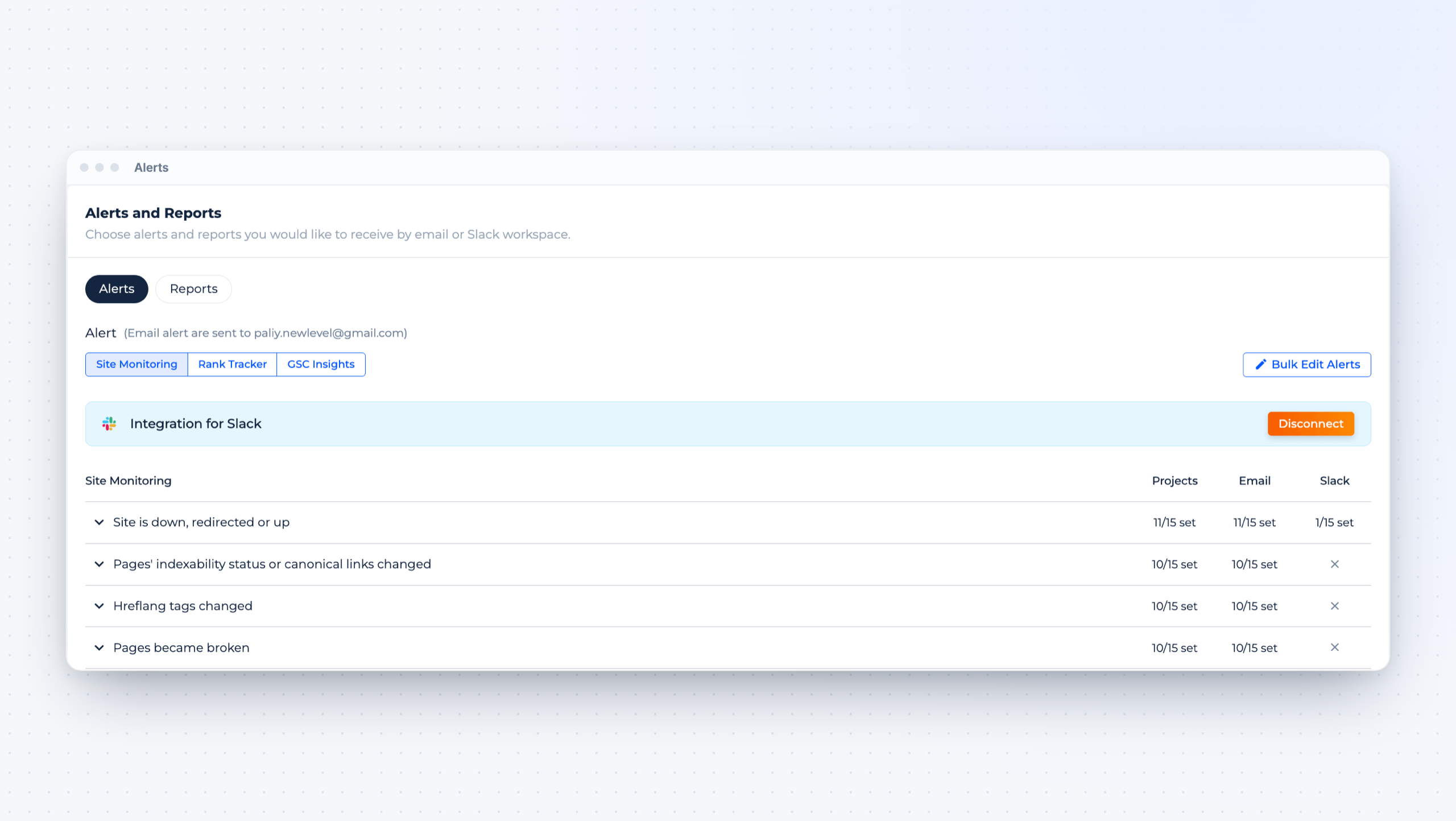
Get alerts when a client site goes down, pages change indexability or canonical, hreflang changes or pages break. Choose email or Slack for each alert and project.
Technical issues with fixes
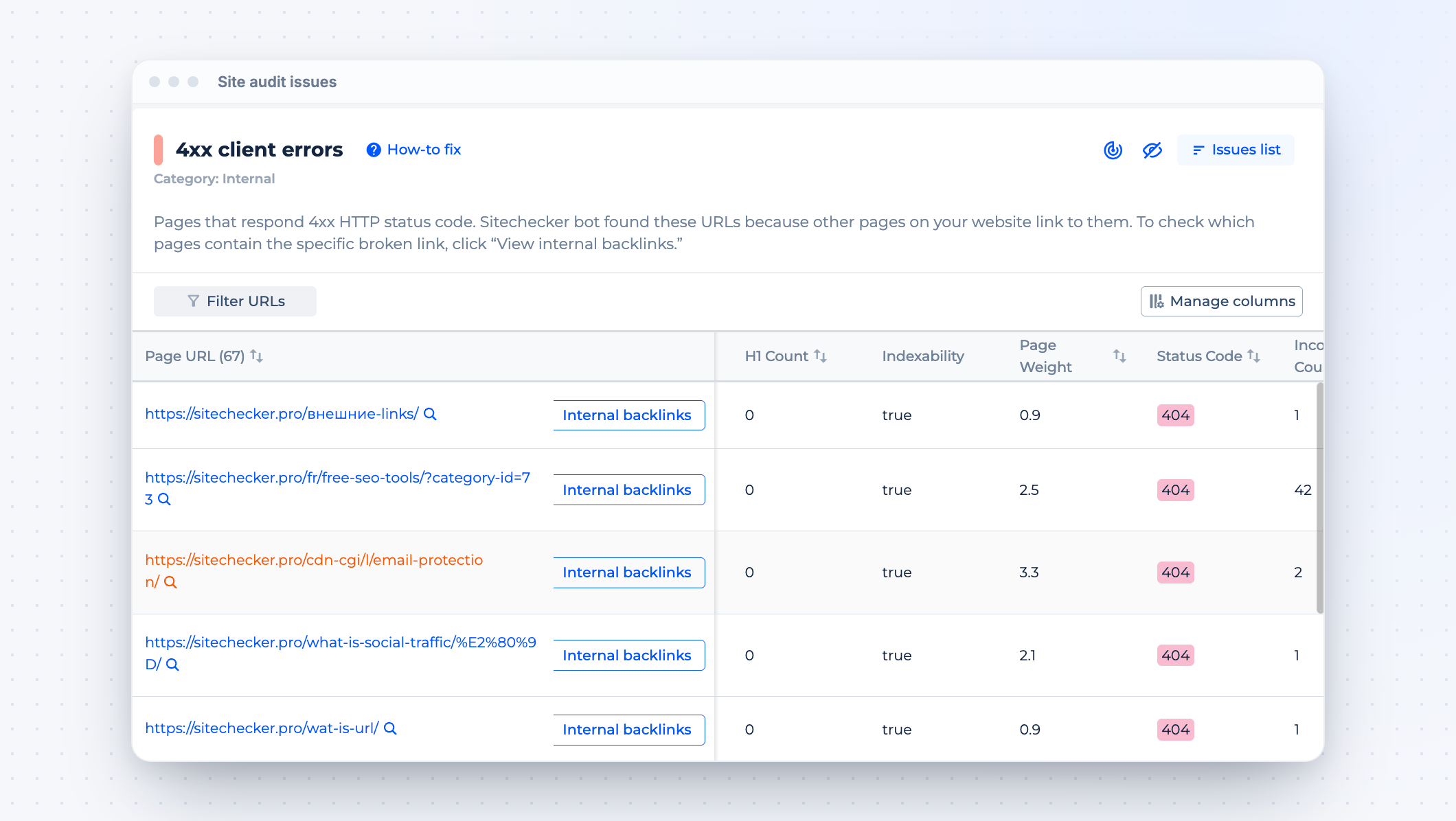
Site Audit lists every issue with the affected URLs and a how-to-fix guide, so your team knows what to send to developers.
Rankings and competitors
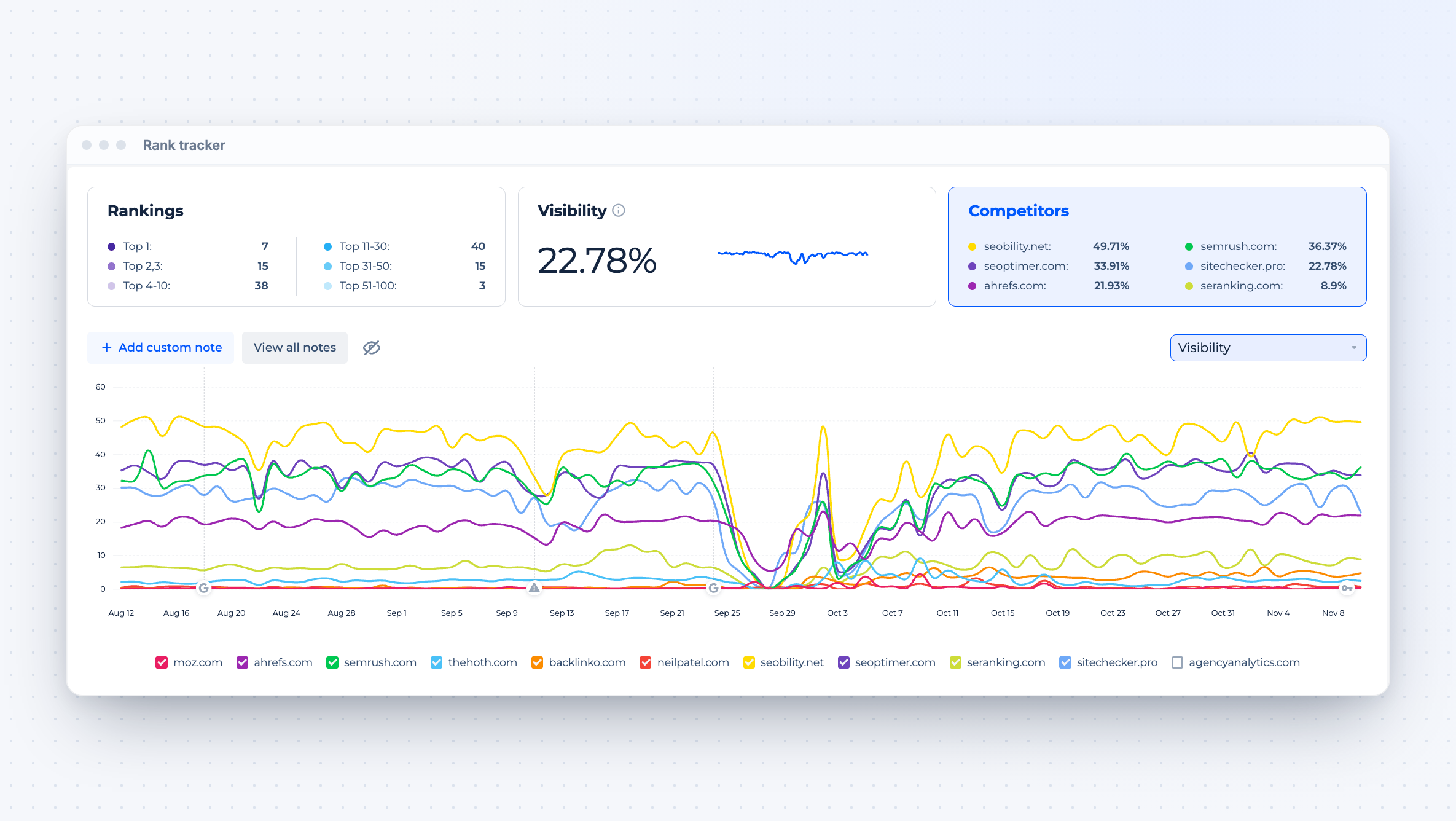
Track client keywords, visibility and competitors in Rank Tracker for agencies, with notes on the chart for every change you make.
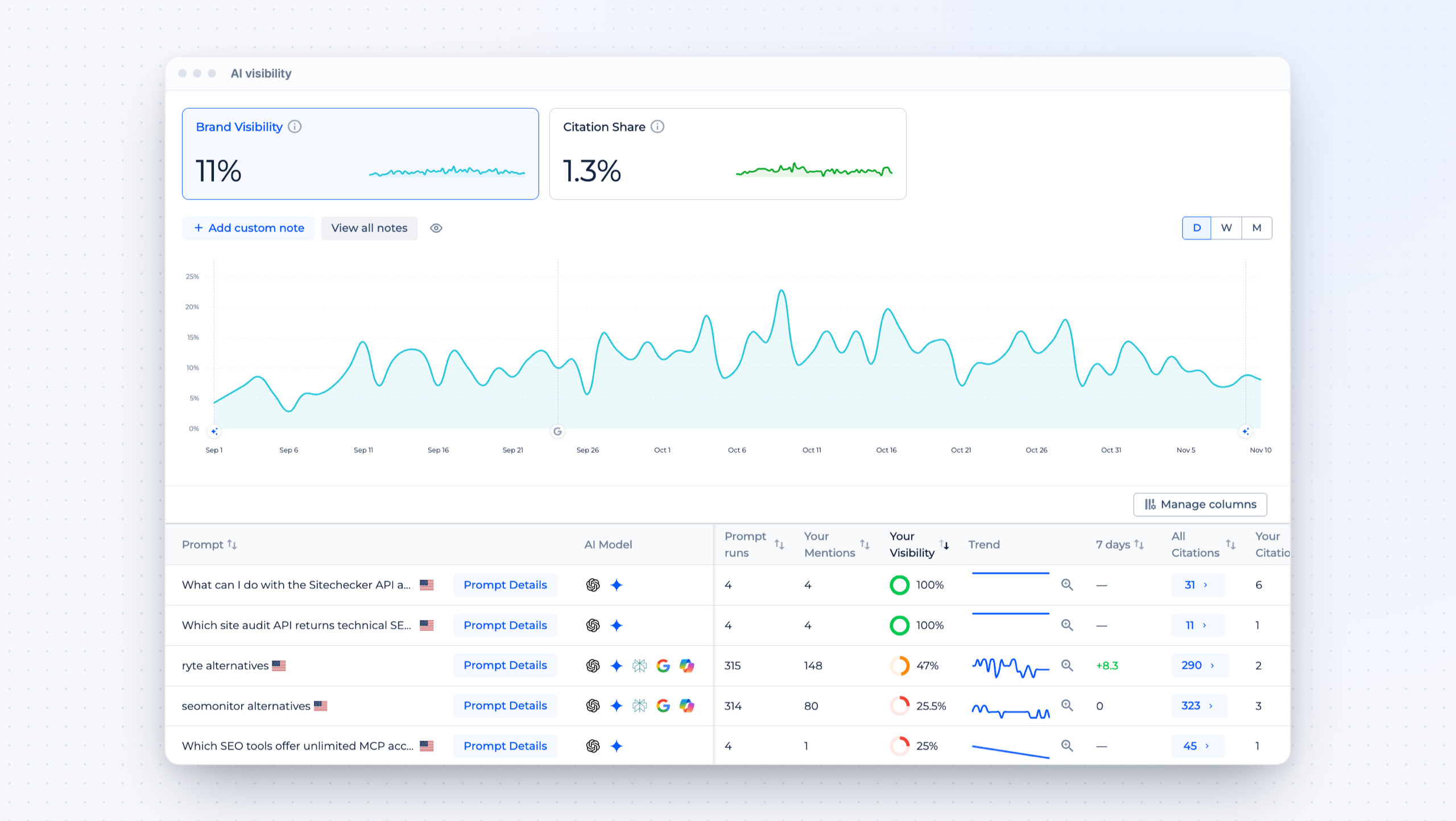
AI visibility for clients
Show clients how often ChatGPT, Gemini and other AI models mention and cite their brand. See the AEO dashboard.





Join the 1,000+ businesses growing with Sitechecker
All of our clients are growing after we use the platform. For instance, our client Hospital Amazônia had a growth of more than 13.500 impressions from March to September.

After two months there were noticeable improvements in rankings and organic traffic. Backlink and Rank Tracker make it easy to monitor changes, but our website needed also regular SEO audits. We decided to run Sitechecker Audit once a week and it also contributed to the improvement of our results. This audit comes really handy and allows for quick and effective on-site optimization.

Before using Sitechecker our ranking was approx. #4 (mobile SERP) regarding the most important keywords. Now we are #1!



FAQ
What is SEO agency software?
SEO agency software helps an agency run SEO for many clients from one account. It combines client projects, audits, rankings, analytics, team access and branded reporting.
Can my clients log in?
Yes. Invite clients by email and give them access to their own projects only. With white label, they log in on your subdomain and see your logo.
Can I send reports with my own branding?
Yes. Reports use your logo and include the period and comparison period you choose, with metrics from GSC, GA4 and Rank Tracker.
Which data does each client project include?
Each project can include Site Audit, Site Monitoring, Rank Tracker, Google Search Console, Google Analytics 4 and AI Visibility, depending on what you connect.
Where can I compare SEO client management tools?
See our review of the best SEO client management software.