SEO data API for reporting and automation
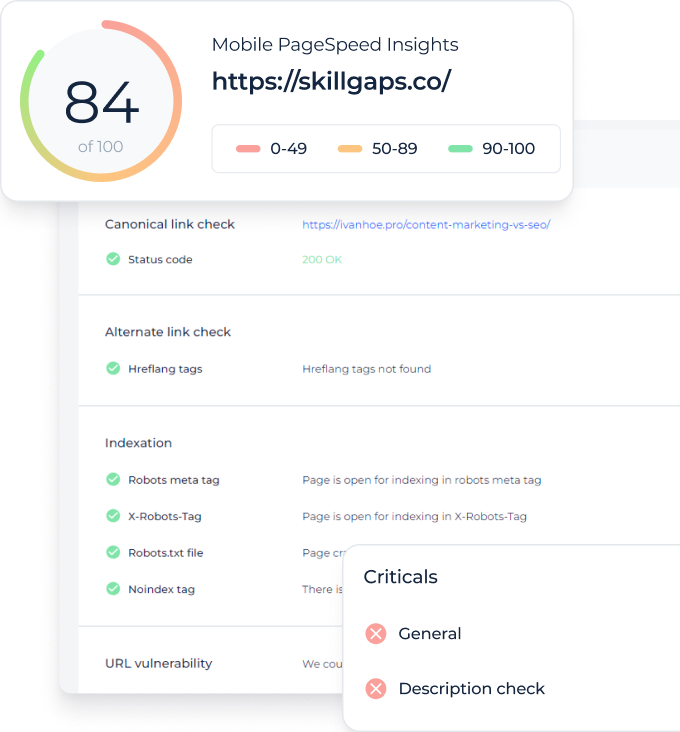
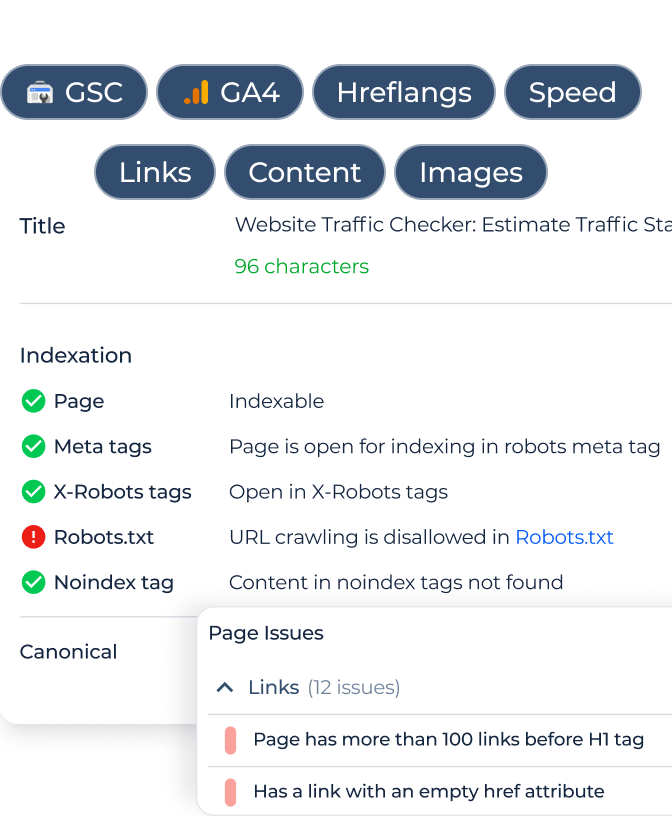
Pull AI Visibility, Site Audit, Rank Tracker and Search Console data straight from Sitechecker into the tools you already report in.
Connect it to Claude, Make, N8N, Zapier or Data Studio with one API key, no developer needed.
Connect it to Claude, Make, N8N, Zapier or Data Studio with one API key, no developer needed.
Core features of the Sitechecker API
All your SEO data
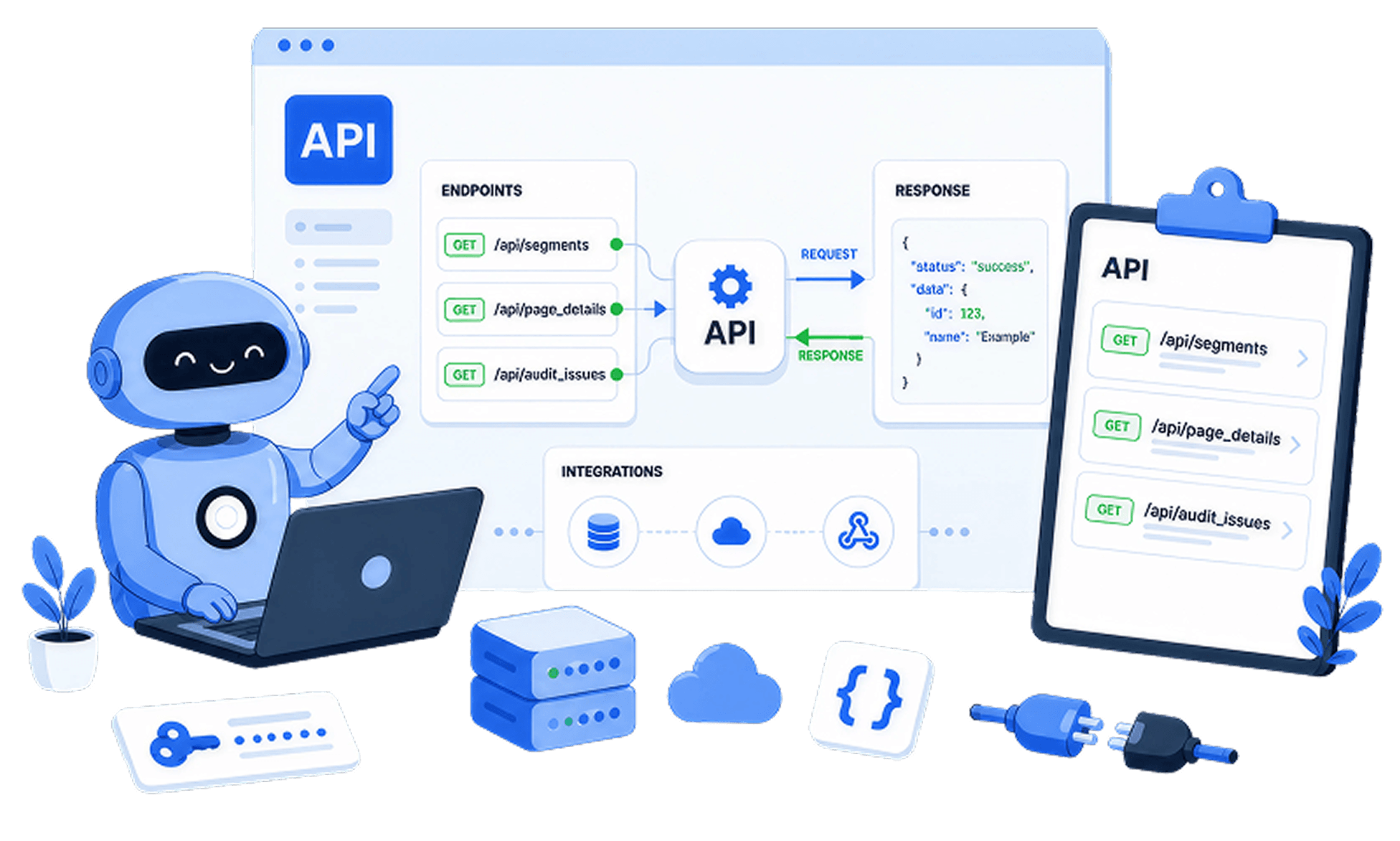
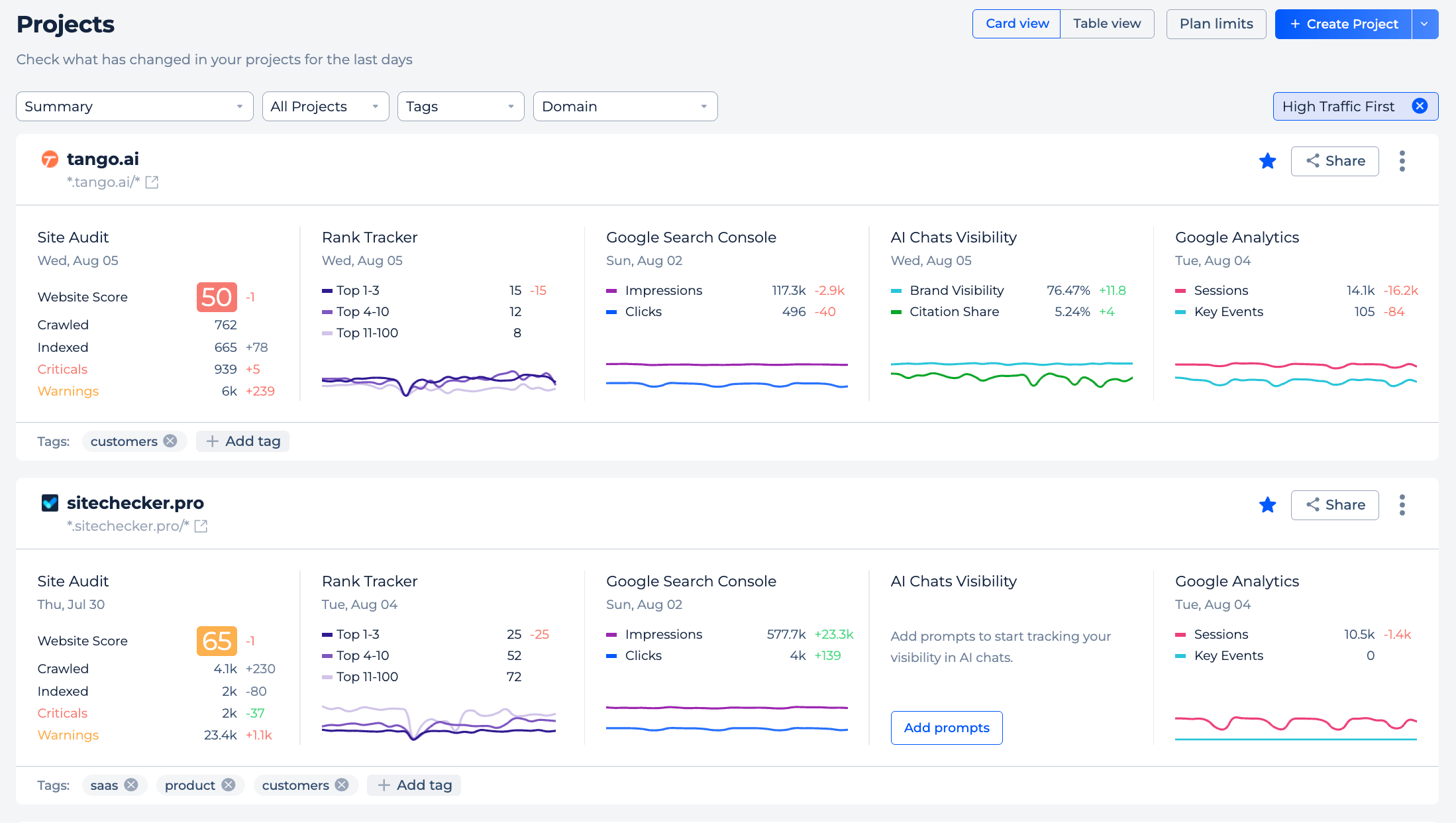
One API returns the data from every Sitechecker tool you rely on. Call site audit results, keyword rankings, uptime monitoring, page audits, Search Console and GA4 insights, and AI search visibility from a single place.
Each tool is its own module, so you ask for exactly the data you need and nothing you don't.
Each tool is its own module, so you ask for exactly the data you need and nothing you don't.
One key, any tool
Create an API key in your account settings and paste it into whatever tool you automate with. Make, N8N and Zapier all connect to the Sitechecker API with a standard API key, so there is nothing to build and nothing to install.
If a tool can call a web address, it can pull your Sitechecker data.
If a tool can call a web address, it can pull your Sitechecker data.

Automated reporting
Set a schedule once and let your SEO reports build themselves. Your automation tool pulls fresh data from the API each morning, week or month and drops it into a Google Sheet, a Slack message or an email.
Clients get their updates on time and you stop exporting files by hand.
Clients get their updates on time and you stop exporting files by hand.
Live dashboards
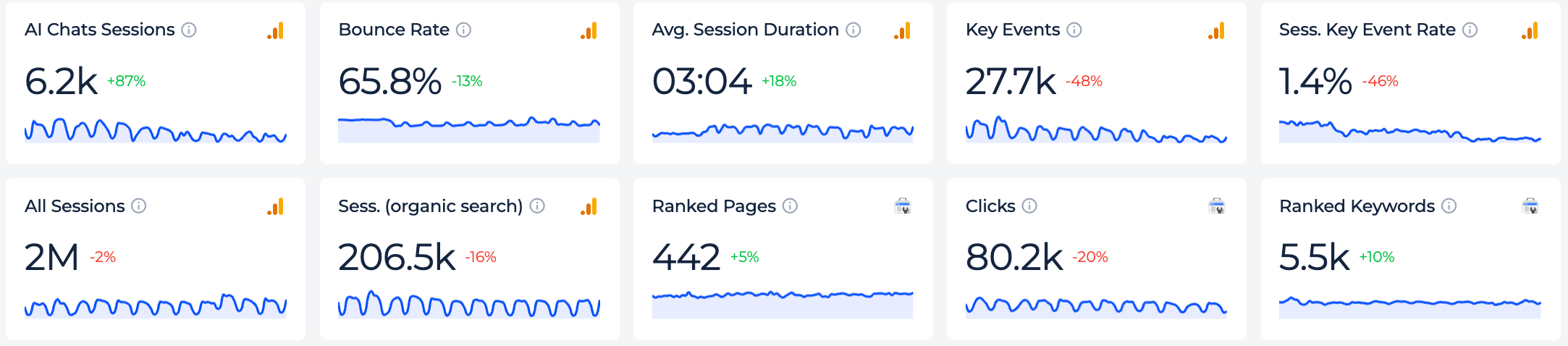
Feed live Sitechecker data into a Data Studio dashboard your clients can open any time. Rankings, audit scores and traffic stay current, so the dashboard shows real numbers instead of last month's export.
One dashboard can cover every project your account owns.
One dashboard can cover every project your account owns.
Analyze with Claude
Connect the API to Claude and ask about your SEO data in plain English. A question like "which pages lost rankings this month?" gets a written answer you can paste straight into a client update.
It turns raw API data into something a non-technical stakeholder can actually read.
It turns raw API data into something a non-technical stakeholder can actually read.
Inside the Sitechecker API
API keys you control
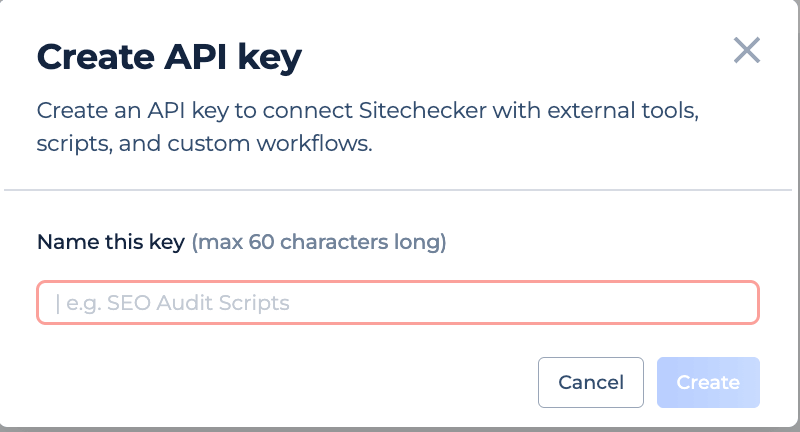
You create your API keys in account settings, and each one gets a name you choose.
Keep up to five active keys, give a separate key to each integration, and revoke any single key without breaking the rest. A revoked key stops working straight away.
Keep up to five active keys, give a separate key to each integration, and revoke any single key without breaking the rest. A revoked key stops working straight away.
A module for each tool
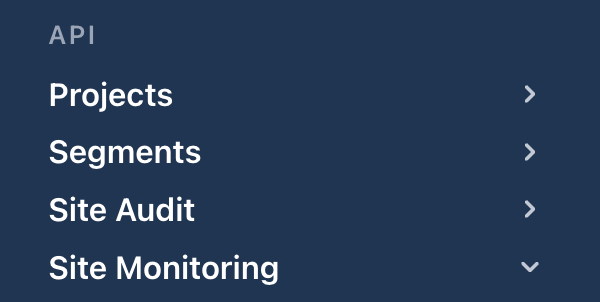
The API is split into clear modules: site audit, rank tracker, site monitoring, page audit, GSC and GA4 insights, and AI search visibility.
Each module has its own path, so you ask for one type of data at a time. New modules join the same API as the product grows.
Each module has its own path, so you ask for one type of data at a time. New modules join the same API as the product grows.
Built on plain REST
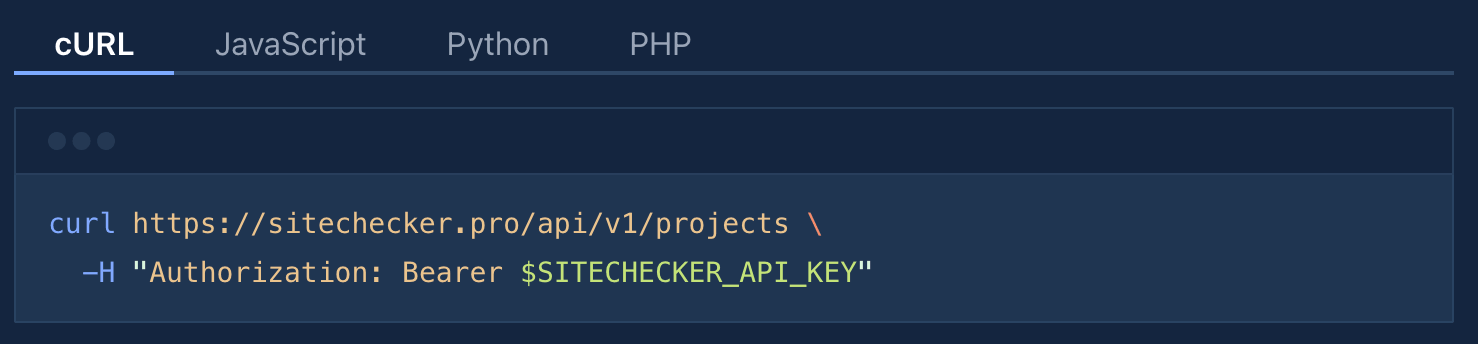
The API uses standard REST that every automation platform already understands.
That is why Make, N8N, Zapier and Data Studio connect without a plugin, and your data comes back in a clean format that is ready to chart or report.
That is why Make, N8N, Zapier and Data Studio connect without a plugin, and your data comes back in a clean format that is ready to chart or report.
Docs to get you started
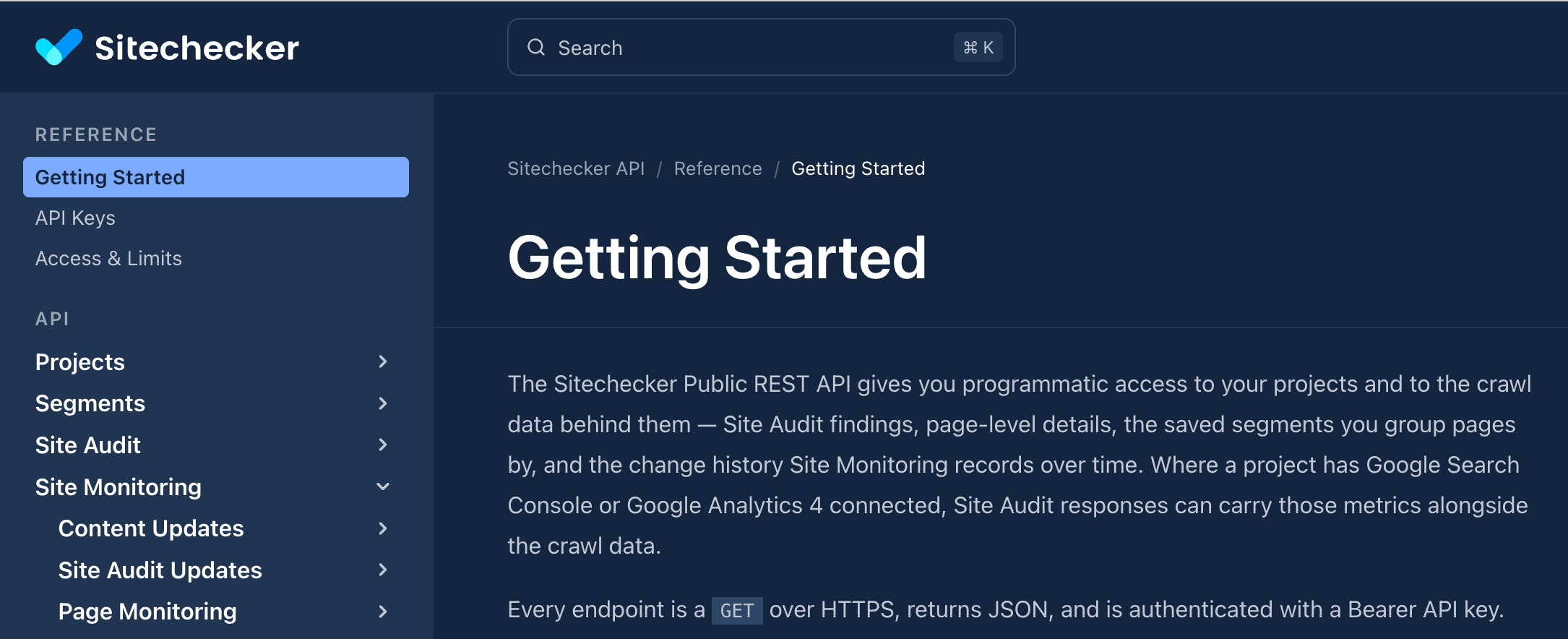
Step-by-step API docs walk you through your first request.
Copy a working example, drop in your key, and see real data in minutes. The API Docs link in the header opens the full guide.
Copy a working example, drop in your key, and see real data in minutes. The API Docs link in the header opens the full guide.
Every tool you can access through the Sitechecker API
Site Audit
Full-site crawl data with errors, warnings and health scores for every page you own.
Rank Tracker
Daily keyword positions by location and device, ready to drop into any report.
AI Visibility
See how often your brand appears in AI search answers and which sources get cited.
Site Monitoring
Uptime and page-change alerts so you know the moment something breaks.
Page Audit
On-page SEO checks for any single URL, from tags to content and speed.
GSC + GA4 Insights
Search Console and GA4 data blended into clean, report-ready metrics.
FAQ
What is the Sitechecker API?
The Sitechecker API is a way to pull your SEO data out of Sitechecker and into other tools. It returns site audits, keyword rankings, uptime monitoring, page audits, Search Console and GA4 insights, and AI search visibility.
You reach it with an API key from your account settings.
You reach it with an API key from your account settings.
Do I need to be a developer to use it?
No. Tools like Make, N8N, Zapier and Looker Studio connect to the API with a standard API key and a web address, so there is no code to write.
If you can follow a setup guide, you can pull your Sitechecker data into a report or dashboard.
If you can follow a setup guide, you can pull your Sitechecker data into a report or dashboard.
Which tools can I connect it to?
Any tool that can call a web API. That includes automation platforms like Make, N8N and Zapier, dashboard tools like Looker Studio, and assistants like Claude.
You can also route the data into a Google Sheet, Slack or email through those tools.
You can also route the data into a Google Sheet, Slack or email through those tools.
How do I get and manage API keys?
Open the API keys tab in your account settings and create a key with a name you choose. You can keep up to five active keys at once and revoke any of them without affecting the others.
The full key is shown once when you create it, then stored masked for security.
The full key is shown once when you create it, then stored masked for security.
What data can the API return?
The API covers the same tools you already use in Sitechecker: Site Audit, Site Monitoring, Page Audit, Rank Tracking, GSC and GA4 insights, and AI search visibility.
Each is a separate module, so you request exactly the data set you need. An API key only returns data for projects your account owns.
Each is a separate module, so you request exactly the data set you need. An API key only returns data for projects your account owns.