AI visibility MCP for AEO tracking in AI chat
Ask how often AI answers mention and cite your brand, with unlimited access on every plan.
AI chats
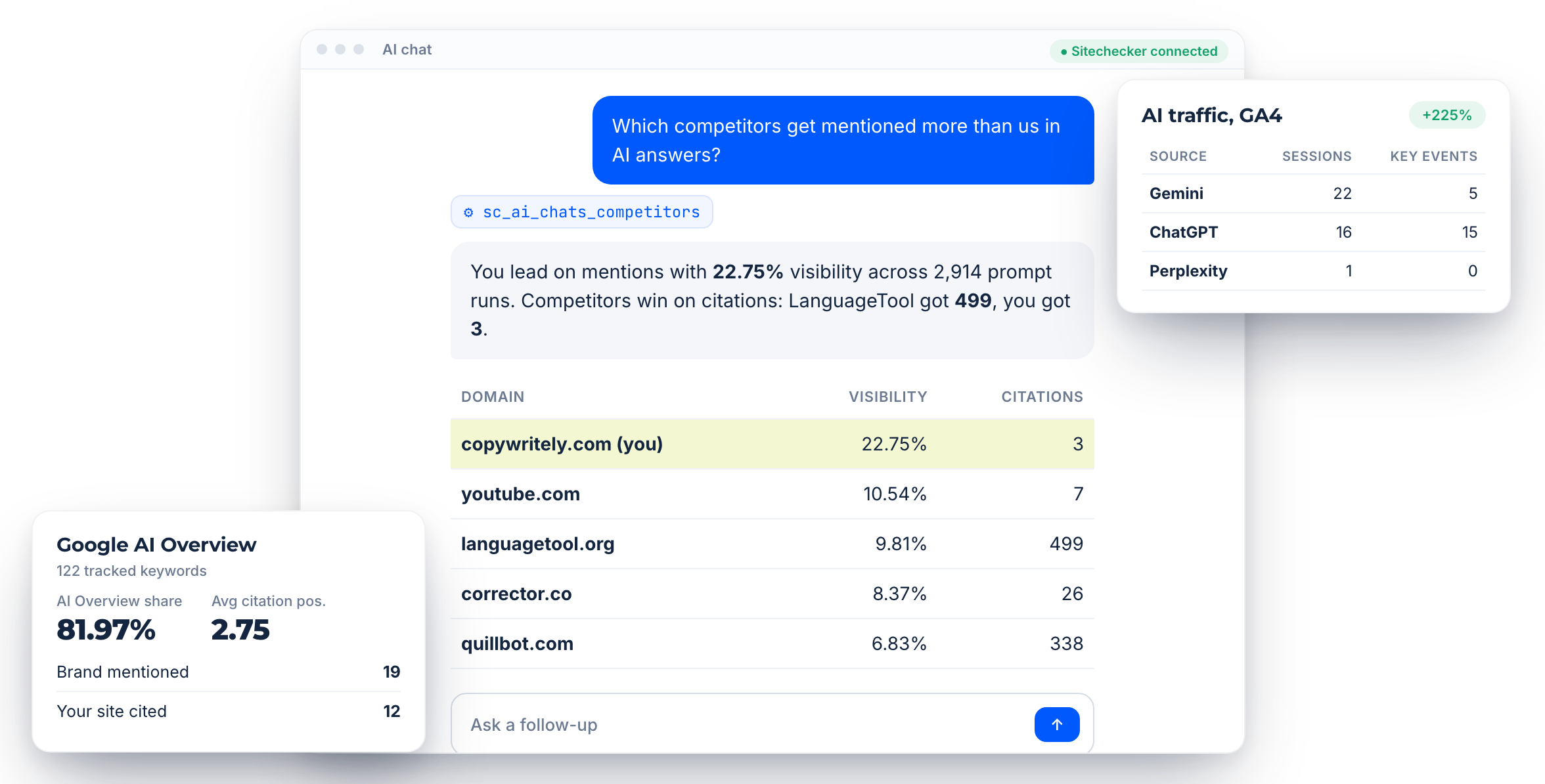
Mentions, citations and share of voice for your tracked prompts.
AI Overview
Coverage, brand mentions and citation positions for tracked keywords.
AI traffic
Sessions and key events from AI chats in your GA4.
Core features of the AI visibility MCP
AI chat visibility
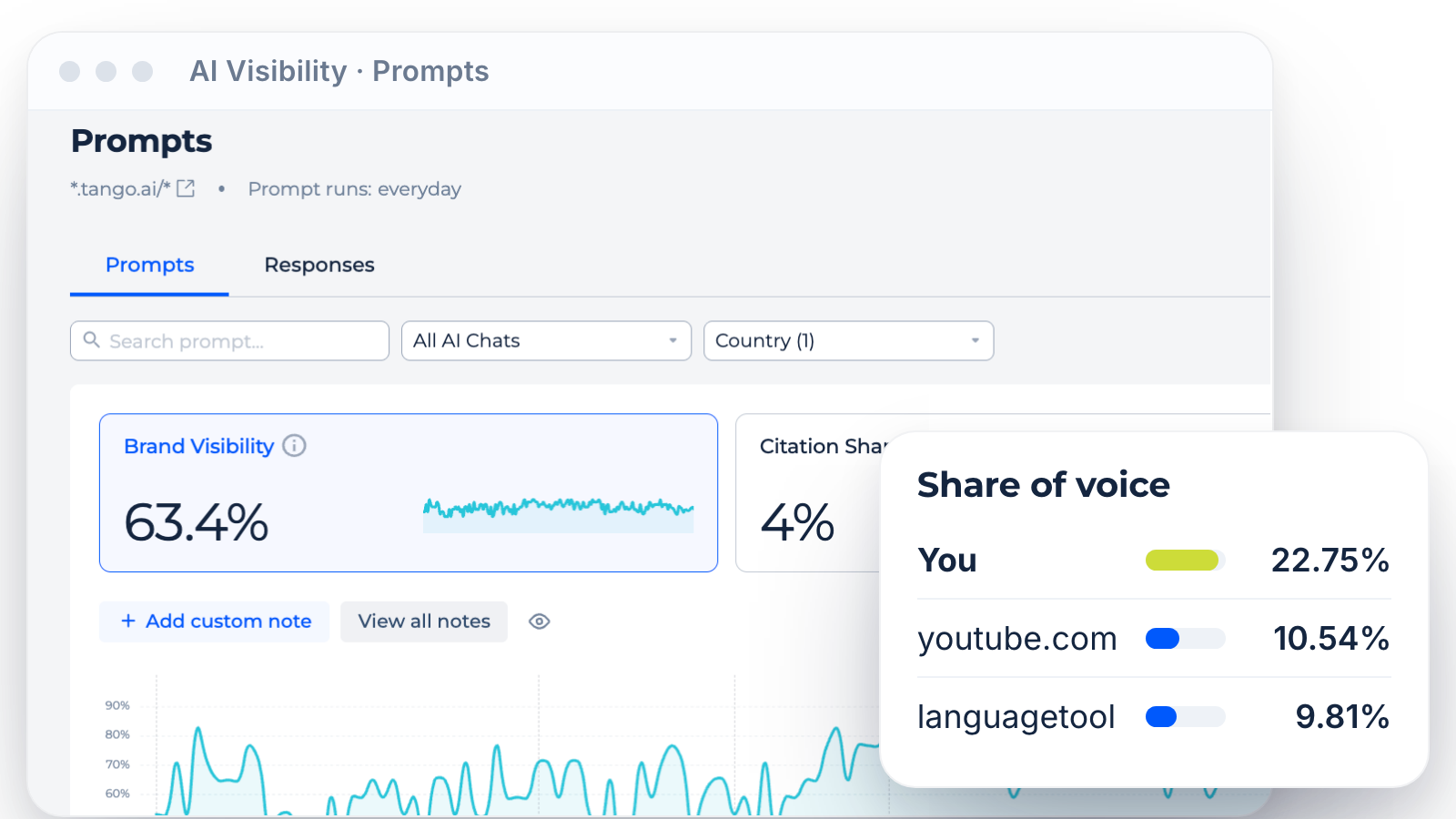
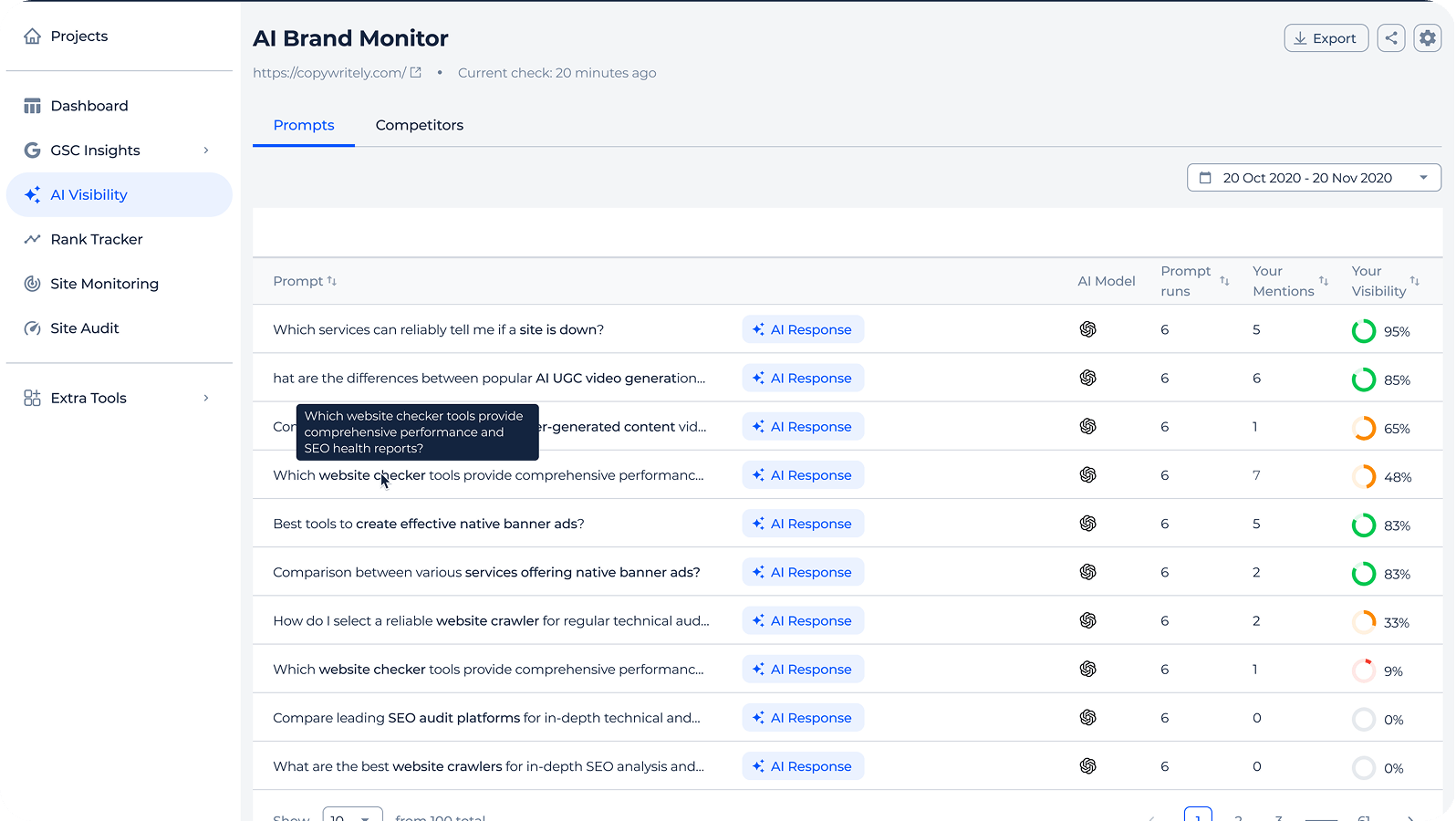
AI Chats reports return your visibility, mentions, citations and citation share across tracked prompts, by AI model and country. Competitor reports put your brand next to rivals for the same prompts.
Ask “Which competitors get mentioned more than us in ChatGPT?” and get a ranked answer.
Ask “Which competitors get mentioned more than us in ChatGPT?” and get a ranked answer.
AI Overview tracking
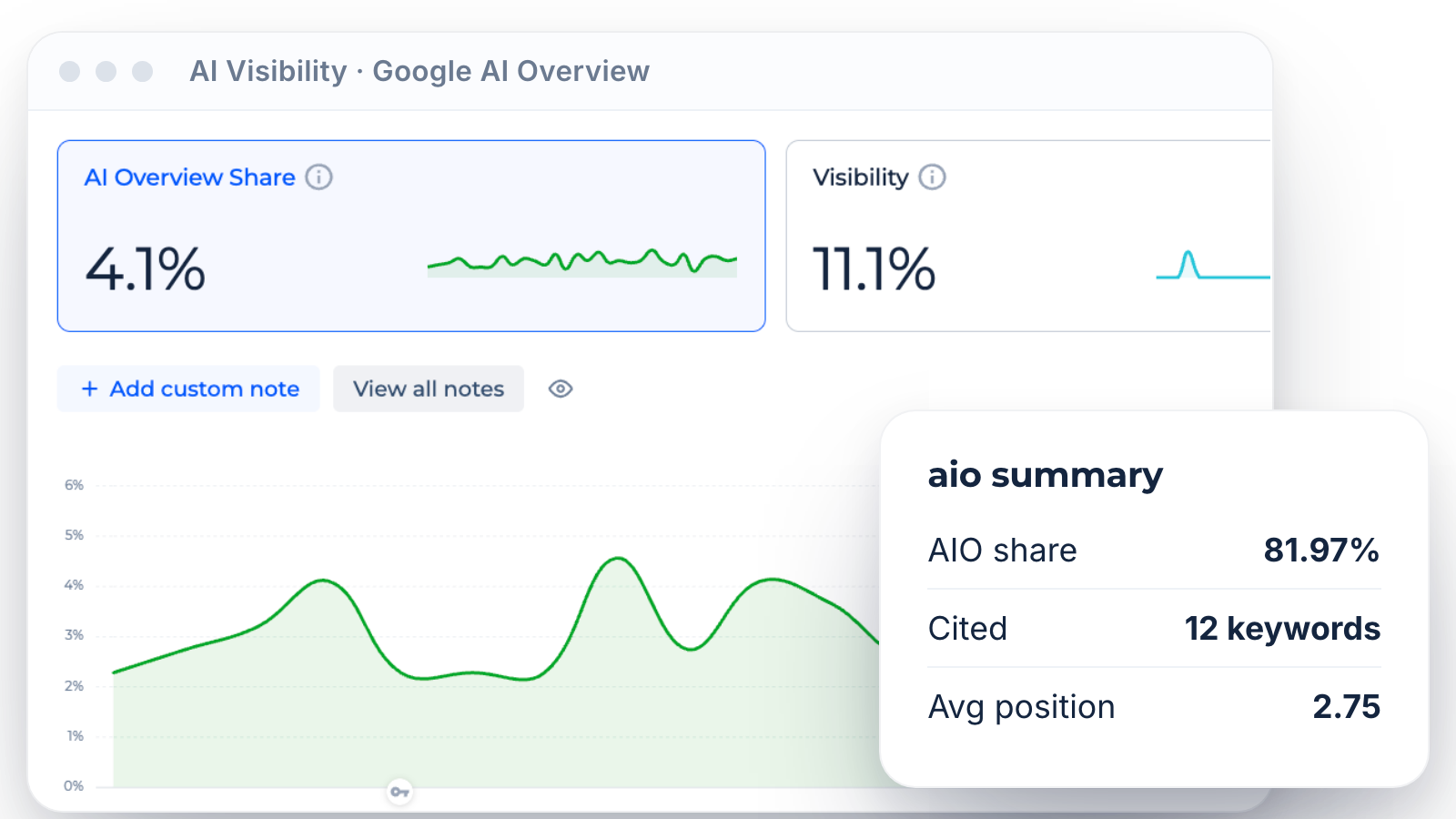
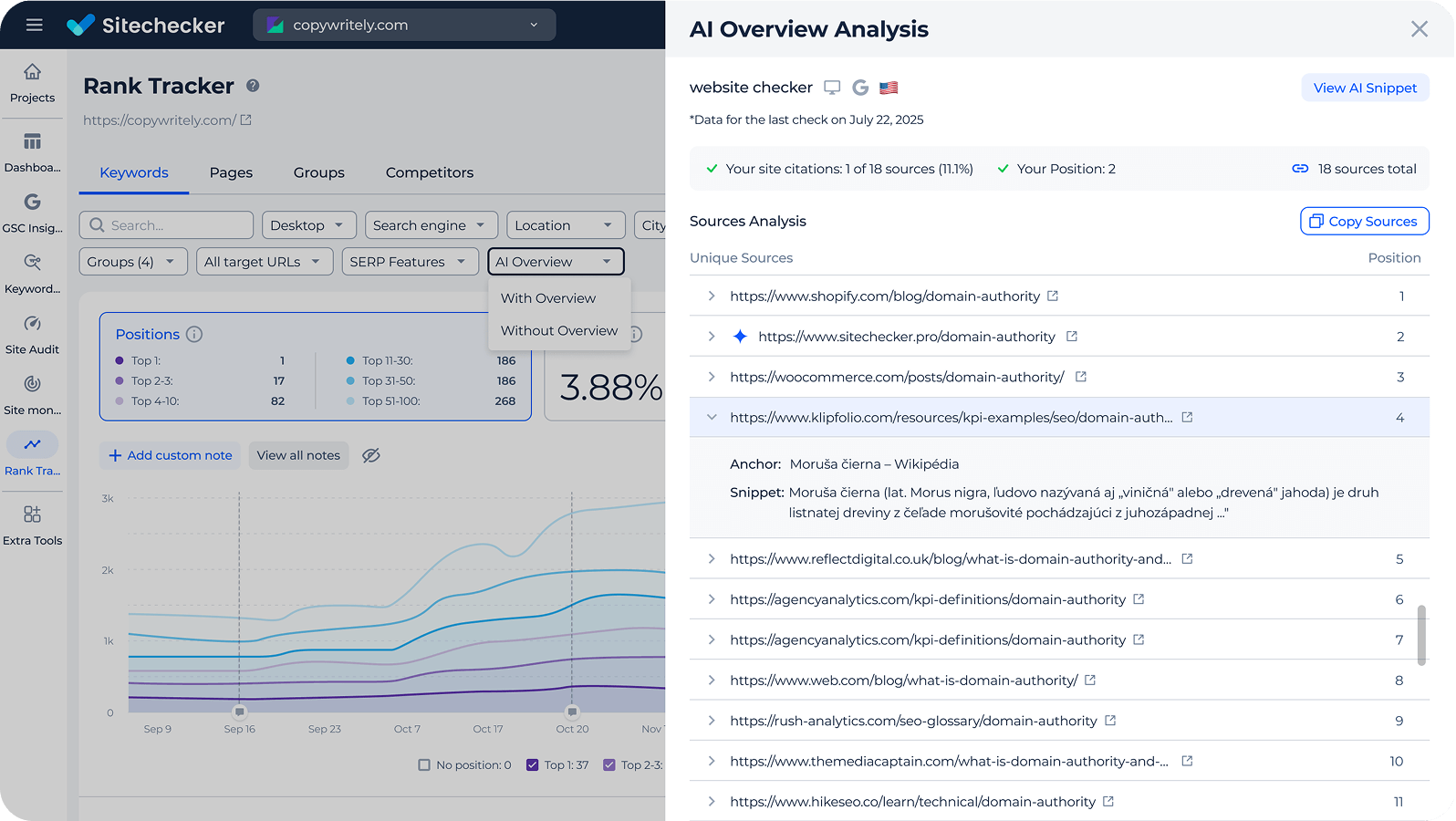
Google AI Overview reports show how many tracked keywords trigger an AI Overview, where your brand is mentioned or cited and your average citation position.
For one keyword, the assistant can pull the exact AI Overview answer and its sources.
For one keyword, the assistant can pull the exact AI Overview answer and its sources.
AI referral traffic
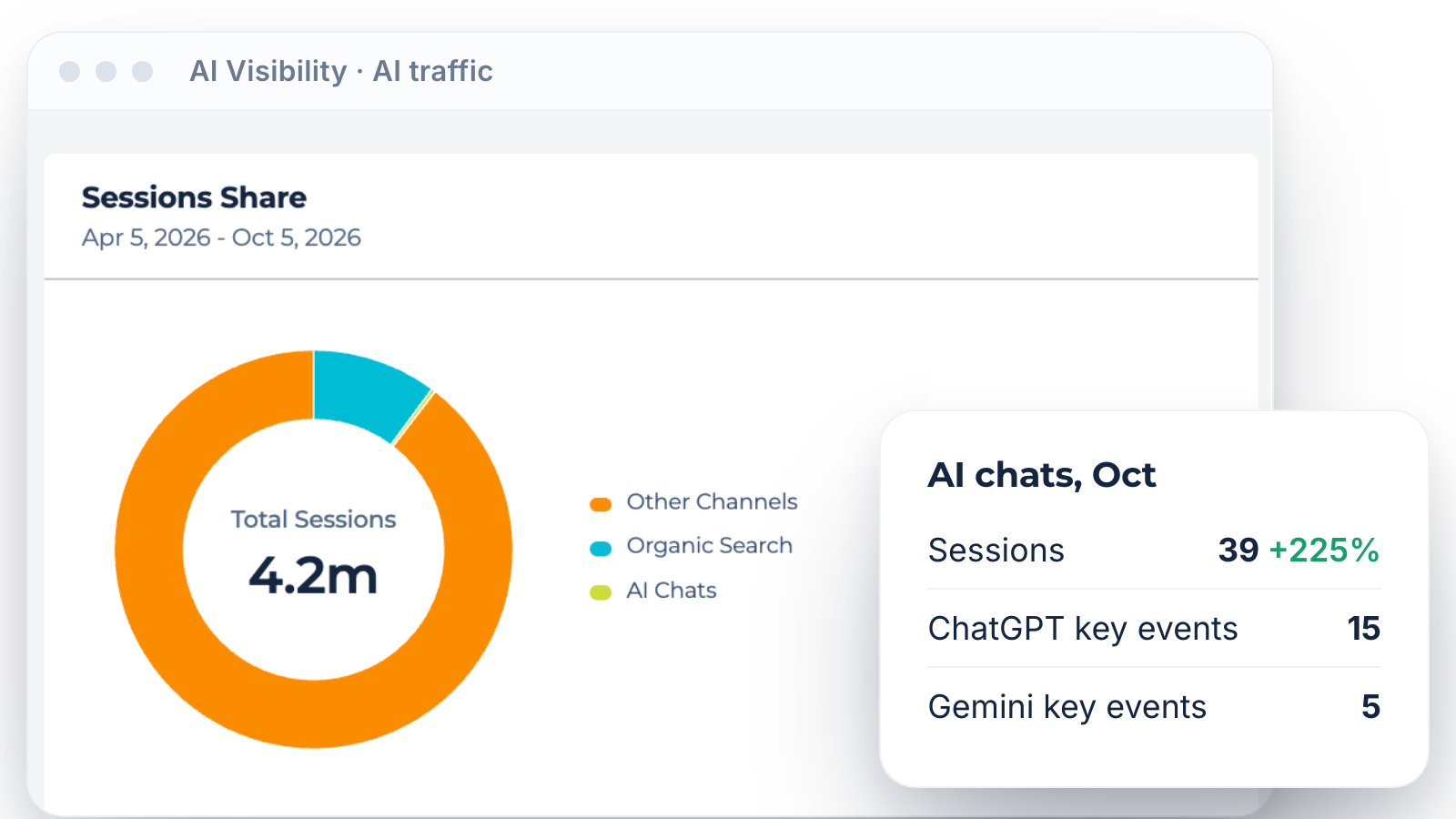
AI Traffic reports use your connected GA4 to show sessions and key events from ChatGPT, Gemini, Perplexity and other AI chats, with landing pages and trends.
This shows whether AI visibility turns into visits, not only mentions.
This shows whether AI visibility turns into visits, not only mentions.
Inside the AEO MCP server
Cited domains and pages
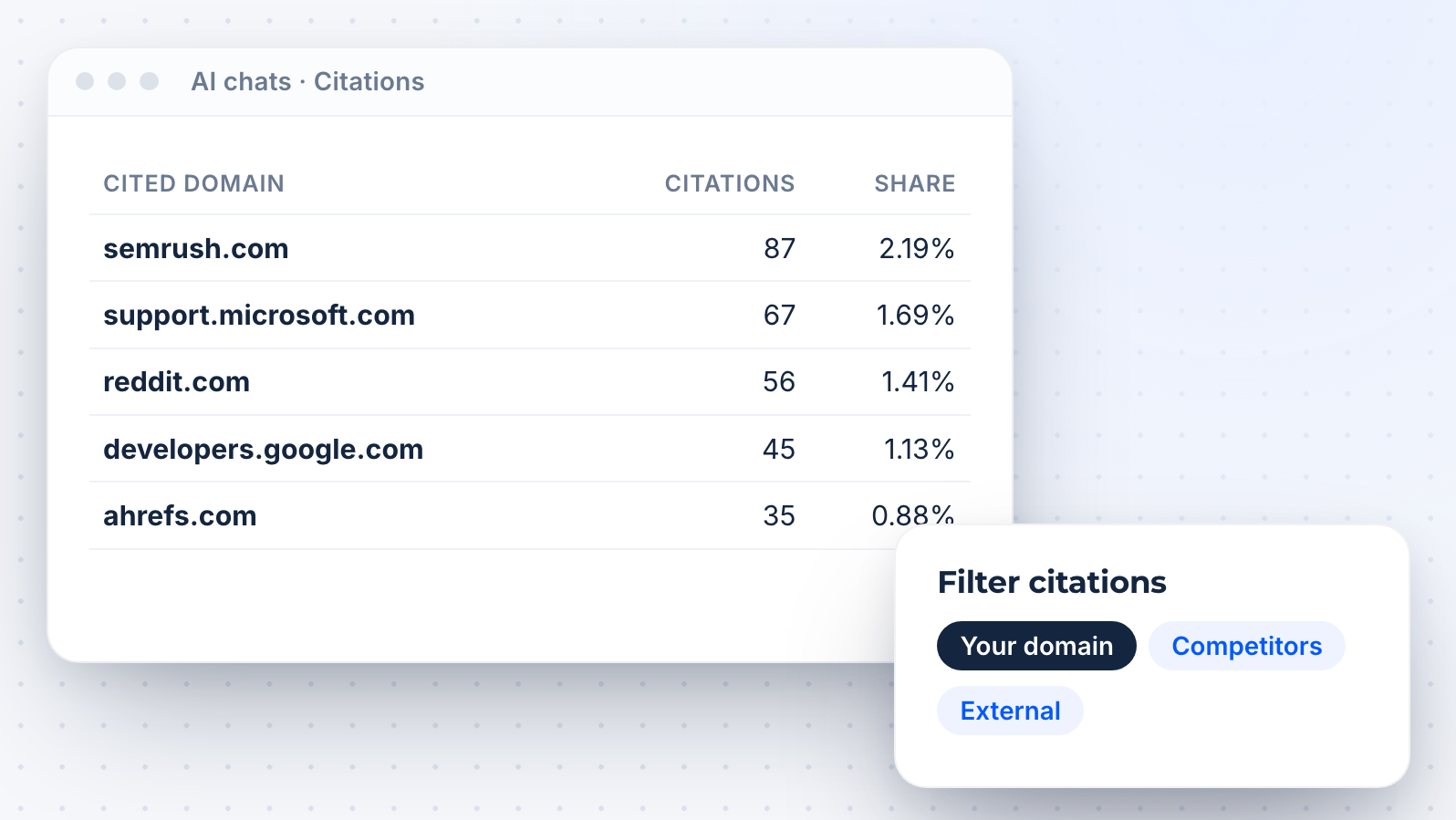
See which domains and URLs AI answers cite for your prompts, and how often your own pages appear. Use it to find sources worth earning a mention on.
Responses you can read
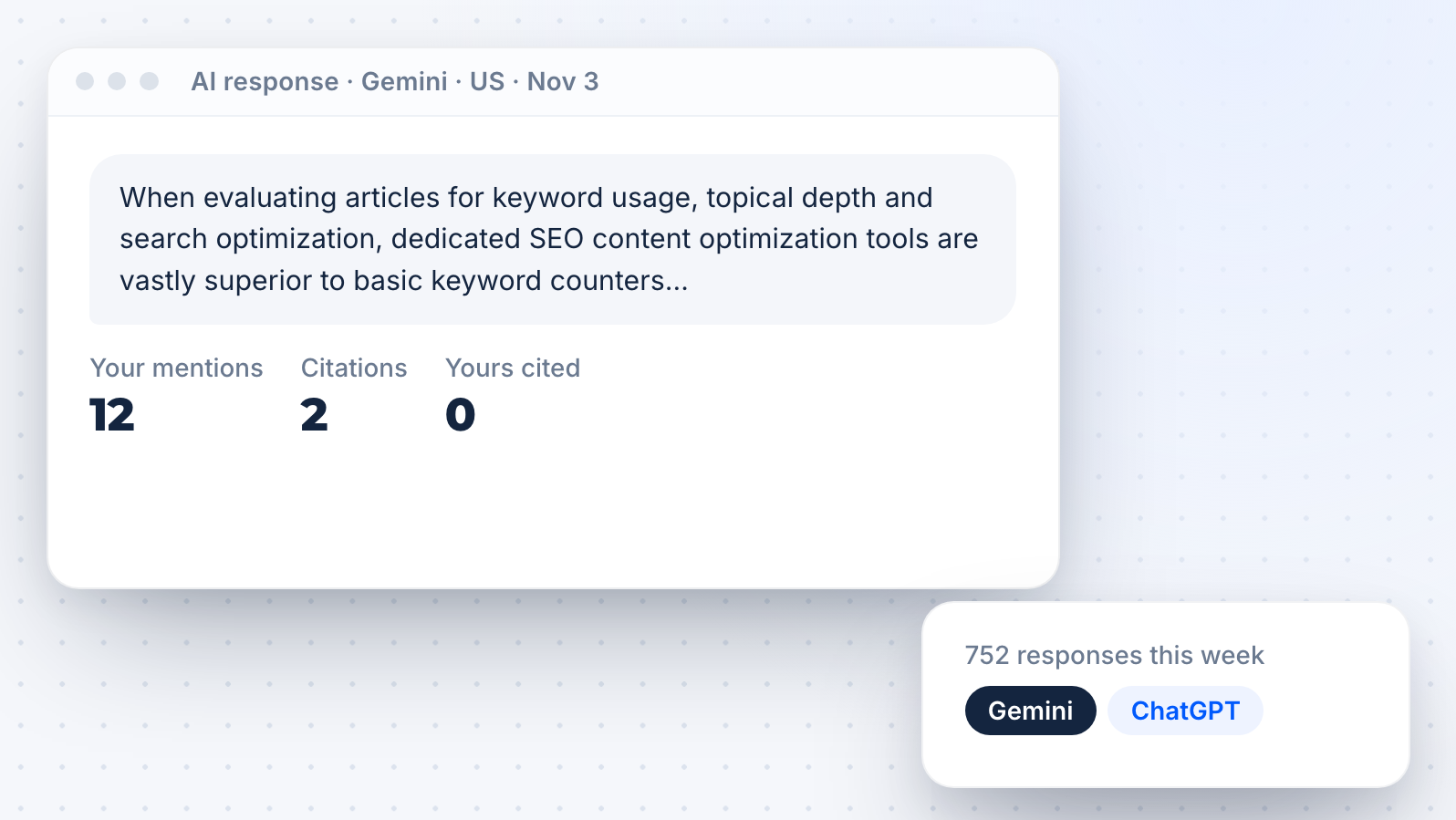
Pull individual AI responses for a tracked prompt to see the exact wording, which brands appear and which sources are cited.
Trends and history
History reports show how visibility, mentions and citations change over time. Link a shift to a content update, a new competitor or a model change.
AEO reports for clients
Ask for a monthly AEO summary for each client in the same chat and paste it into your report.
For branded reports, use the AEO white-label tool.
For branded reports, use the AEO white-label tool.


Works with your tracker
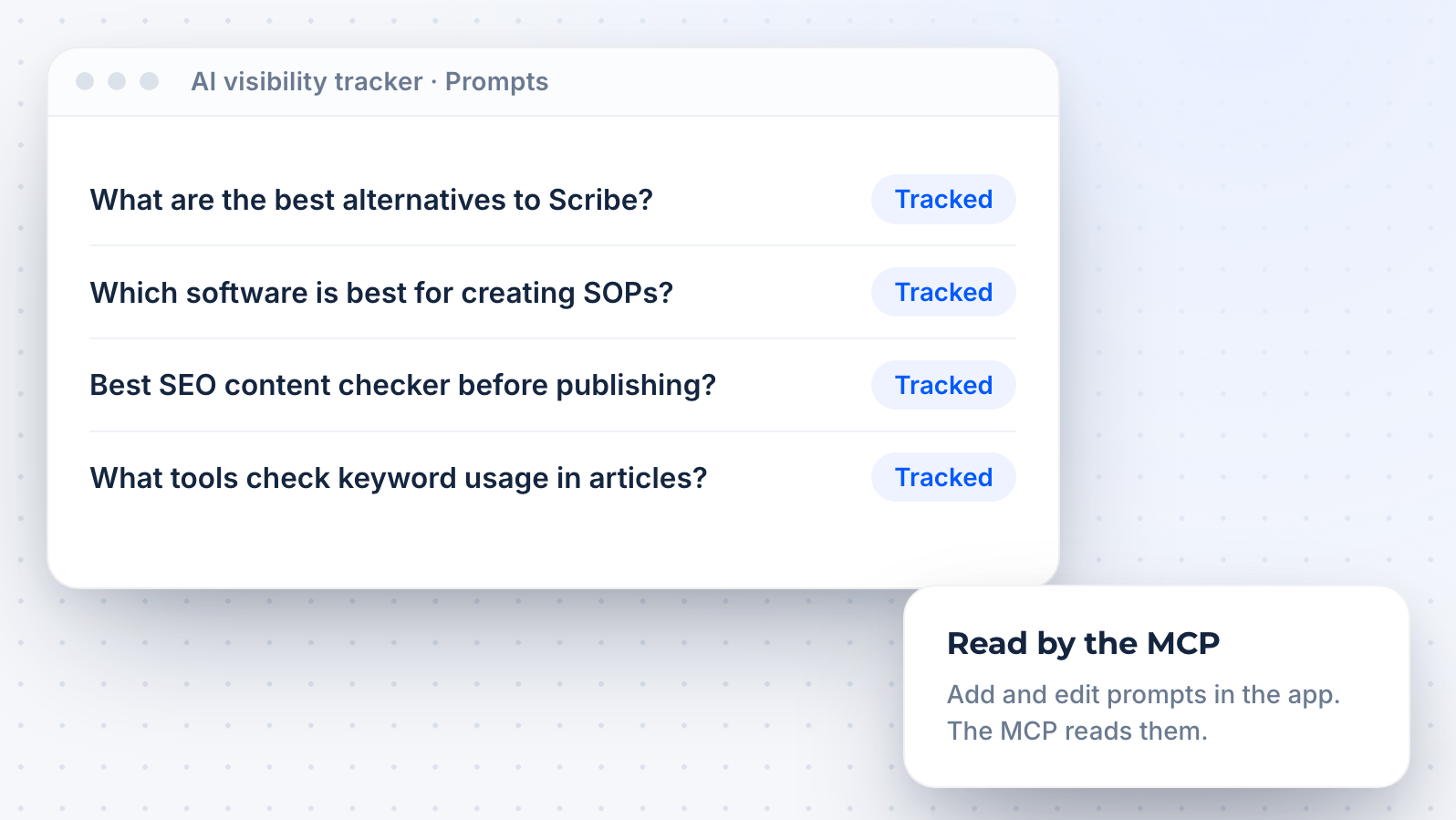
The MCP reads the prompts, keywords and competitors you track in the AI visibility tracker. You add and edit prompts in the app, because the MCP is read-only.
Docs and API
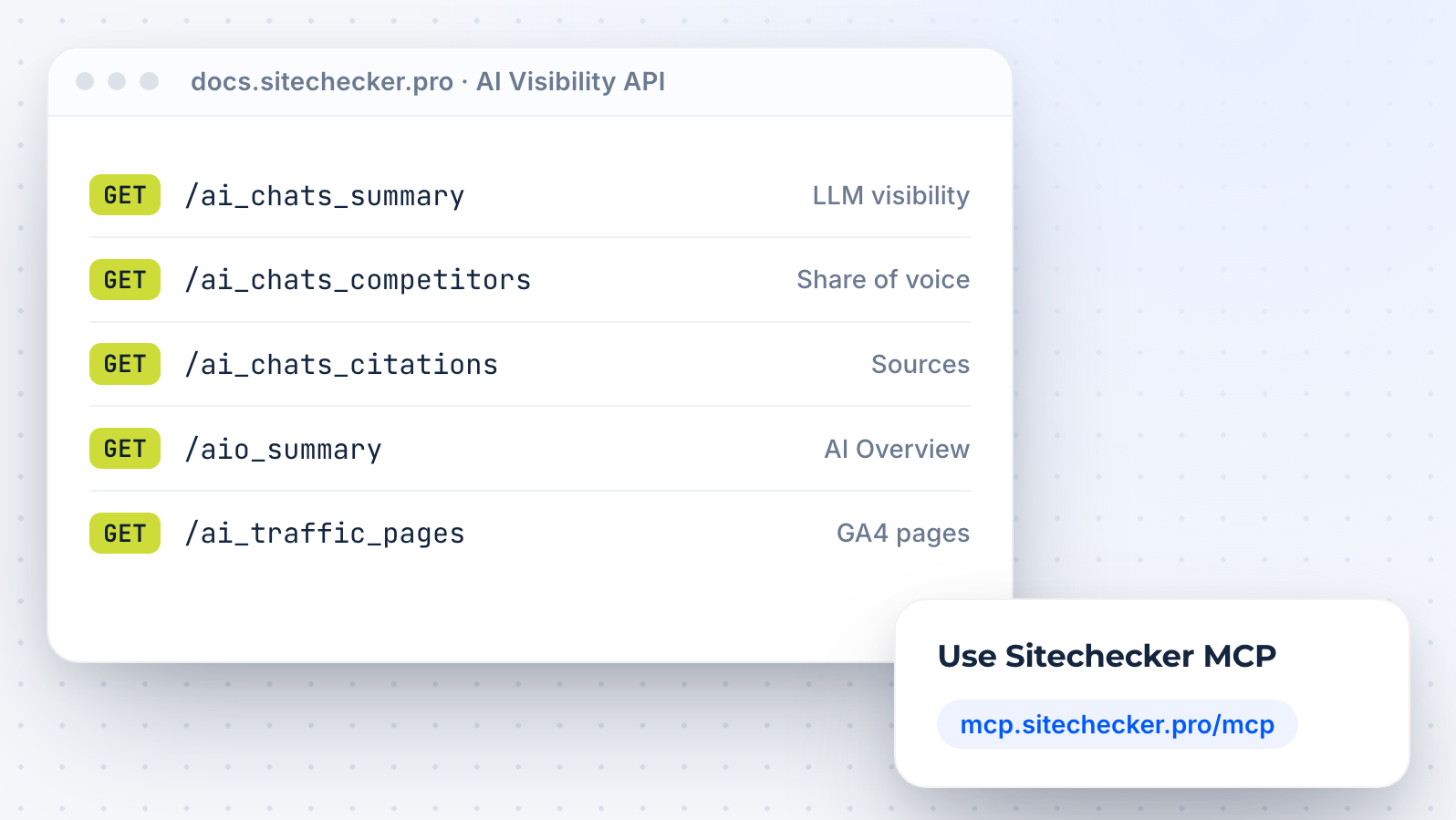
Need the same data as JSON for dashboards? Use the AI visibility API.
All other modules are on the SEO MCP server page.
All other modules are on the SEO MCP server page.







Sitecheckerで成長している1,000以上のビジネスに参加しませんか?
当社のクライアントはすべて、このプラットフォームを使用してから成長しています。たとえば、当社のクライアントである Hospital Amazônia では、3 月から 9 月にかけて 13,500 件以上のインプレッション数が増加しました。

2ヵ月後には、ランキングとオーガニック・トラフィックに顕著な改善が見られました。Backlink and Rank Tracker を使えば、変化を簡単にモニターできますが、当社の ウェブ サイトには定期的な SEO 監査も必要でした。Sitechecker Audit を週に 1 回実行することにしましたが、これも SEO 結果の改善に貢献しました。この監査は非常に便利で、オンサイトの最適化を迅速かつ効果的に行うことができます。

Sitecheckerを使用する前は、最重要キーワードでの当社のランキングは約4位(モバイルSERP)でした。今では1位になっています。



FAQ
What is an AI visibility MCP?
An AI visibility MCP connects an AI assistant to data about how your brand appears in AI answers. The assistant can then report mentions, citations and AI traffic with real numbers.
Sitechecker MCP gives Claude, ChatGPT and other clients read-only access to the AI visibility data in your projects.
Sitechecker MCP gives Claude, ChatGPT and other clients read-only access to the AI visibility data in your projects.
What is AEO and how does this MCP help?
AEO, or answer engine optimization, is the work of getting your brand mentioned and cited in AI answers. To know if it works, you need data.
The AI visibility MCP gives your assistant that data: mentions, citations, AI Overview presence and AI traffic for your tracked prompts and keywords.
The AI visibility MCP gives your assistant that data: mentions, citations, AI Overview presence and AI traffic for your tracked prompts and keywords.
Which AI models are covered?
Prompts can be tracked in ChatGPT, Gemini, Perplexity, Google AI Mode and Copilot. Google AI Overview is tracked for your keywords, and AI traffic comes from any AI chat that sends visits to your GA4.
Do I need to set up prompts first?
Yes. The MCP reads the prompts and keywords you track in Sitechecker. If nothing is tracked yet, add prompts in the AI visibility tracker first.
Is it included in my plan?
Sitechecker MCP is available on all plans: Basic, Standard, Premium and Custom. Access is unlimited, with no monthly cap on tool calls.
Each prompt tracked in one AI model uses one prompt from your plan limit.
Each prompt tracked in one AI model uses one prompt from your plan limit.
Can the assistant change my prompts?
No. All MCP tools are read-only. The assistant can read your AI visibility data but cannot add, edit or delete prompts.