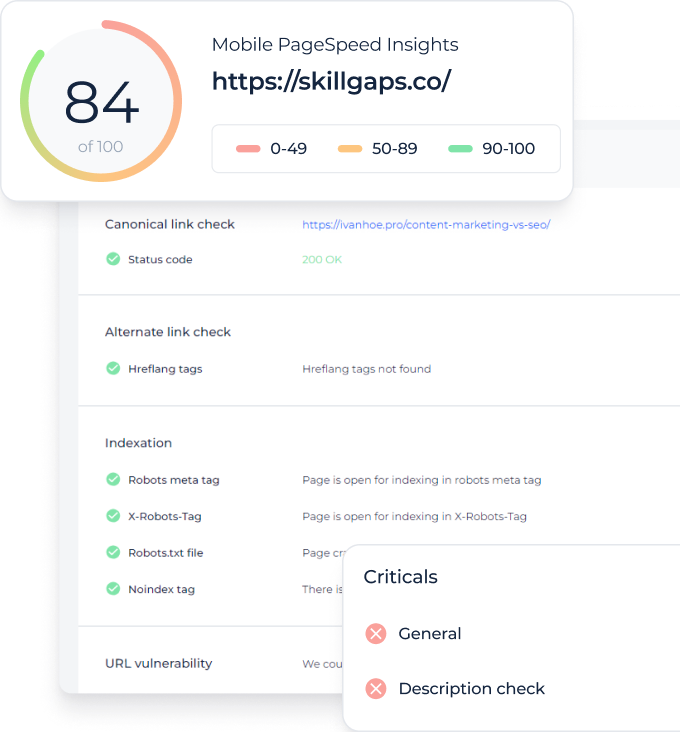
SEO site audit MCP for technical issues in AI chat
Ask what is broken on your site and what changed since the last crawl.
Website Score
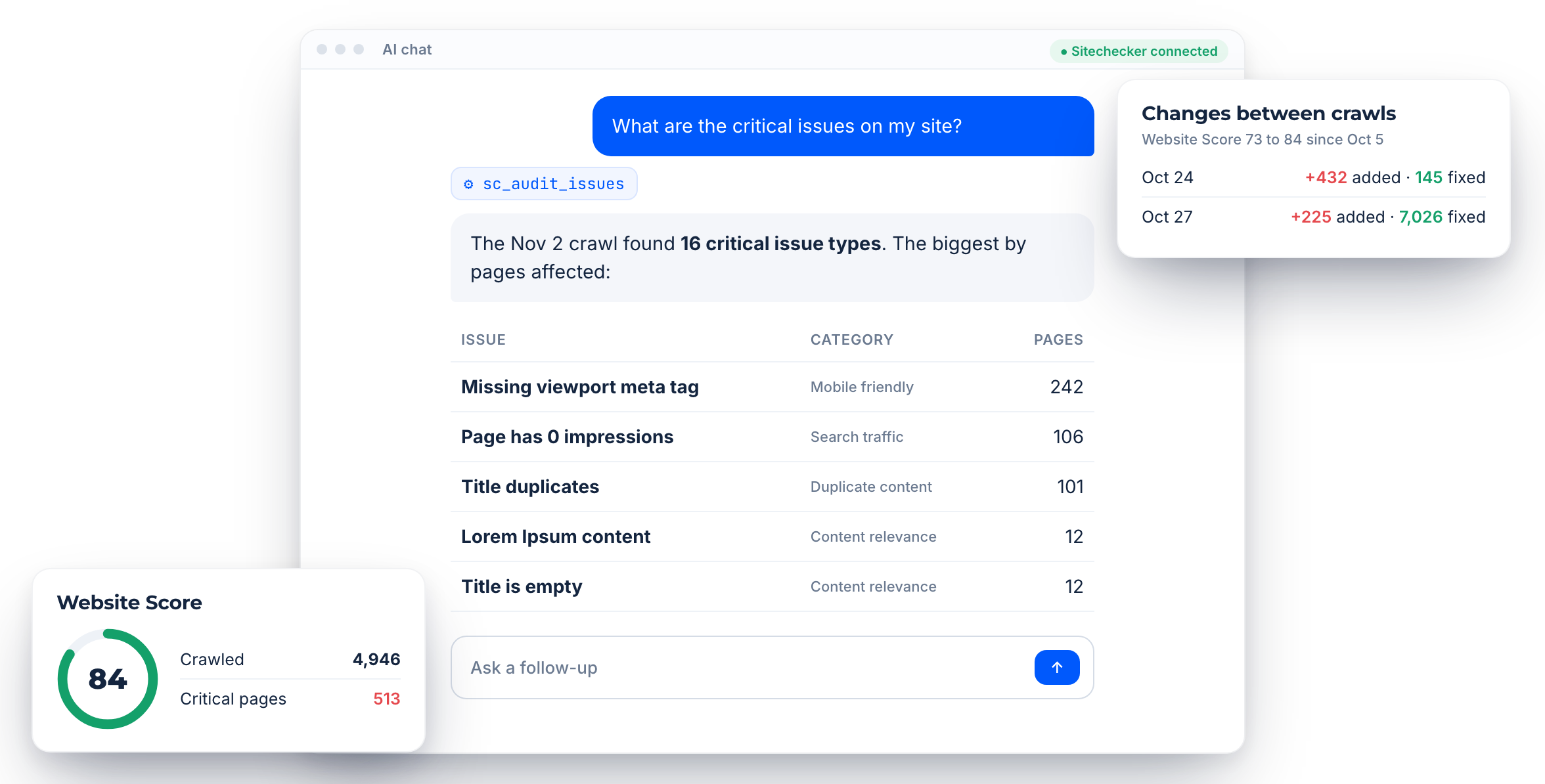
Score, crawled pages and issue counts from the latest crawl.
Issues and URLs
Every issue type with the pages it affects.
Changes
What changed between crawls and on monitored pages.
Core features of the site audit MCP
Issues by priority
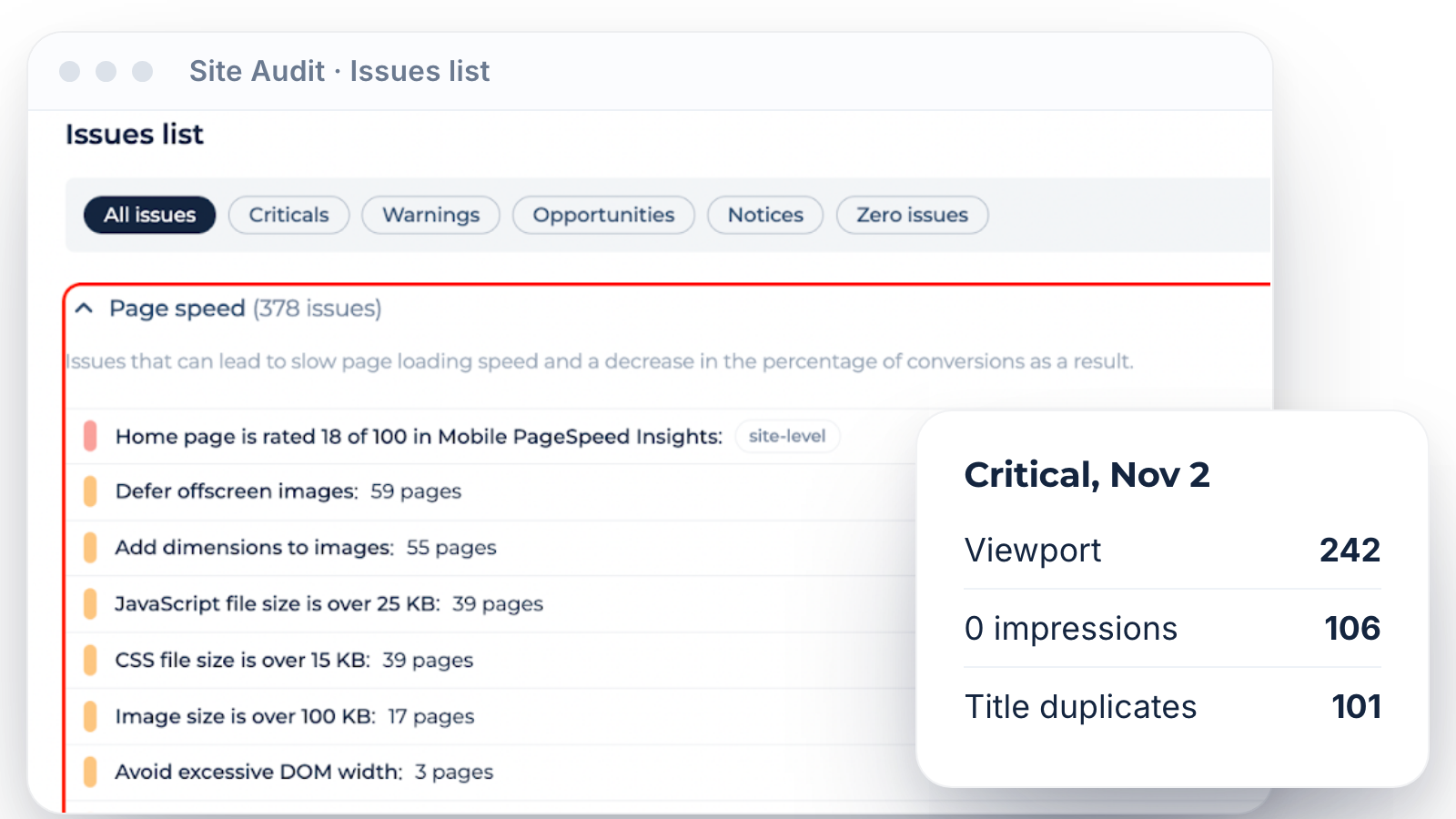
Audit reports list every issue type from the latest crawl with its severity, category and number of affected pages. The assistant can then fetch the exact URLs for any issue.
Ask “What are the critical issues on my site?” and get them ranked by pages affected.
Ask “What are the critical issues on my site?” and get them ranked by pages affected.
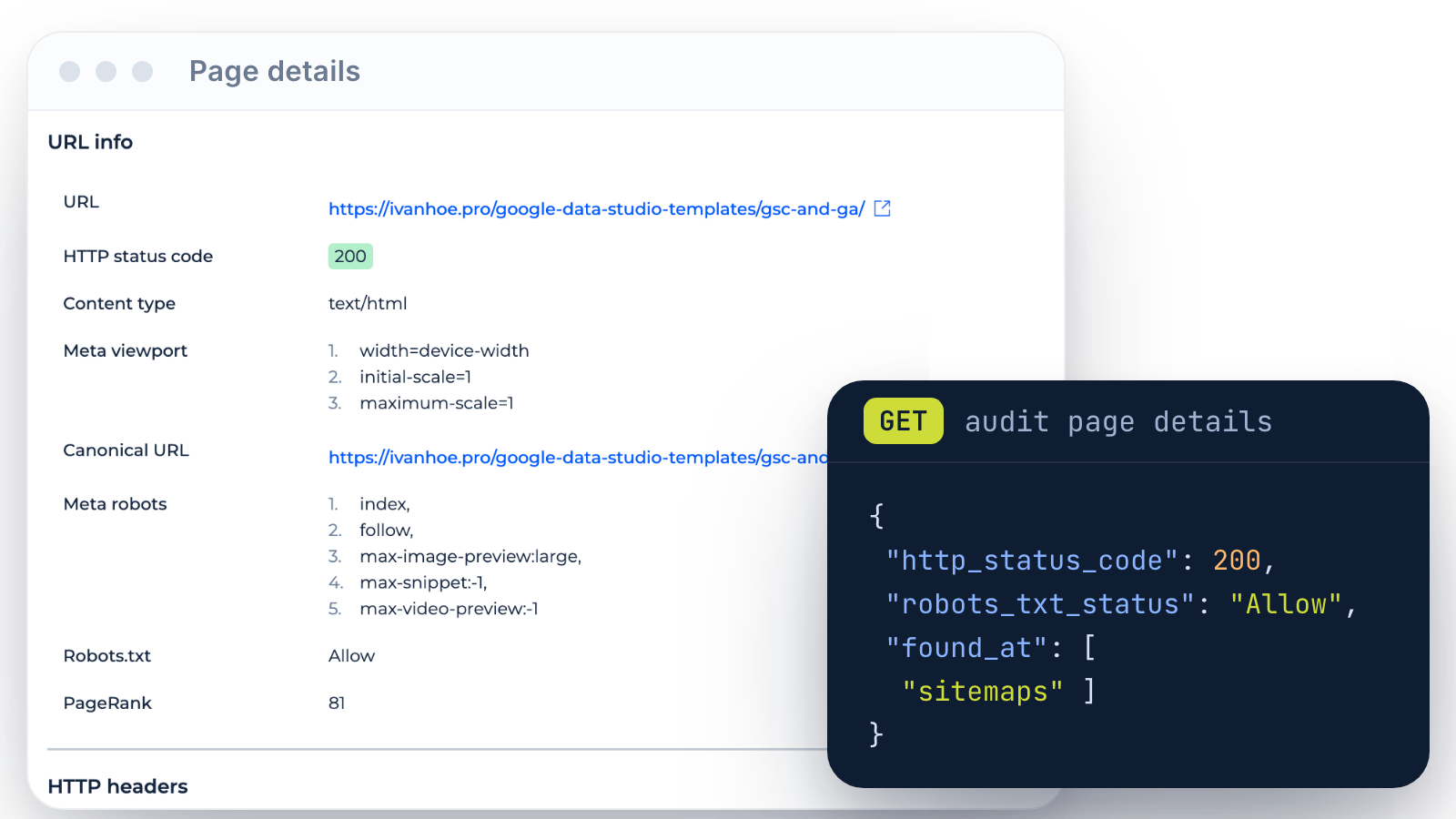
Page-level details
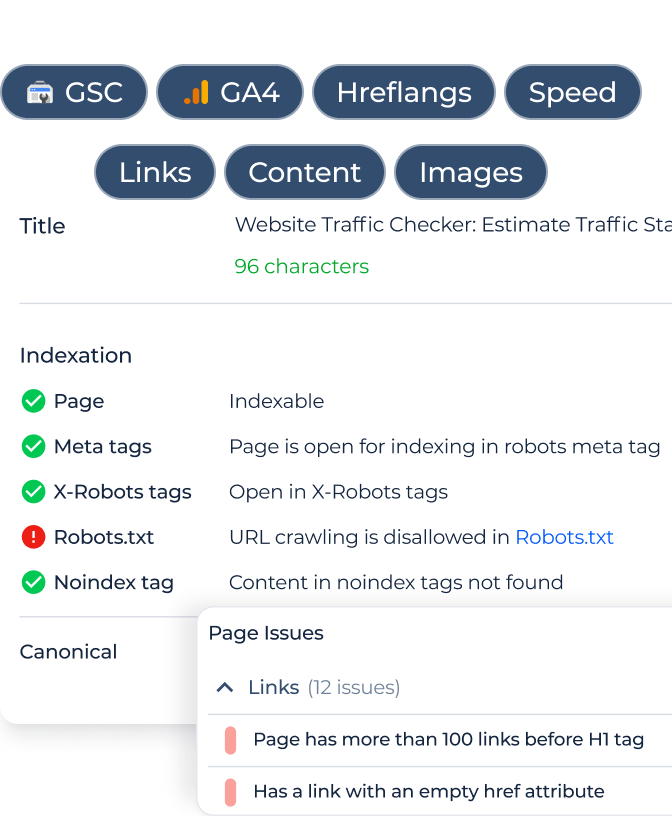
Page details return the HTTP status, canonical, robots.txt status, meta tags, where the page was found and its issues. Page content shows the text and headings the crawler saw.
Use it to check one URL without opening the crawler.
Use it to check one URL without opening the crawler.
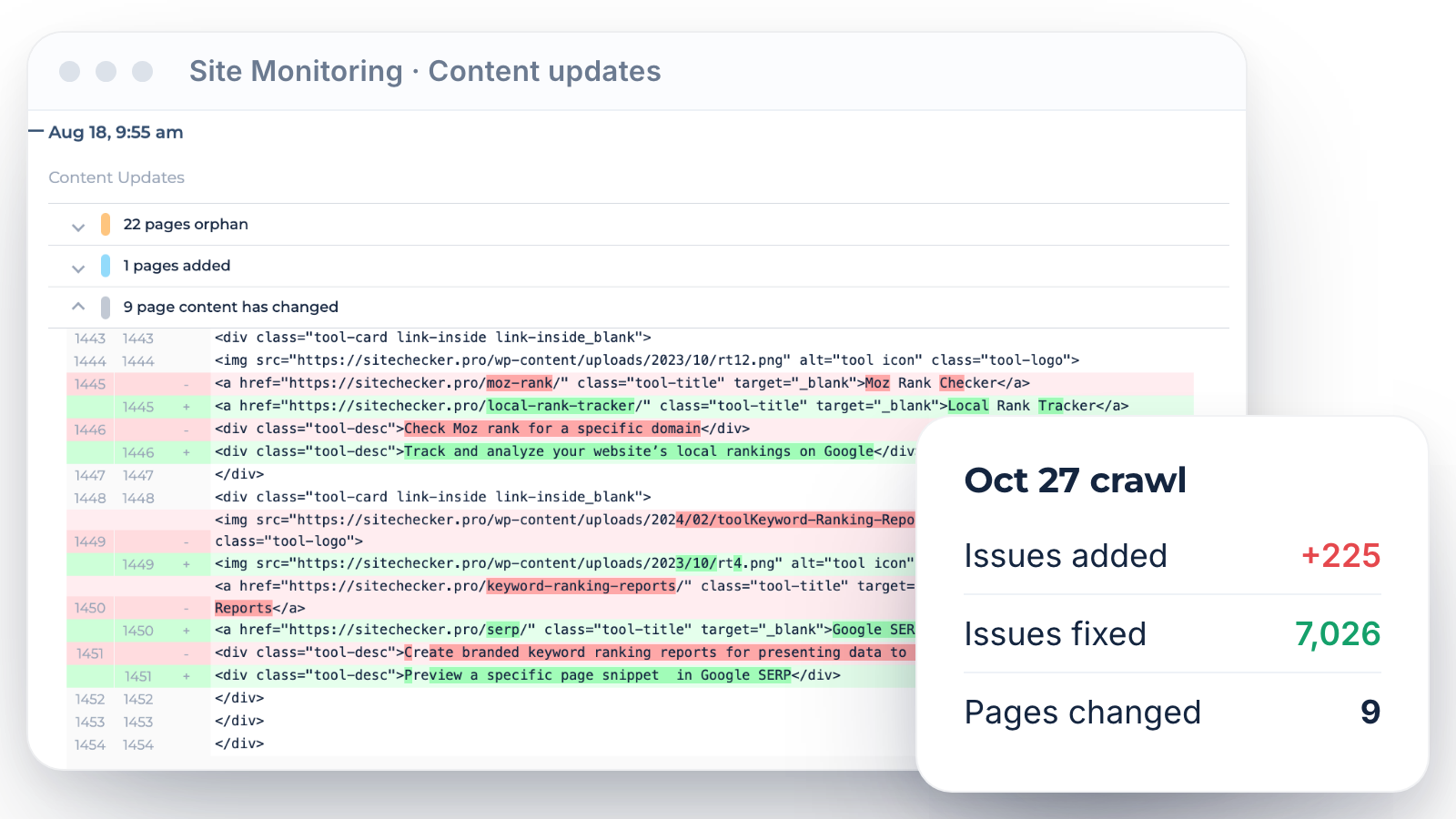
Changes between crawls
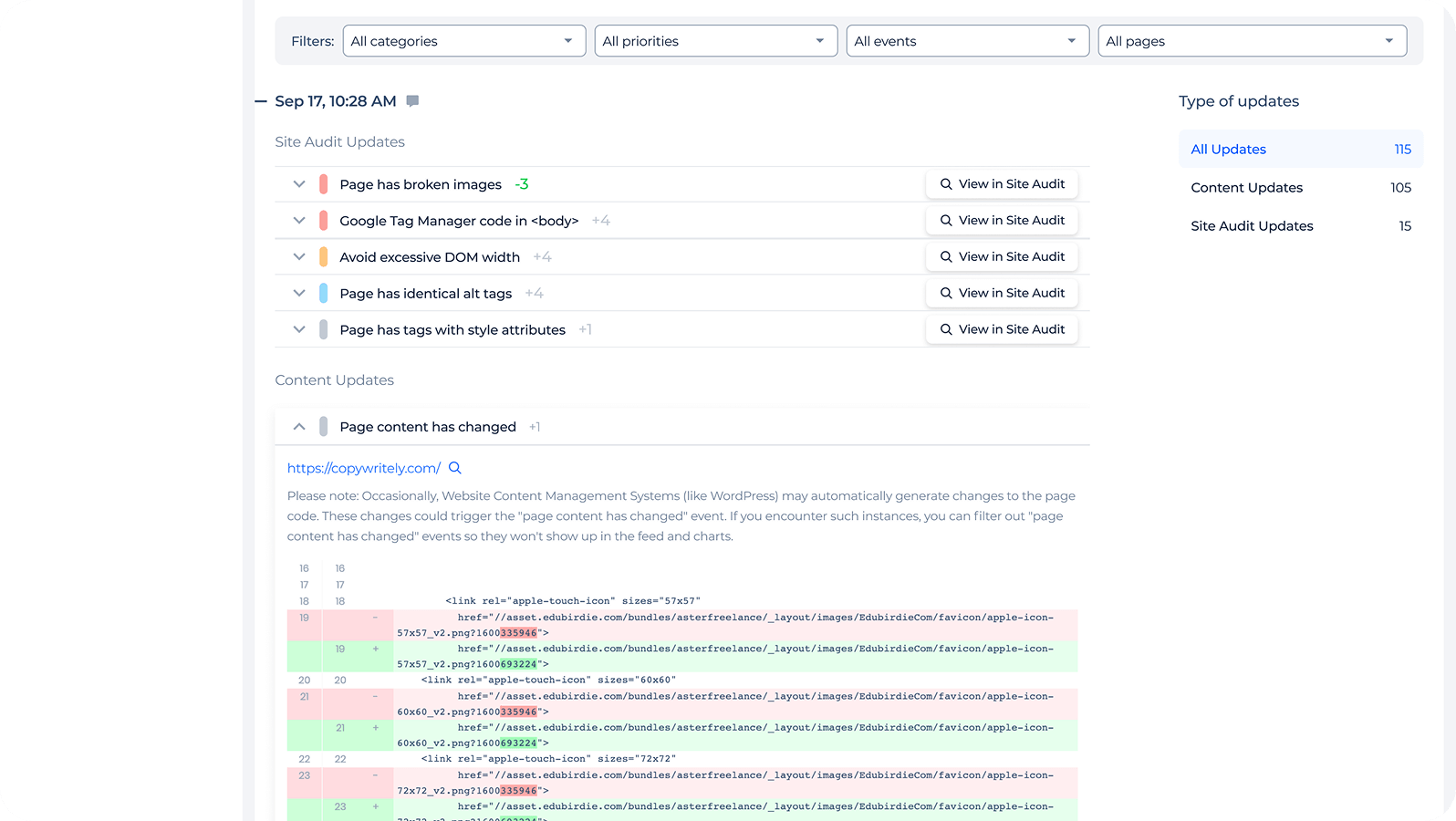
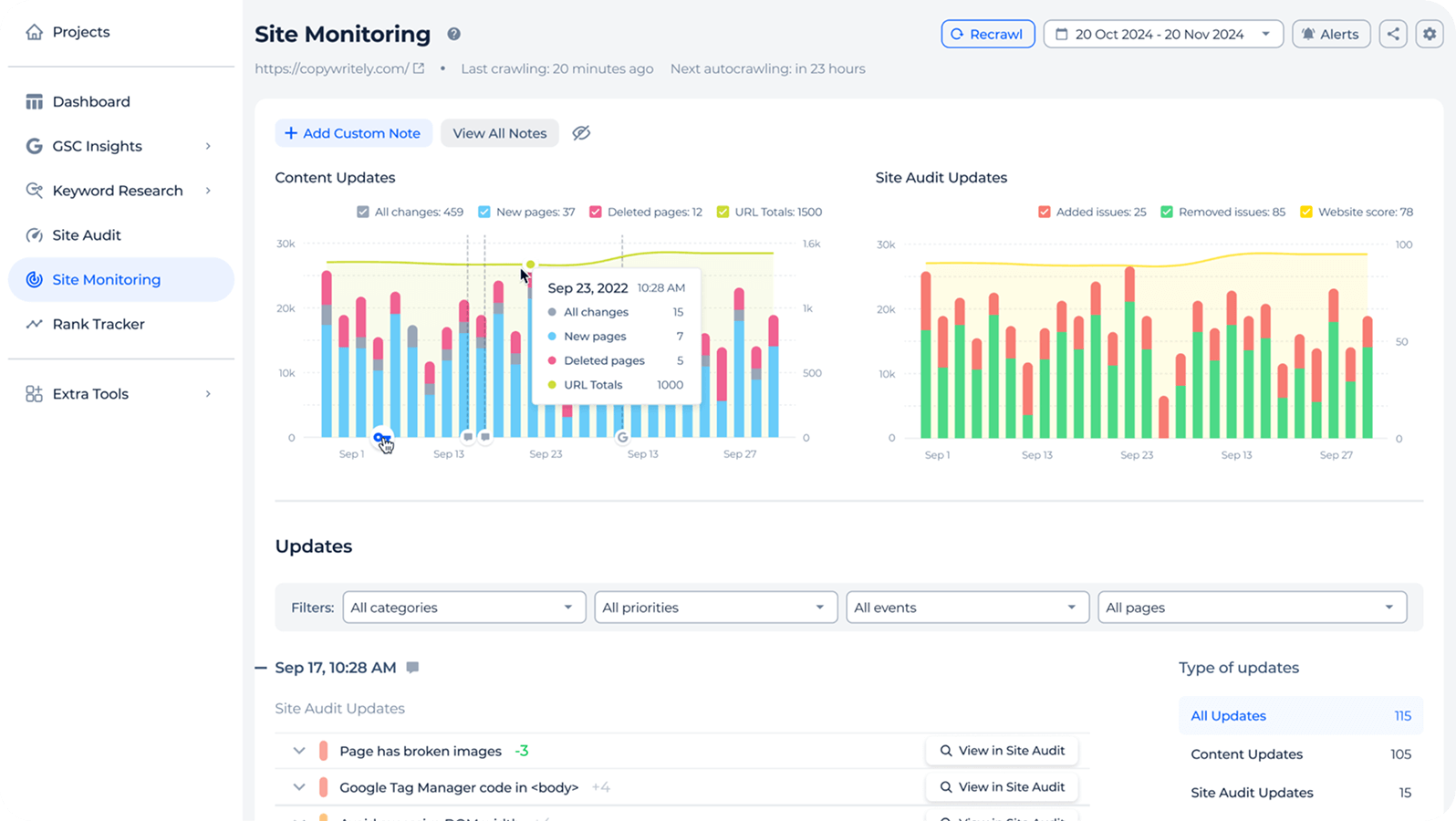
Site Monitoring reports show which issues grew or dropped since the previous crawl and what changed on monitored pages.
Ask “What changed after yesterday’s release?” to review a deploy in one answer.
Ask “What changed after yesterday’s release?” to review a deploy in one answer.
Inside the technical SEO audit MCP
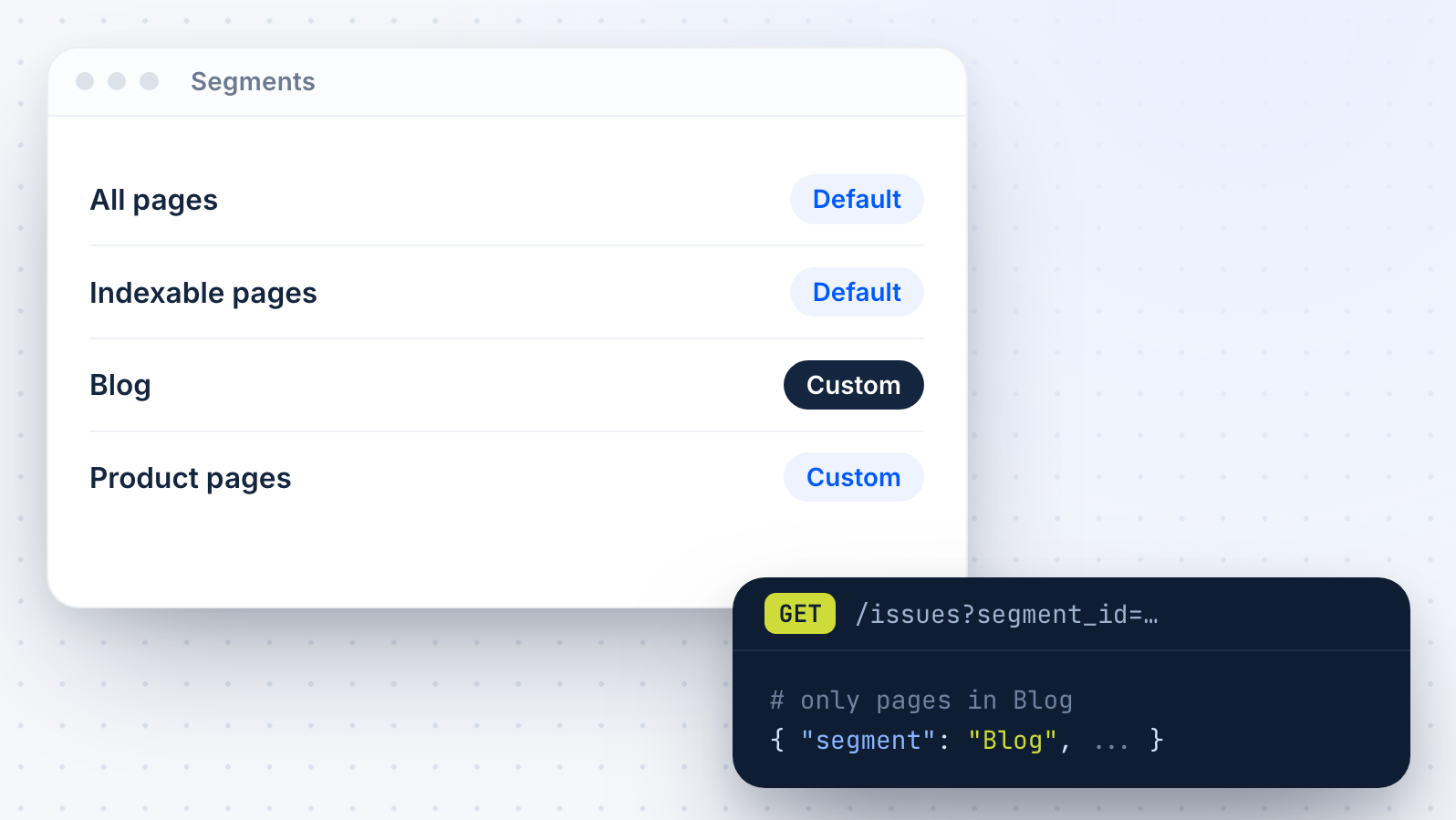
Filter by segment
Scope issues to a page segment, such as blog posts or product pages, so answers stay focused on the part of the site you work on.
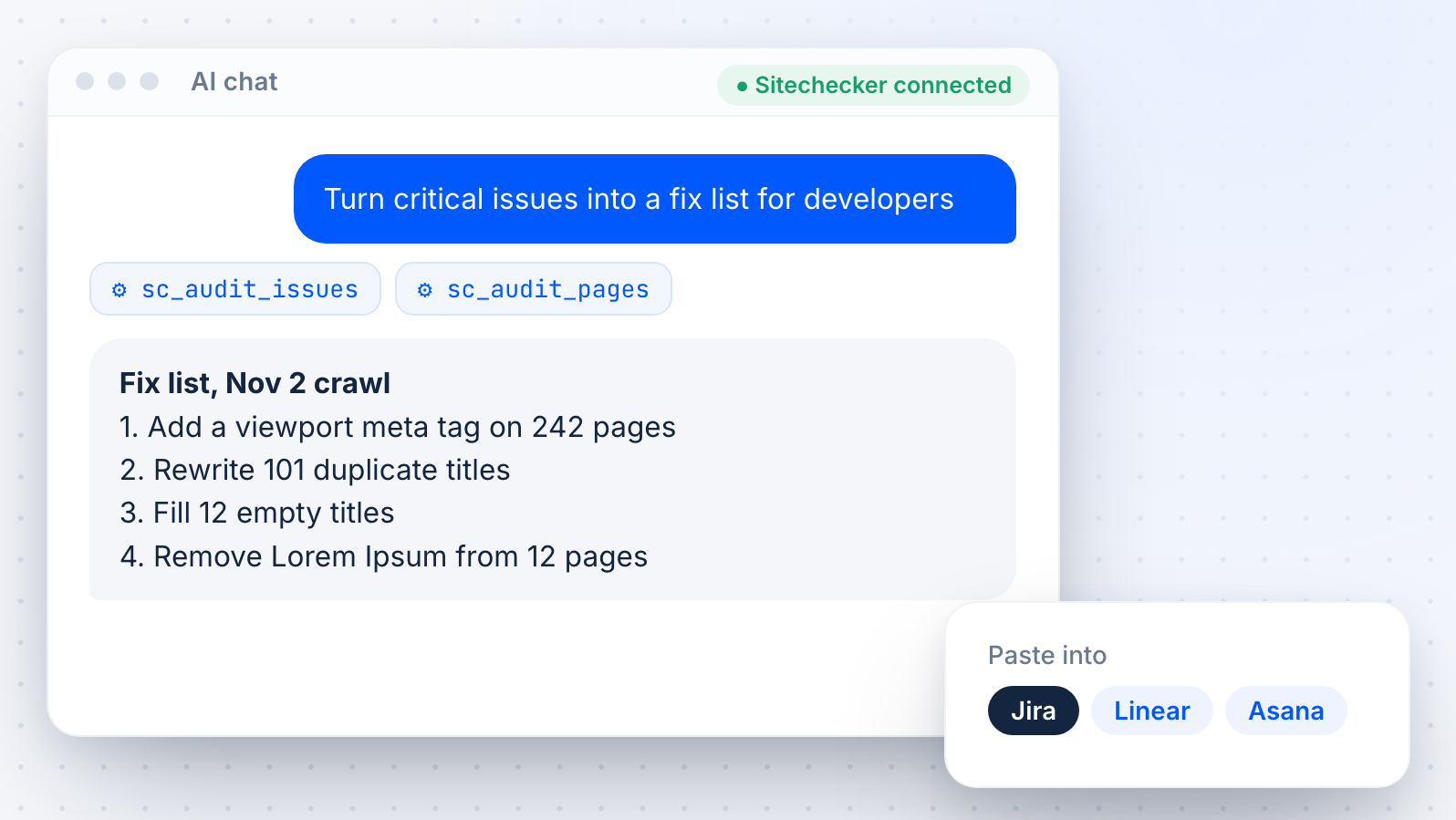
Fix lists for developers
Ask the assistant to group issues into a fix list with URLs and short explanations. Paste it into Jira or a ticket for your developers.
Score trends
Ask how the Website Score and issue counts moved over recent crawls to show the effect of your fixes.
Crawls stay in the app
The MCP reads results from crawls scheduled in your projects. Start and configure crawls in the website crawler.

Read-only and private
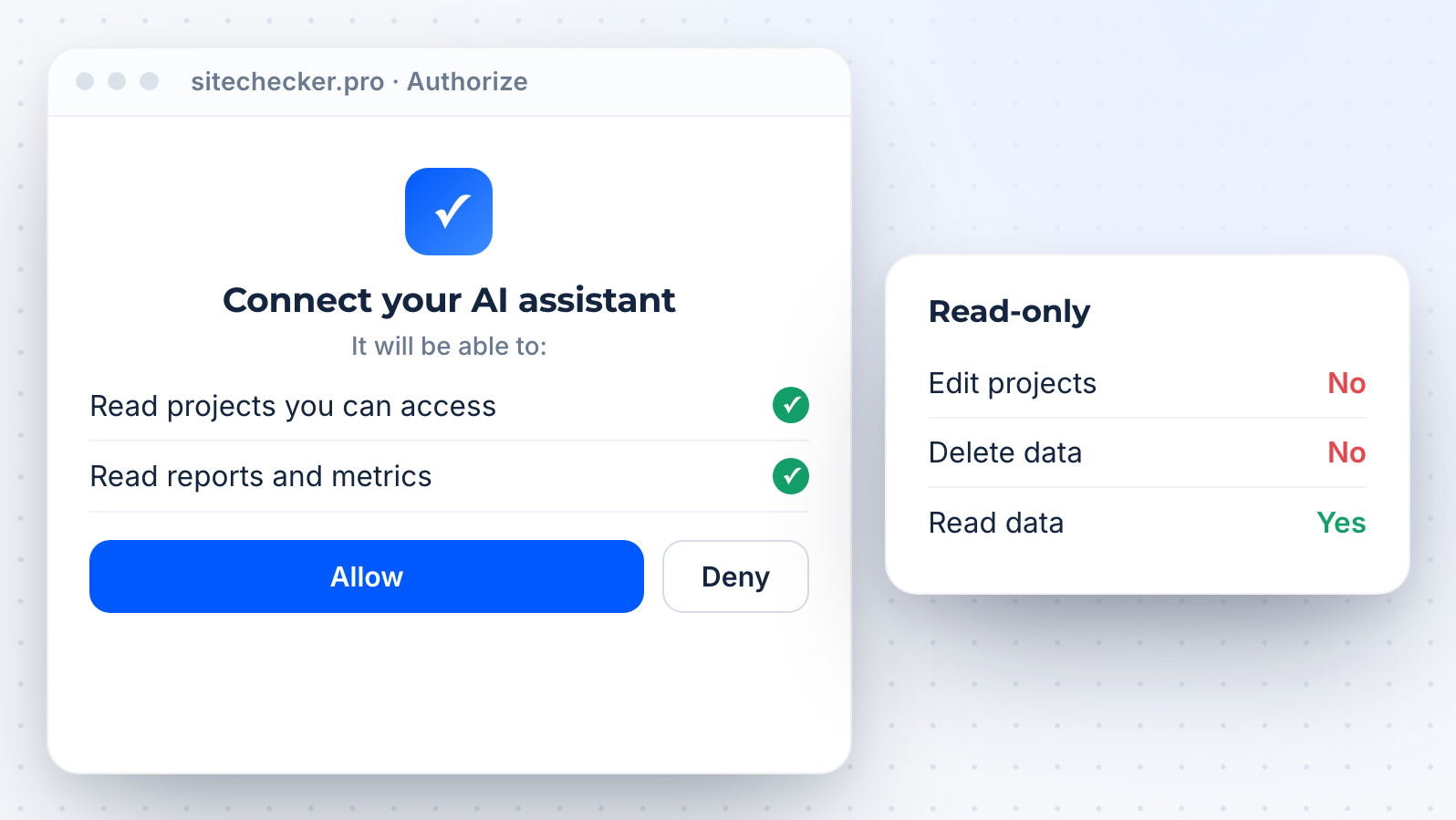
All Sitechecker MCP tools are read-only. The assistant cannot edit or delete anything, and it sees only the projects your Sitechecker account can access.
Docs and API
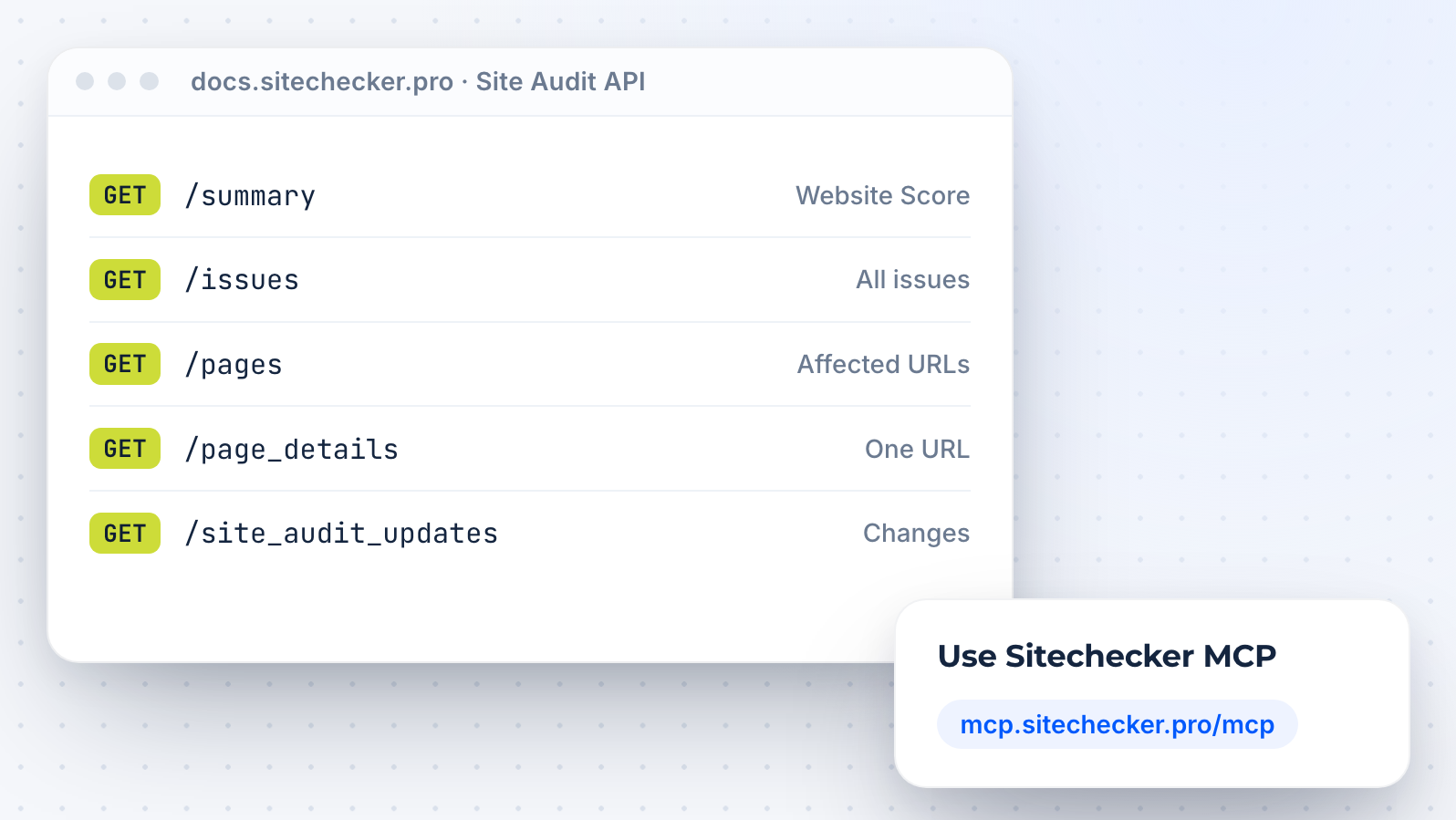
Need audit data as JSON for tickets or dashboards? Use the site audit API.
All other modules are on the SEO MCP server page.
All other modules are on the SEO MCP server page.








Schließen Sie sich den über 1.000 Unternehmen an, die mit Sitechecker wachsen
Alle unsere Kunden wachsen, nachdem wir die Plattform eingesetzt haben. Zum Beispiel hatte unser Kunde Hospital Amazônia ein Wachstum von mehr als 13.500 Impressionen von März bis September.

Nach zwei Monaten gab es spürbare Verbesserungen bei den Rankings und dem organischen Traffic. Backlink und Rank Tracker machen es einfach, Änderungen zu überwachen, aber unsere Website brauchte auch regelmäßige SEO-Audits. Wir entschieden uns, das Sitechecker Audit einmal pro Woche laufen zu lassen und es trug ebenfalls zur Verbesserung unserer SEO-Ergebnisse bei. Dieses Audit ist wirklich praktisch und ermöglicht eine schnelle und effektive On-Site-Optimierung.

Vor dem Einsatz von Sitechecker lag unser Ranking bei ca. #4 (mobile SERP) bezüglich der wichtigsten Keywords. Jetzt sind wir #1!



FAQ
What is an SEO site audit MCP?
An SEO site audit MCP connects an AI assistant to the results of a technical site crawl through the Model Context Protocol. The assistant can then explain issues and affected pages with real data.
Sitechecker MCP gives Claude, ChatGPT and other clients read-only access to your Site Audit and Site Monitoring data.
Sitechecker MCP gives Claude, ChatGPT and other clients read-only access to your Site Audit and Site Monitoring data.
Which issues does it cover?
All issue types from Sitechecker Site Audit, from critical issues such as missing viewport tags and duplicate titles to warnings, opportunities and notices.
For each issue, the assistant can list the affected URLs.
For each issue, the assistant can list the affected URLs.
Can the assistant start a new crawl?
Not yet. The MCP reads results from crawls scheduled in your projects. You start and configure crawls in the app.
Do I need a developer to set it up?
No. Paste mcp.sitechecker.pro/mcp into your AI client, sign in to Sitechecker and approve access. There is no API key, no code and no local server.
Is it included in my plan?
Sitechecker MCP is available on all plans: Basic, Standard, Premium and Custom. Access is unlimited, with no monthly cap on tool calls.
Each connection can make up to 10 tool calls per second. If the limit is reached, the server tells the assistant how long to wait.
Each connection can make up to 10 tool calls per second. If the limit is reached, the server tells the assistant how long to wait.
How is this different from the site audit API?
The MCP lets you ask questions about your audit in an AI assistant. The site audit API returns the same data as JSON for scripts, tickets and dashboards.