Google Search Console MCP with GA4 and no setup
Ask Claude or ChatGPT about your Search Console and GA4 data in plain language. The hosted Sitechecker MCP is already connected to both.
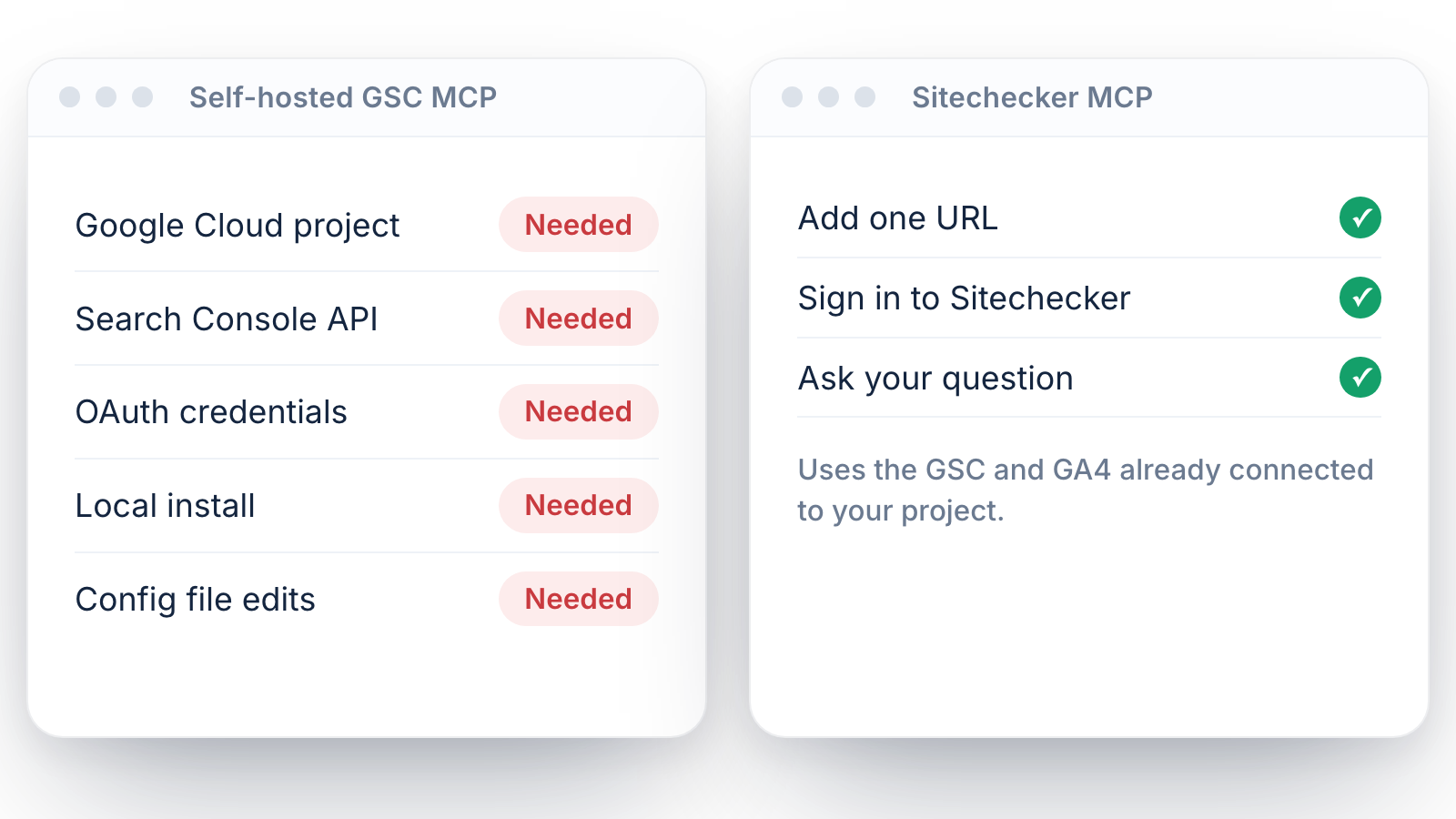
No Google Cloud project, no API credentials and no local install.
No Google Cloud project, no API credentials and no local install.
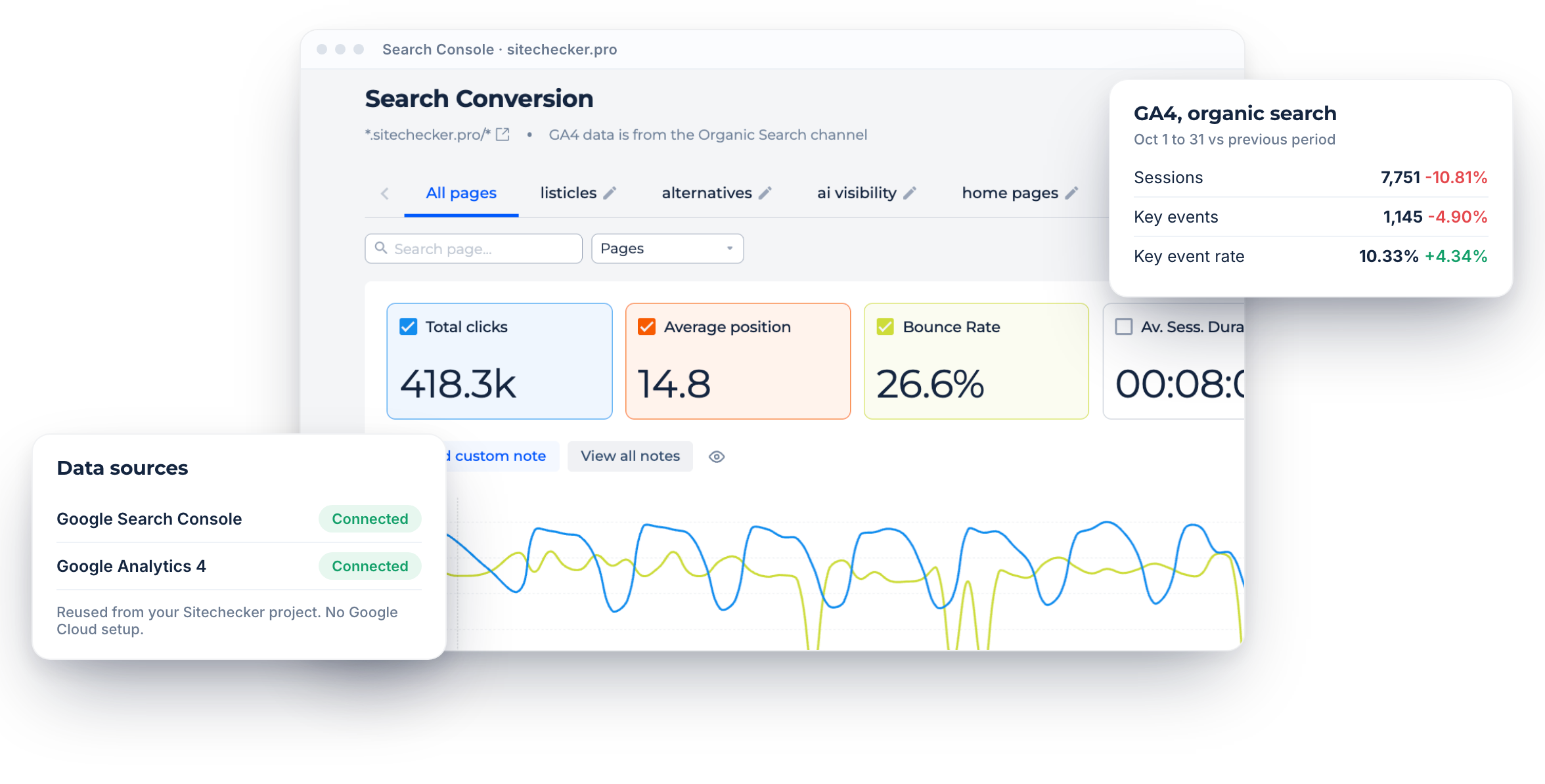
Already connected
Uses the GSC and GA4 you connected in Sitechecker.
Search Console
Clicks, impressions, CTR, position, pages and keywords.
GA4
Sessions, engagement and key events for the site and each page.
Core features of the GSC MCP
No Google Cloud setup
Google does not offer an official Search Console MCP server [CONFIRM: still true at publish]. Community servers usually need a Google Cloud project, API credentials and a local install.
Sitechecker MCP is hosted. If GSC and GA4 are connected to your Sitechecker project, add mcp.sitechecker.pro/mcp to your AI client, sign in and start asking.
Sitechecker MCP is hosted. If GSC and GA4 are connected to your Sitechecker project, add mcp.sitechecker.pro/mcp to your AI client, sign in and start asking.
Search Console in chat
Ask about clicks, impressions, CTR and position, top pages and keywords, countries, devices and new or lost keywords.
Try prompts like “Which pages lost the most clicks last month?” or “Show keywords in positions 11 to 20 with high impressions”.
Try prompts like “Which pages lost the most clicks last month?” or “Show keywords in positions 11 to 20 with high impressions”.
GA4 and conversions
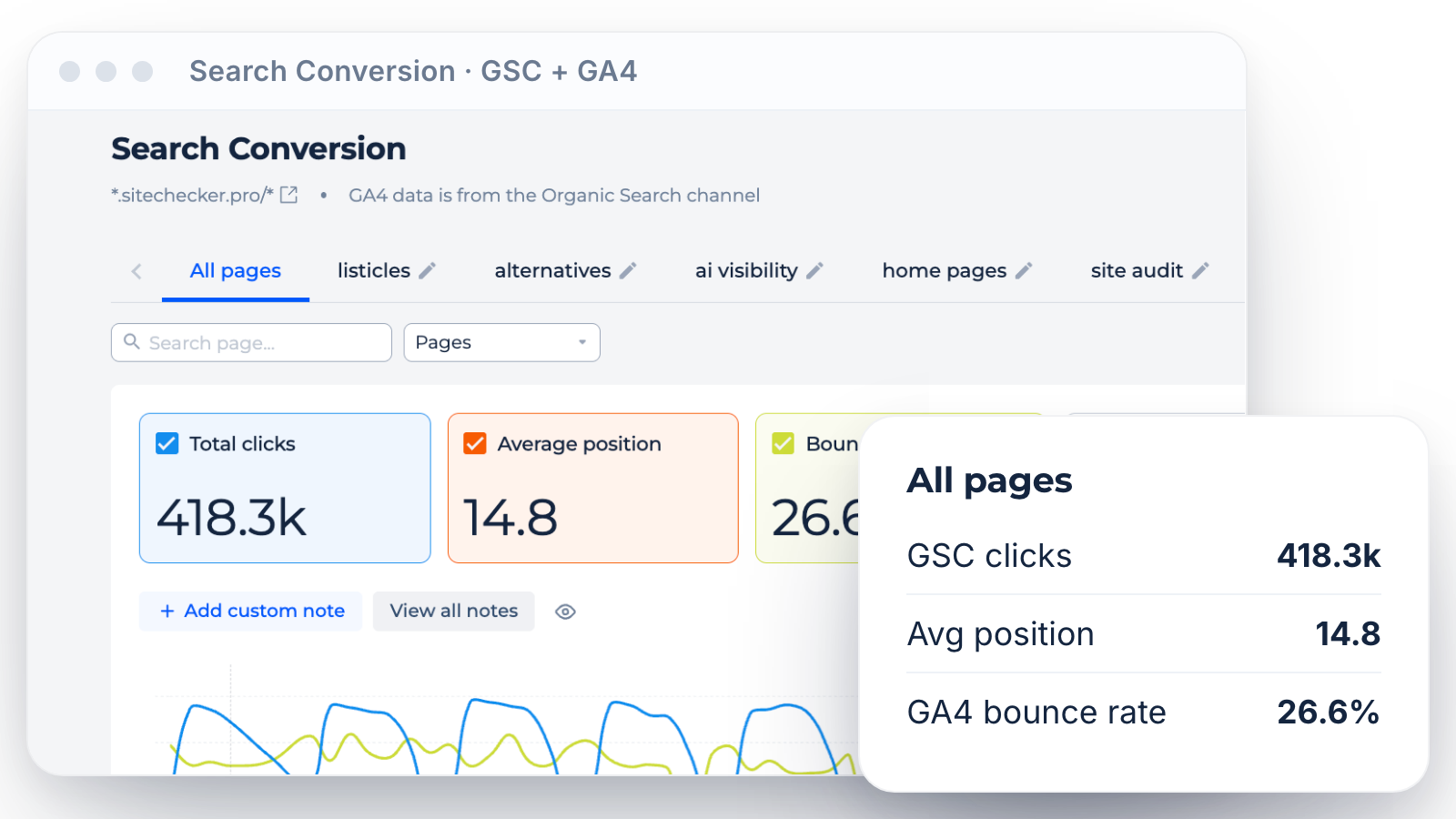
The same connection reads GA4 sessions, users, engagement and key events for the site and each page. Search Conversion reports join GSC clicks with Google organic GA4 data, so you see which search traffic converts.
Try “Which blog pages get organic clicks but no key events?”
Try “Which blog pages get organic clicks but no key events?”
Inside the Search Console MCP server
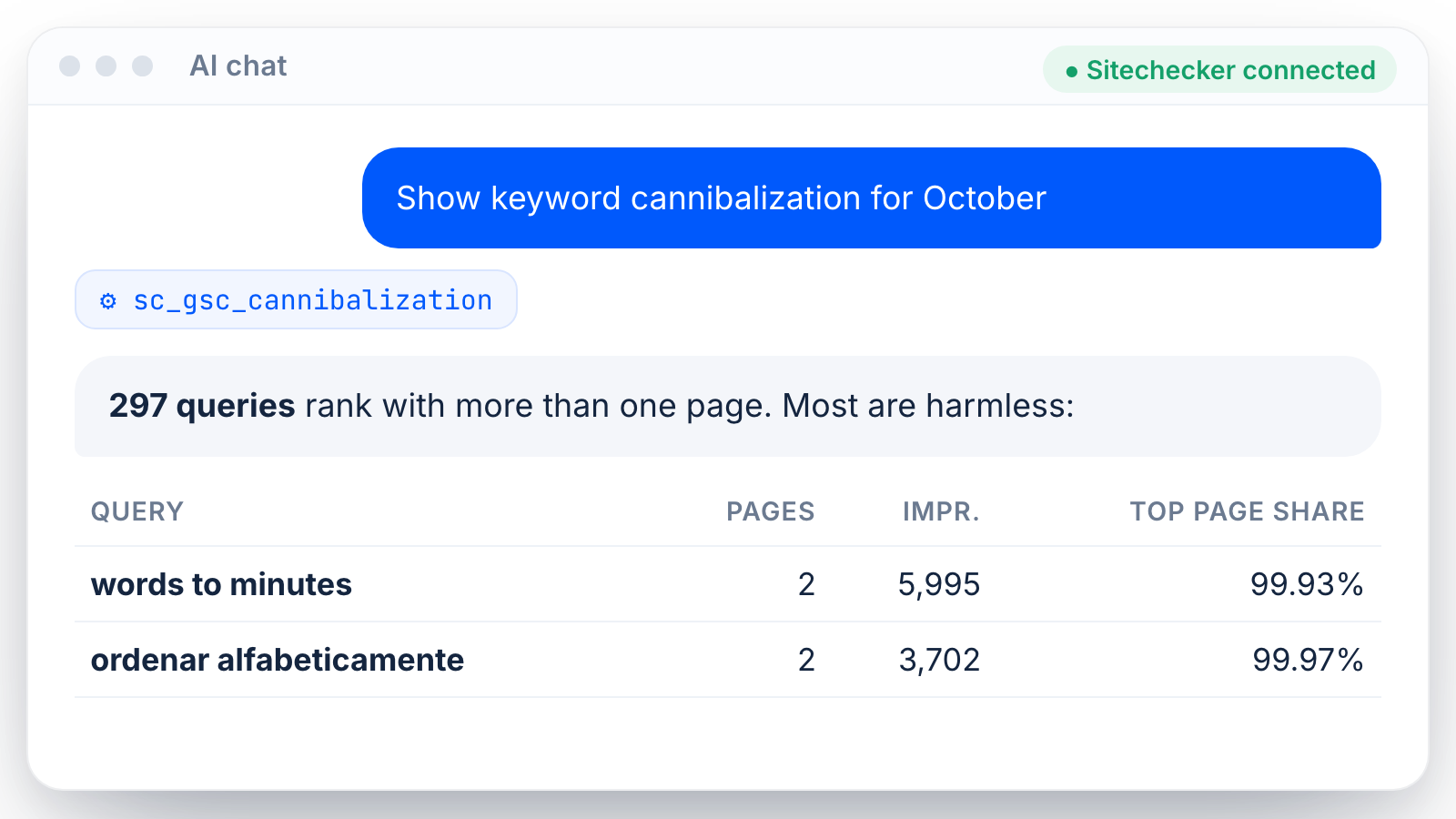
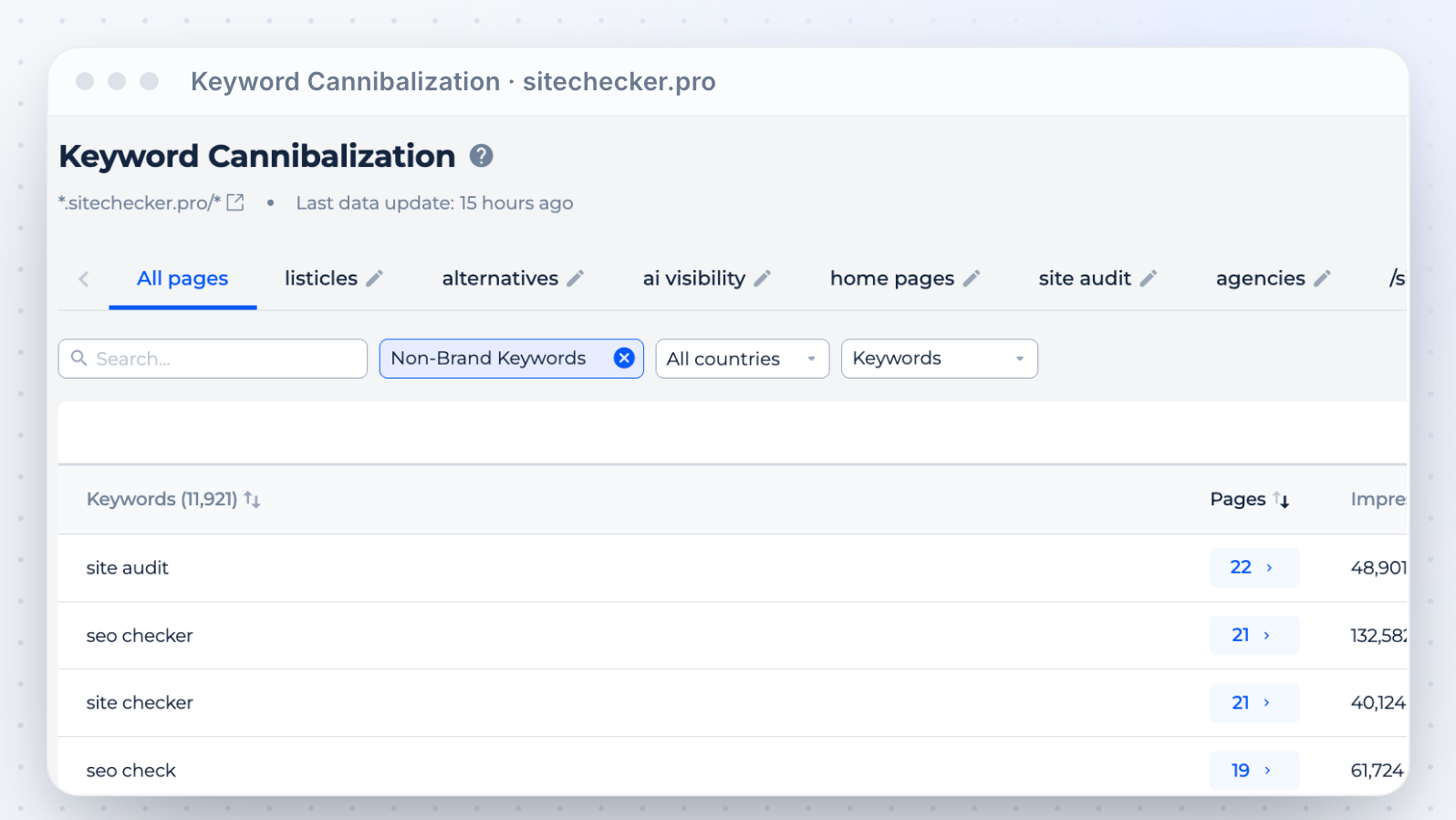
Keyword cannibalization
Ask which queries have several of your pages competing for them. The assistant lists the queries and the pages, so you know what to merge.
Quick wins
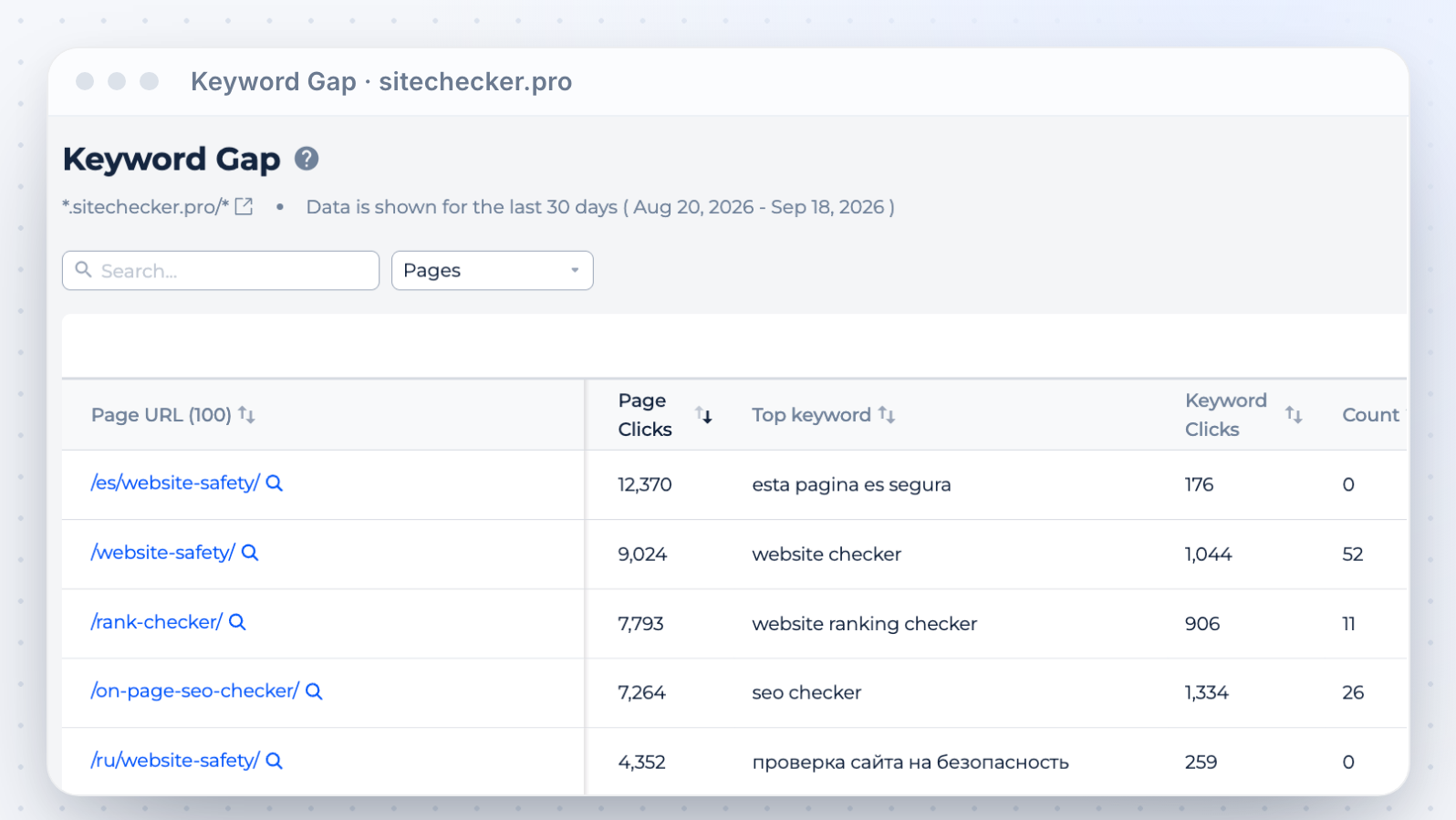
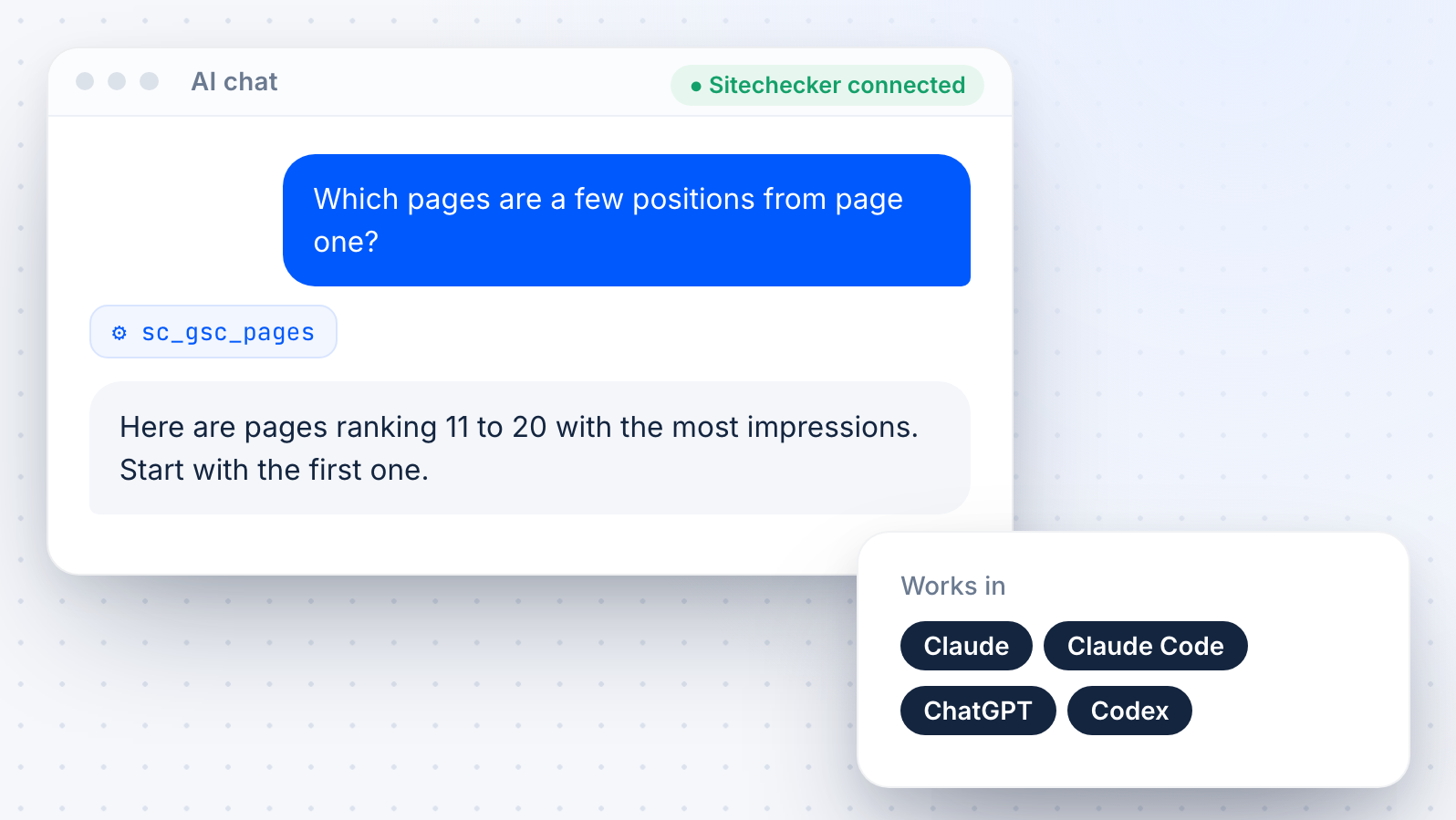
Find pages a few positions away from page one and the keywords that could move them. Ask the assistant to sort them by impressions.
Segments and brand terms
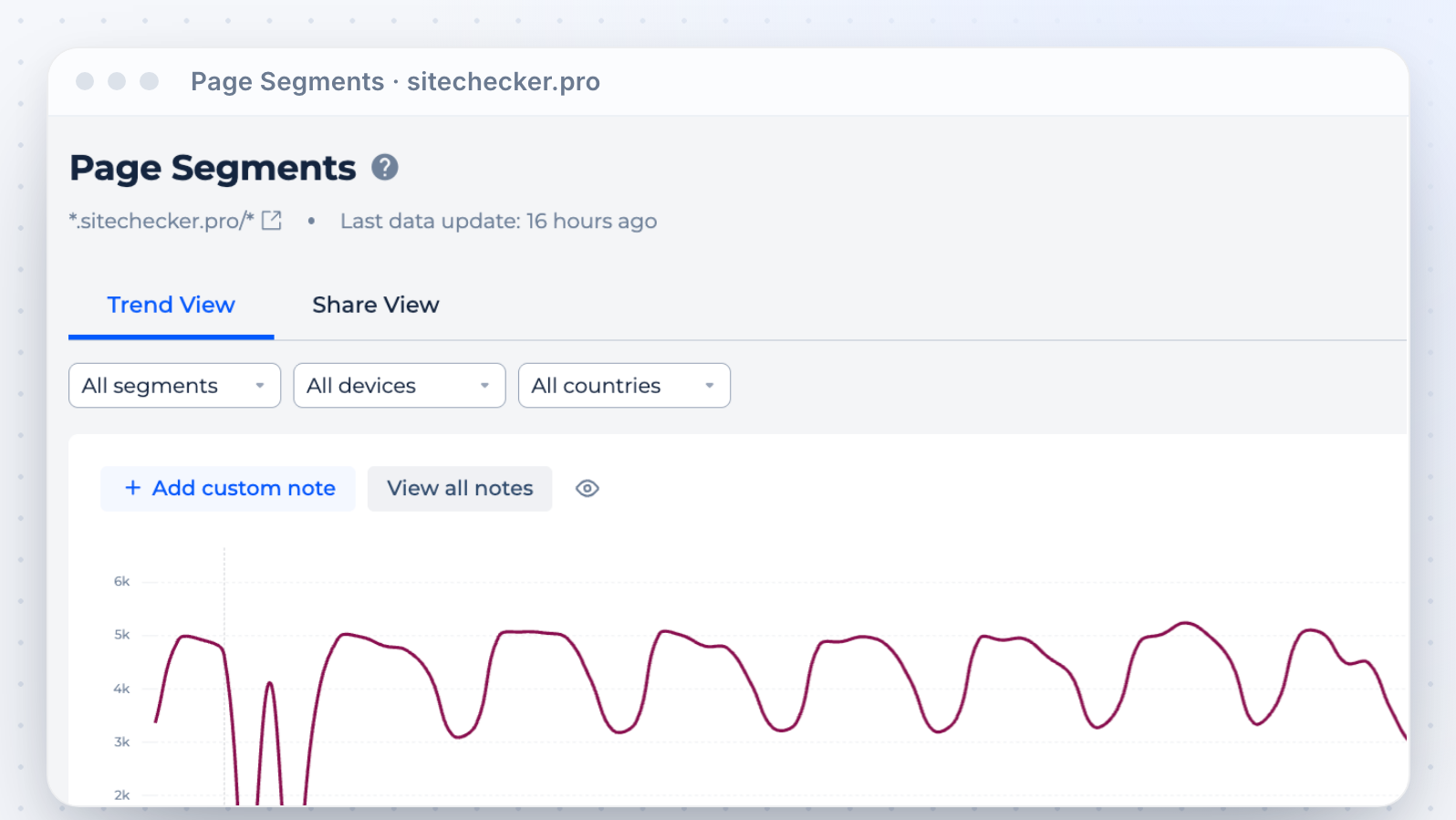
Compare page segments, like blog and product pages, or brand and non-brand traffic based on your brand rules in Sitechecker.
Works in Claude and ChatGPT
Use it as a GSC MCP in Claude Desktop, Claude web and Claude Code, or with Search Console in ChatGPT web and Codex. The URL is the same for every client.
A Search Console API alternative
Get GSC and GA4 data in your assistant without building on the Google APIs. No OAuth app, no service account and no code to maintain.
More than GSC
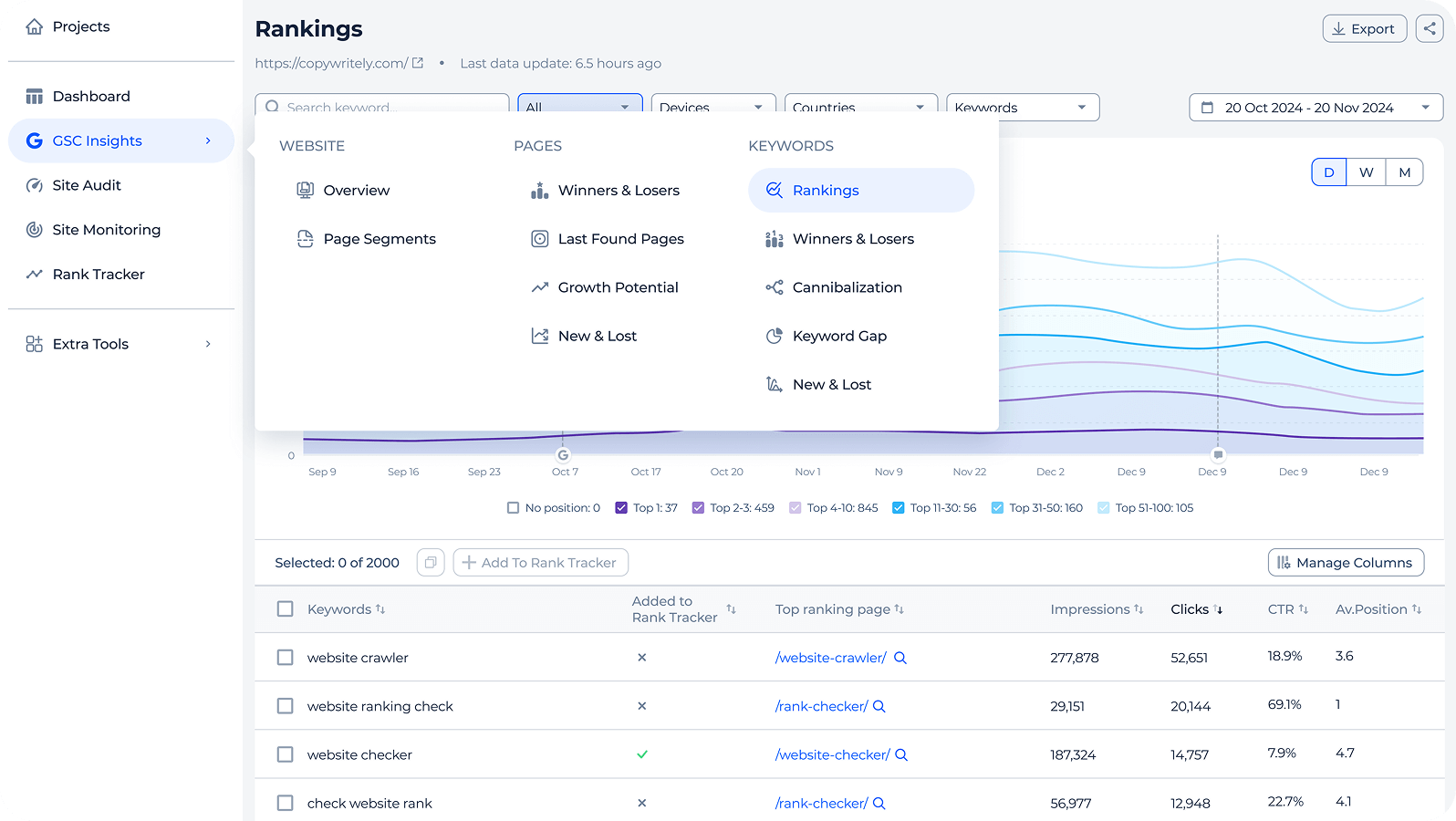
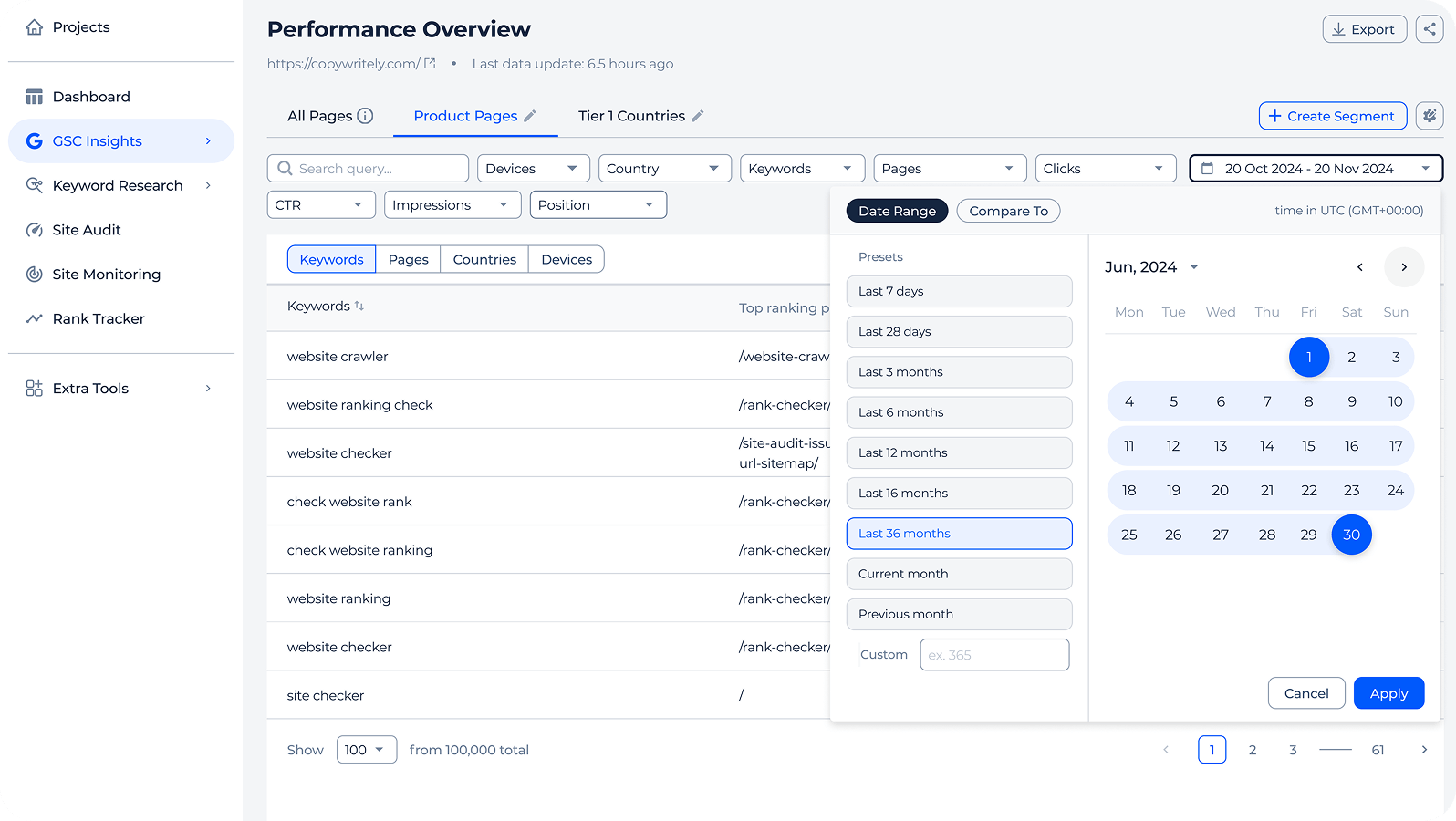
The same connection also reads rankings, audits and AI visibility. See everything on the SEO MCP server page or open the GSC dashboard in the app.









Sitechecker ile büyüyen 1,000'den fazla işletmeye katılın
Platformu kullanmaya başlamamızla beraber tüm müşterilerimiz büyümeye başladı. Örneğin, müşterimiz olan Hospital Amazônia, Mart'tan Eylül'e kadar 13.500'den fazla gösterim artışı elde etti.

İki ay sonra, sıralamalar ve organik trafik gözle görülür gelişti. Backlink ve Rank Tracker, değişiklikleri izlemeyi kolaylaştırsada web sitemizin düzenli seoanaliz ihtiyacı vardı. Sitechecker Denetimini haftada bir kez çalıştırmaya karar verdik ve bu aynı zamanda SEO sonuçlarımızın iyileştirilmesine de katkıda bulundu. Bu değerlendirme gerçekten kullanışlı olmasının yanı sıra tam hedefe isabet eden hızlı ve etkili optimizasyonlara da olanak tanır.

Sitechecker SEO ölçer kullanmadan önce, en önemli anahtar kelime ile sıralamada yaklaşık #4 (mobil SERP) numaradaydık. Şimdi ise #1!



FAQ
What is a Google Search Console MCP?
A Google Search Console MCP is a server that lets an AI assistant read your Search Console data through the Model Context Protocol. You ask questions in plain language and the assistant answers with your real clicks, impressions and keywords.
Is there an official Google Search Console MCP?
Google does not offer an official Search Console MCP server [CONFIRM: still true at publish]. Community servers exist, but most need a Google Cloud project, API credentials and a local install.
Sitechecker MCP is hosted and uses the GSC connection you already have in Sitechecker.
Sitechecker MCP is hosted and uses the GSC connection you already have in Sitechecker.
Do I need a developer or a Google Cloud project?
No. Connect GSC and GA4 to your Sitechecker project once. Then paste the MCP URL into your AI client, sign in and approve access.
Does it include Google Analytics 4?
Yes. The same connection works as a GA4 MCP: site and page sessions, users, engagement and key events. Search Conversion reports combine GSC clicks with Google organic GA4 data.
Which plans include it, and are there limits?
Sitechecker MCP is available on paid Basic, Standard, Premium and Custom plans. It is not available during a trial.
Each connection can make up to 10 tool calls per second.
Each connection can make up to 10 tool calls per second.
How is it different from the GSC dashboard in Sitechecker?
The GSC dashboard shows ready reports in the app. The MCP lets you ask your own questions about the same data in Claude or ChatGPT and get a written answer.